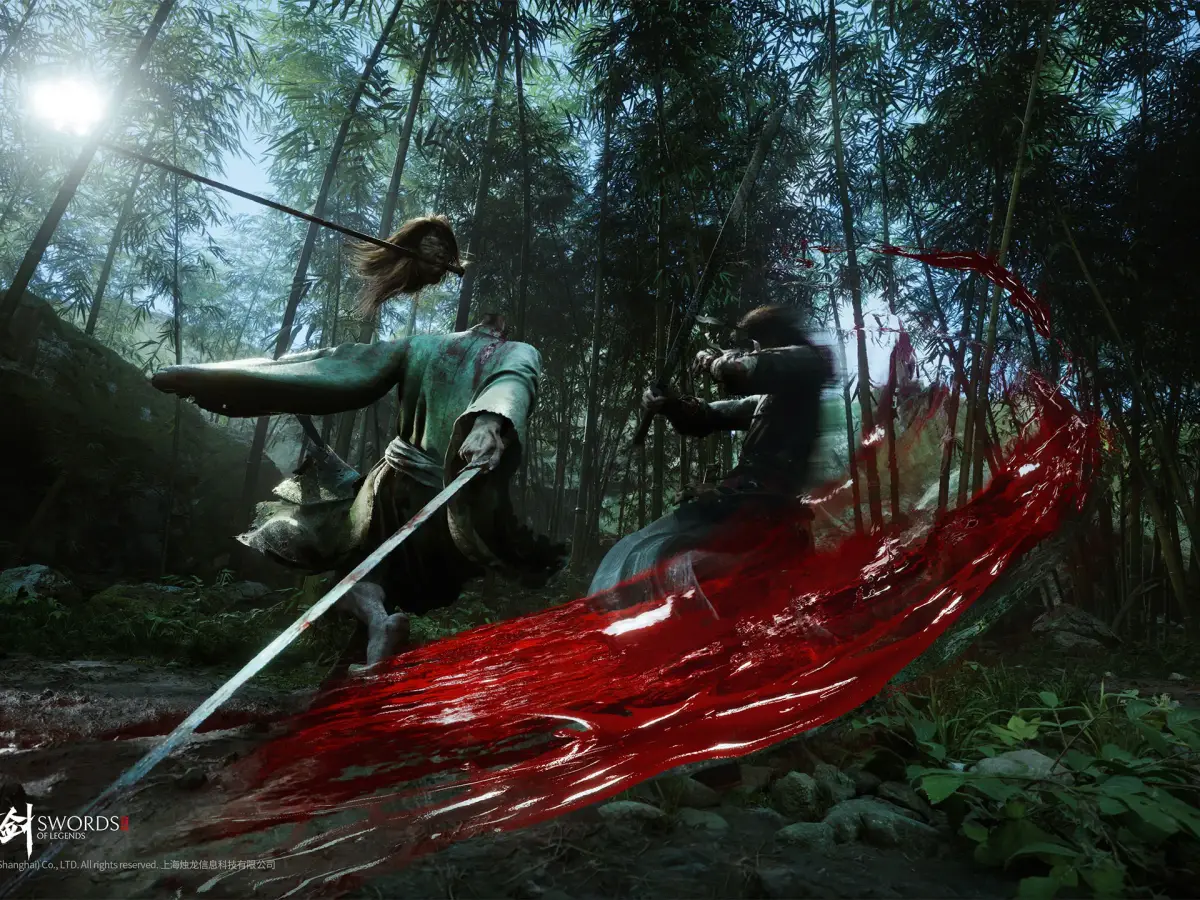
Master the PC keyboard and mouse controls for Swords of Legends with our comprehensive guide. Learn essential keybinds and commands to enhance your gameplay and dominate the battlefield.
This guide details the PC keyboard and mouse controls for Swords of Legends. Understanding these controls is crucial for effective gameplay, allowing you to navigate the world, manage your character, and engage in combat efficiently.
| Action | Keybind |
|---|---|
| Move Forward | W |
| Move Backward | S |
| Move Left | A |
| Move Right | D |
| Jump | Spacebar |
| Crouch | Ctrl |
| Sprint | Shift |
| Interact/Use | E |
| Primary Attack | Left Mouse Button |
| Secondary Attack/Ability | Right Mouse Button |
| Ability 1 | 1 |
| Ability 2 | 2 |
| Ability 3 | 3 |
| Ability 4 | 4 |
| Ability 5 | 5 |
| Ability 6 | 6 |
| Use Item | Q |
| Inventory | I |
| Character Sheet | C |
| Map | M |
| Quest Log | L |
| Pause Menu | Esc |
| Camera Zoom In | Mouse Wheel Scroll Up |
| Camera Zoom Out | Mouse Wheel Scroll Down |
| Target Lock | Tab |
100% Human-Written. AI Fact-Checked. Community Verified. Learn how AntMag verifies content