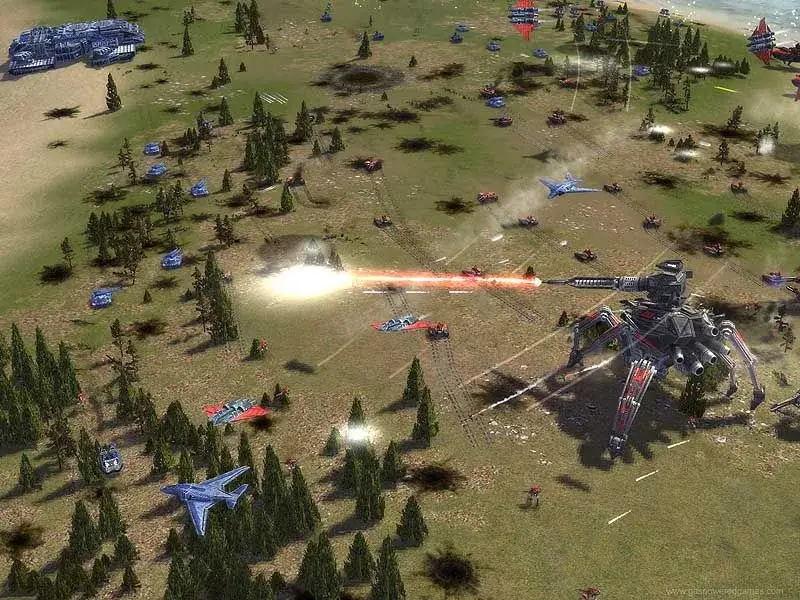
Master Supreme Commander: Forged Alliance's command system. Learn how to issue orders like Move, Attack, Assist, and more using right-clicks and keyboard shortcuts.
This section details how to issue orders to your units in Supreme Commander: Forged Alliance, covering both mouse and keyboard commands.
Right Click: Give default order
- On terrain: Move
- On enemies: Attack (Engineers will Capture instead)
- On allies or construction: Assist (Engineers will Repair construction, Transports will Transport allied units instead)
- On transports: Transport
- On ferry points: Transport (Transports will Ferry from that ferry point instead)
- On a Move waypoint: Patrol (Undocumented)
- On an Attack waypoint: Coordinated Attack (Issue in reverse order of speed: artillery first, aircraft last. All groups will attack simultaneously)
Right Click and hold: Move in formation
While holding Right Click, press Left Click to cycle through formations. Taking formation takes priority over arriving at the location.
Ctrl + Right Click: Move in default formation
Ctrl + Alt + Right Click: Attack Move
Attack + Left Click on ground: Attack Move
Instructs units to pursue enemies before completing their move order. It is denoted as a red line with a blue Move waypoint.
Shift + Right Click: Queue this command after the current one
Shift + Left Click and hold on a command: Move the location of this command
Hotkeys:
- R: Repair
- E: Reclaim (Engineers set to Patrol will automatically Repair and Reclaim)
- P: Patrol
- A: Attack
- C: Capture
- S: Stop
- D: Dive / Surface
- F: Ferry (A transport told to Ferry will create a ferry beacon at its current location and start ferrying units to the chosen destination)
- I: Assist (Engineers and the Cybran Mantis will Repair units they are assisting. Other units will deploy in protective formation. Factories will take on the build queue and default orders of the factory they are assisting. Transports assisting a factory will transport to help carry out the default orders. Air units assisting a ferry beacon will attempt to help ferry)
- M: Move
- U: Transport (Press Transport once to load and again to unload)
- Z: Pause Construction
- O: Overcharge
- L: Launch Tactical Missile
- N: Nuke
- [: Toggle Fire State (Toggles between Fire At Will, Hold Fire and Hold Ground)
- Ctrl + K: Kamikaze (Suicide)
There are no shortcuts for upgrading units, toggling on/off cloaking and stealth, sacrificing, docking, or ordering factories to repeat orders; they must be manually clicked in the interface or Build Mode.
100% Human-Written. AI Fact-Checked. Community Verified. Learn how AntMag verifies content