
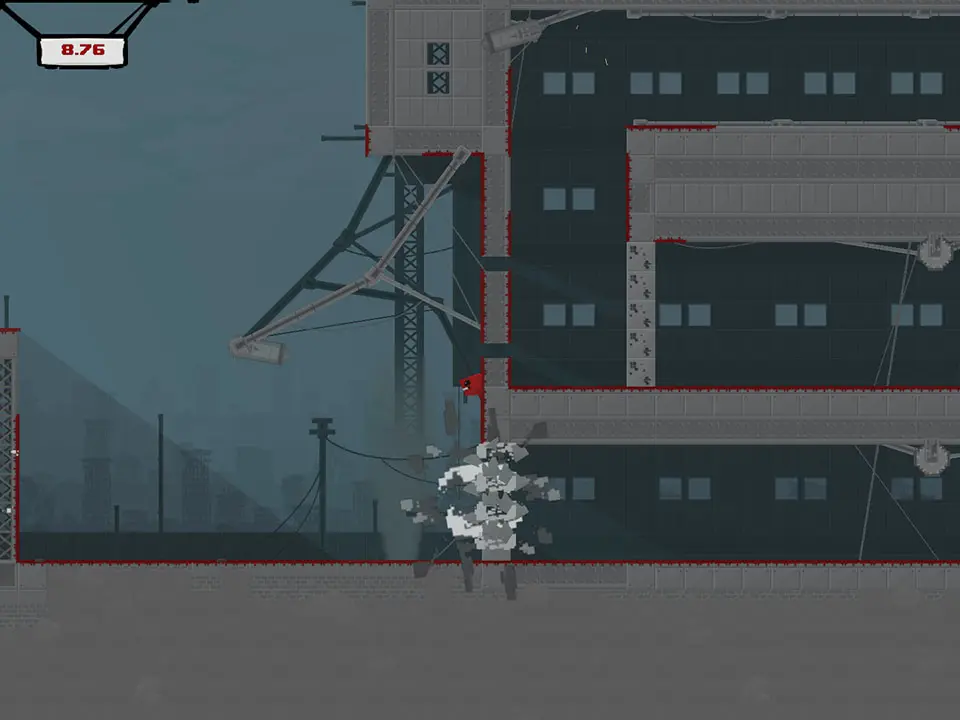
Navigate the menus and understand every element of the Super Meat Boy user interface with this comprehensive guide. Learn button prompts, game modes, and more.
Super Meat Boy is a notoriously difficult platformer known for its challenging gameplay and retro aesthetic. While the core mechanics are straightforward, understanding the user interface (UI) is crucial for a smooth experience, especially when navigating menus, selecting levels, and understanding game modes.
This guide breaks down the UI elements you'll encounter in Super Meat Boy:
- Main Menu: Access game modes, options, and credits.
- Level Select: Navigate through worlds and individual levels.
- In-Game HUD: Understand timers, lives, and score.
- Options Menu: Adjust controls, audio, and video settings.
- Credits: See who made the game.
100% Human-Written. AI Fact-Checked. Community Verified. Learn how AntMag verifies content