
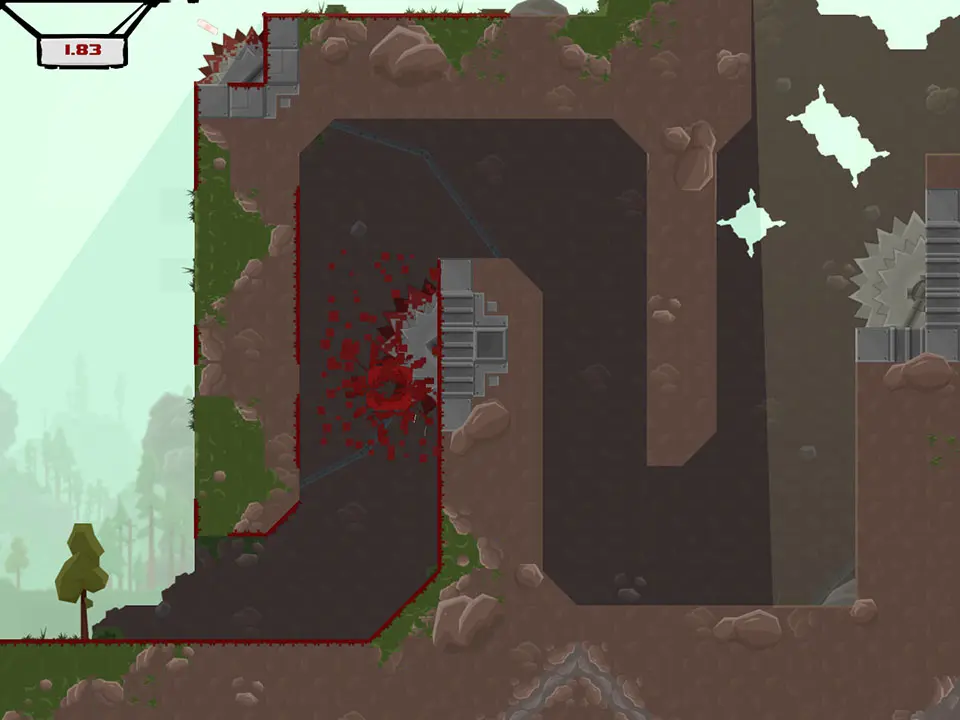
Customize your controls for Super Meat Boy. Tailor button layouts to enhance precision and performance in brutal levels and bandage collection.
Super Meat Boy is a game of precision and rapid reflexes. While the default control scheme is perfectly functional, tailoring your controls to your personal playstyle can significantly improve your performance, especially when tackling the most brutal levels and collecting those elusive bandages. This section will walk you through the process of customizing your controls and offer some strategic advice for optimizing your setup.
Accessing the Controls Menu
To begin customizing your controls, follow these simple steps:
- From the Main Menu, navigate to the Options selection.
- Within the Options menu, locate and select Controls.
- You will now be presented with the various control mapping options for both keyboard and gamepad.
Key Bindings Explained
Super Meat Boy features a streamlined control scheme, focusing on movement and jumping. Understanding each action is crucial for effective remapping.
- Move Left/Right: These control Meat Boy's horizontal movement. Essential for navigating platforms and dodging hazards.
- Jump: The most fundamental action. A quick tap performs a short hop, while holding it down allows for higher jumps.
- Run/Wall Slide: This is a dual-purpose button. When on the ground, holding it down makes Meat Boy run faster. When against a wall, holding it allows Meat Boy to slide down slowly, giving you more control for wall jumps.
- Pause: Brings up the in-game pause menu. Useful for quick breaks or restarting a level.
Customization Strategies
Optimizing your controls is highly personal, but here are some general strategies and considerations:
Keyboard Users
For keyboard players, the default WASD for movement and Spacebar for jump is common, but consider these alternatives:
- Movement:
- Arrow Keys: Some players prefer arrow keys for movement, freeing up the left hand for other actions.
- ESDF: Similar to WASD but shifts the hand slightly, potentially offering a more natural resting position for some.
- Jump:
- Right Shift/Ctrl: If using arrow keys for movement, mapping jump to a key on the right side of the keyboard can create a comfortable two-handed setup.
- Alt: Another viable option for jump, especially if you prefer to keep your thumb free from the Spacebar.
- Run/Wall Slide:
- Left Shift/Ctrl: These are excellent choices due to their proximity to movement keys, allowing for quick transitions between running and wall sliding.
- Z/X/C: If you prefer a more spread-out layout, these keys can work well.
- Pause:
- Esc/P: Standard pause keys are usually fine, as this action isn't time-sensitive.
Gamepad Users
Gamepad controls offer a different tactile experience. The default setup often uses the D-pad for movement and face buttons for actions. Experiment with these:
- Movement:
- D-pad vs. Analog Stick: For Super Meat Boy's precise platforming, the D-pad is generally recommended for its digital input, reducing accidental movements. However, some players find the analog stick more comfortable for extended play. Try both to see what suits you.
- Jump:
- Face Buttons (A/X on Xbox, X/Square on PlayStation): The most common and often optimal choice. Ensure it's easily accessible for rapid presses.
- Shoulder Buttons (LB/RB, L1/R1): Some players prefer to map jump to a shoulder button, especially if they find it more comfortable for quick, repeated presses during intense sections.
- Run/Wall Slide:
- Trigger Buttons (LT/RT, L2/R2): Triggers are excellent for this action as they allow for a comfortable "holding" motion while still allowing access to other buttons.
- Face Buttons (B/Circle, Y/Triangle): If you've mapped jump to a shoulder button, a face button can work well for run/wall slide.
- Pause:
- Start/Menu Button: The standard pause button is usually the best choice.
Testing Your New Setup
After making any changes, it's crucial to test them thoroughly. Don't just jump into a new, difficult level. Instead:
- Revisit Early Levels: Play through some of the easier levels in Chapter 1: The Forest. This allows you to get a feel for the new bindings without the added pressure of complex traps.
- Focus on Core Mechanics: Practice wall jumps, long jumps, and quick directional changes. Ensure your fingers or thumbs can comfortably execute these actions.
- Bandage Runs: Attempt some bandage runs on familiar levels. These often require precise movement and timing, making them excellent testbeds for your custom controls.
Remember, the goal is to find a setup that feels natural and allows you to execute Meat Boy's movements with maximum efficiency. Don't be afraid to experiment and adjust until you find your perfect configuration!
100% Human-Written. AI Fact-Checked. Community Verified. Learn how AntMag verifies content