
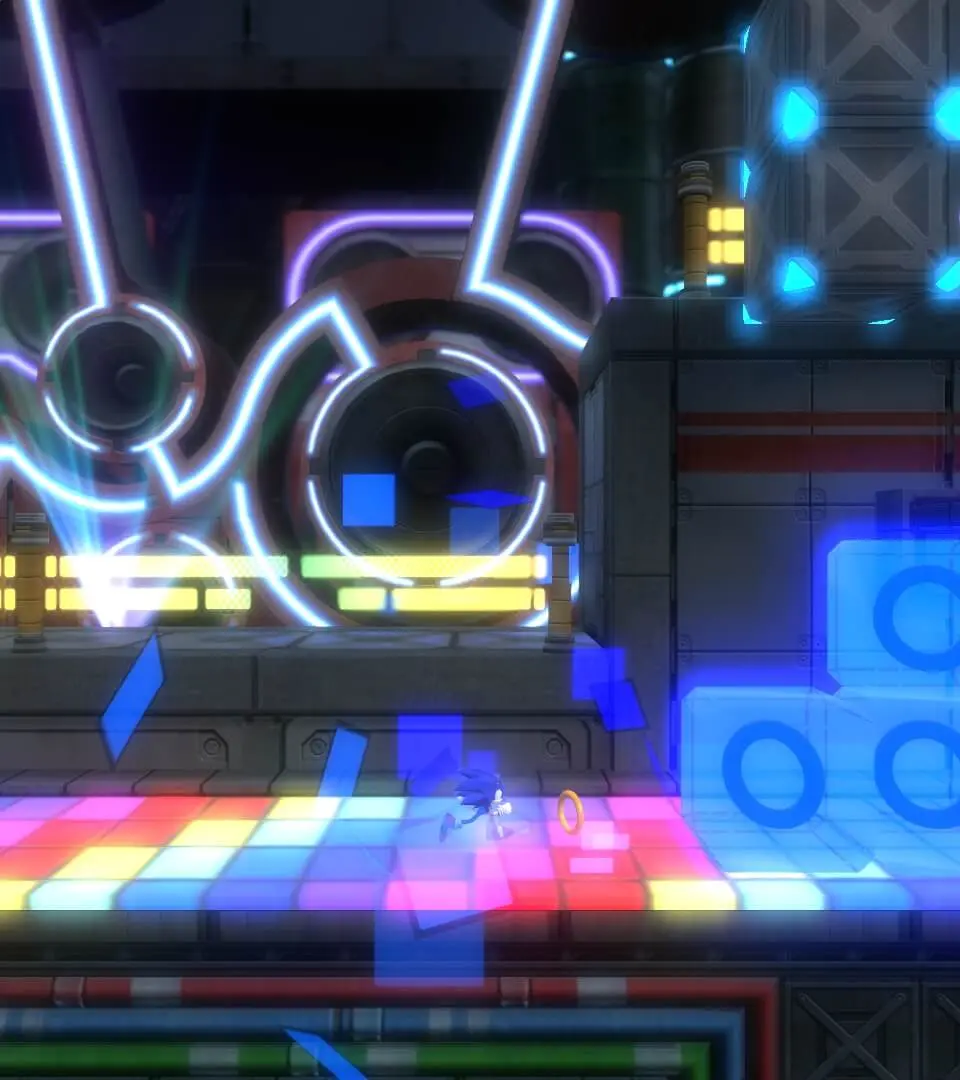
Navigate the menus and understand every element of the Sonic Colors: Ultimate interface with this comprehensive guide. Learn about HUD, options, and more.
This guide will help you understand the user interface of Sonic Colors: Ultimate. We'll cover the heads-up display (HUD), menus, and other visual elements that provide information during gameplay.
Heads-Up Display (HUD):
- Ring Count: Displays the number of rings Sonic currently possesses. Collecting 100 rings grants an extra life.
- Score: Shows the player's current score, which increases by collecting rings, defeating enemies, and completing objectives quickly.
- Timer: Tracks the time elapsed in the current level. Faster completion times lead to higher rankings.
- Lives: Indicates the number of remaining lives. Losing all lives results in a game over.
- Wisp Icons: Displays available Wisps and their current power-ups.
Menus:
- Main Menu: Access game modes, options, and save data.
- Pause Menu: Allows players to resume, restart, or quit the current level, and access options.
- Options Menu: Adjust game settings such as audio, controls, and visual preferences.
- Wisp Menu: (If applicable) Shows details about each Wisp type and their abilities.
Understanding these UI elements is crucial for efficient gameplay and achieving high scores in Sonic Colors: Ultimate.
100% Human-Written. AI Fact-Checked. Community Verified. Learn how AntMag verifies content