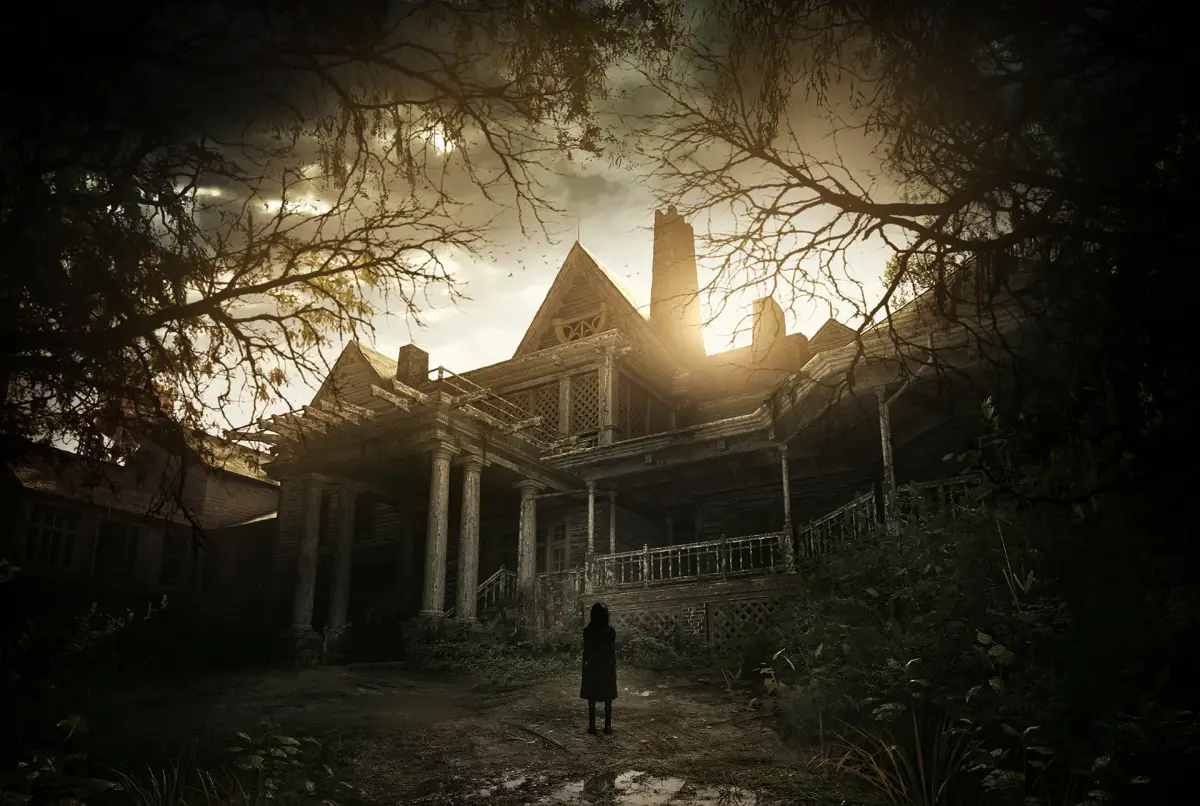
Learn the essential controls and user interface elements of Resident Evil 7: Biohazard. Navigate the Baker estate with ease using our comprehensive guide.
This section covers the essential controls and user interface elements for Resident Evil 7: Biohazard. Understanding these will help you navigate the game more effectively and survive the horrors of the Baker estate.
The game features a first-person perspective, with specific button prompts for actions such as interacting with the environment, aiming weapons, and using items. The user interface displays your health, available items, and objectives.
| Action | Button (Default) |
|---|---|
| Move | Left Stick |
| Look | Right Stick |
| Aim Weapon | LT / L2 |
| Fire Weapon | RT / R2 |
| Interact / Use Item | A / X |
| Reload Weapon | X / Square |
| Crouch | B / Circle |
| Sprint | L3 (Press Left Stick) |
| Inventory | LB / L1 |
| Map | View Button / Touchpad |
| Weapon Wheel | RB / R1 |
| Use Selected Item | Y / Triangle |
Pay close attention to the on-screen prompts, as they will guide you through various interactions and combat scenarios. Managing your inventory and understanding the map are crucial for survival.
100% Human-Written. AI Fact-Checked. Community Verified. Learn how AntMag verifies content