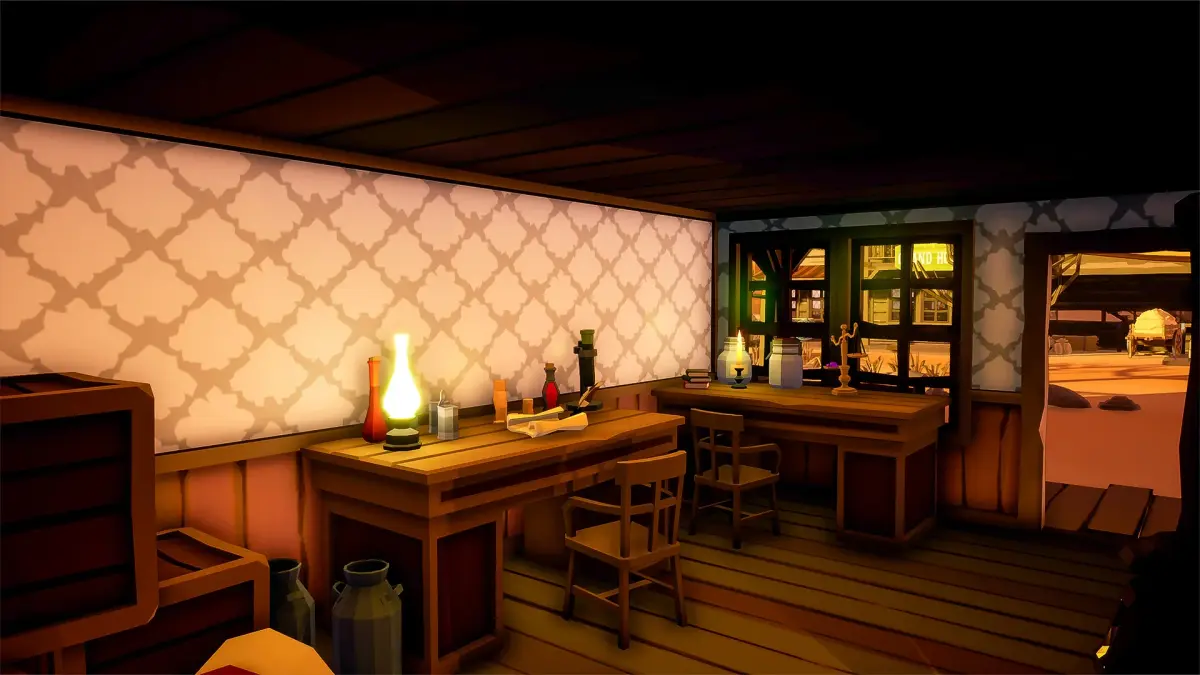

Overcome any snag in Peekaboo. This guide helps you fix missing key items, solve perplexing puzzles, and resolve performance hiccups on your adventure.
Even the most seasoned adventurers encounter a snag or two. This section is dedicated to helping you overcome common hurdles in Peekaboo, ensuring your journey through its whimsical world remains as smooth as possible. We'll cover everything from elusive item locations to perplexing puzzle solutions and performance hiccups.
I. Missing or Unobtainable Key Items
One of the most frequent frustrations in any adventure game is the feeling of being stuck due to a missing item. Here's a breakdown of common culprits and how to resolve them:
A. The Glimmering Shard of Aethel
- Issue: Players often report being unable to locate or pick up the Glimmering Shard of Aethel, essential for activating the Celestial Observatory.
- Location Check: The Shard is not found in plain sight. It is hidden within the Ancient Golem's Eye Socket in the Whispering Caves. Many players overlook this as the Golem appears inert.
- Actionable Steps:
- Travel to the Whispering Caves.
- Navigate to the chamber containing the Ancient Golem.
- Examine the Golem's head closely. You'll notice a faint shimmer emanating from its left eye socket.
- Use the Mystic Tweezer (found in the Forgotten Alchemist's Lab, behind the loose brick near the bubbling cauldron) to extract the Shard. Simply interacting with the eye socket won't work; the Tweezer is required for its delicate removal.
- Confirm the Shard is in your inventory.
B. The Sunken Key to the Azure Vault
- Issue: The Azure Vault remains locked, despite players having seemingly explored the entire Sunken City of Eldoria. The key is nowhere to be found.
- Location Check: The Sunken Key is not on the seabed or within any visible chest. It is held by the Elder Kraken in the Deep Trench of Lament.
- Actionable Steps:
- Equip the Abyssal Diving Suit (obtained after completing the "Echoes of the Deep" quest from Captain Finn in Port Serenity).
- Venture into the Deep Trench of Lament, accessible via the whirlpool near the Sunken City of Eldoria entrance.
- Locate the Elder Kraken. It will initially appear passive.
- To provoke the Kraken and make it drop the key, you must use the Glow-Worm Lure (crafted at the Fisherman's Hut in Coral Cove using 3x Bioluminescent Algae and 1x Iron Hook). Cast the lure near its central eye.
- The Kraken will thrash, dropping the Sunken Key onto a nearby coral formation. Quickly retrieve it before it sinks further.
II. Puzzle Blockers & Solutions
Some of Peekaboo's puzzles can be particularly intricate. If you're scratching your head, check these common sticking points:
A. The Chronos Dial in the Time-Lost Temple
- Issue: The Chronos Dial refuses to turn, preventing access to the final chamber of the Time-Lost Temple.
- Common Mistake: Players often try to turn the dial without first aligning the temporal conduits.
- Actionable Steps:
- Before interacting with the Chronos Dial, locate the three Temporal Conduits scattered throughout the Time-Lost Temple.
- Conduit 1 (Past): Found in the Chamber of Echoes. Use the Resonance Flute (reward for the "Bard's Lament" side quest) to play the "Song of Ages" near it.
- Conduit 2 (Present): Located in the Grand Atrium. It requires the Reflective Lens (found in the Sky-Watcher's Perch) to redirect the beam of moonlight onto it.
- Conduit 3 (Future): Hidden behind a crumbling wall in the Crypt of Whispers. Use the Explosive Powder (purchased from the Black Market Dealer in the Shadowy Alley) to clear the debris.
- Once all three conduits are active (they will glow faintly), return to the Chronos Dial. It should now be interactable.
- Turn the dial clockwise until the central glyph aligns with the "Infinity" symbol.
III. Performance & Technical Glitches
While Peekaboo is generally stable, occasional technical issues can arise. Here's how to address them:
A. Stuttering or Frame Rate Drops in Lush Environments
- Issue: Noticeable slowdowns, especially in graphically rich areas like the Emerald Forest or the Crystal Caverns.
- Platform Specifics: This is more common on older hardware or devices with limited RAM (e.g., certain iOS/Android models, or PC setups below recommended specifications).
- Actionable Steps (PC/Console):
- Lower Graphics Settings: Access the Options Menu from the main title screen or in-game pause menu. Navigate to Video Settings.
- Reduce Texture Quality from "High" to "Medium."
- Set Shadow Quality to "Low."
- Disable Ambient Occlusion and Volumetric Fog if available.
- Ensure your graphics drivers are up to date. Visit your GPU manufacturer's website (NVIDIA, AMD, Intel) for the latest drivers.
- Actionable Steps (Mobile - iOS/Android):
- Close Background Apps: Swipe up or double-tap your home button to view and close other applications running in the background.
- Free Up Storage: Ensure your device has ample free storage space. Low storage can impact performance.
- Restart Device: A simple device restart can often clear temporary caches and improve performance.
- Lower In-Game Settings: Check the in-game Options Menu for any "Performance" or "Graphics" settings that can be adjusted to "Low" or "Battery Saver" mode.
B. Game Crash on Loading Screen (Specific Area)
- Issue: The game consistently crashes when attempting to load into a particular area, such as the Floating Isles of Aeridor.
- Common Cause: Corrupted save data or installation files related to that specific zone.
- Actionable Steps:
- Verify Game Files (PC): If playing on PC, use your game client's (Steam, Epic Games Store, etc.) "Verify Integrity of Game Files" option. This will check for and repair any corrupted files.
- Reinstall Game (All Platforms): As a last resort, a clean reinstallation can resolve deeply embedded file corruption.
- Important: Before uninstalling, ensure your game progress is backed up via cloud saves or by manually copying save files if playing on PC.
- Clear Cache (Mobile): For mobile devices, try clearing the game's cache through your device's app settings (Settings > Apps > Peekaboo > Storage > Clear Cache). Do NOT clear data unless you are prepared to lose local save progress.
If these solutions don't resolve your issue, we recommend visiting the official Peekaboo forums or contacting customer support with a detailed description of your problem, including your platform and any error messages.
Compare troubleshooting & common issues inSkyblivion100% Human-Written. AI Fact-Checked. Community Verified. Learn how AntMag verifies content