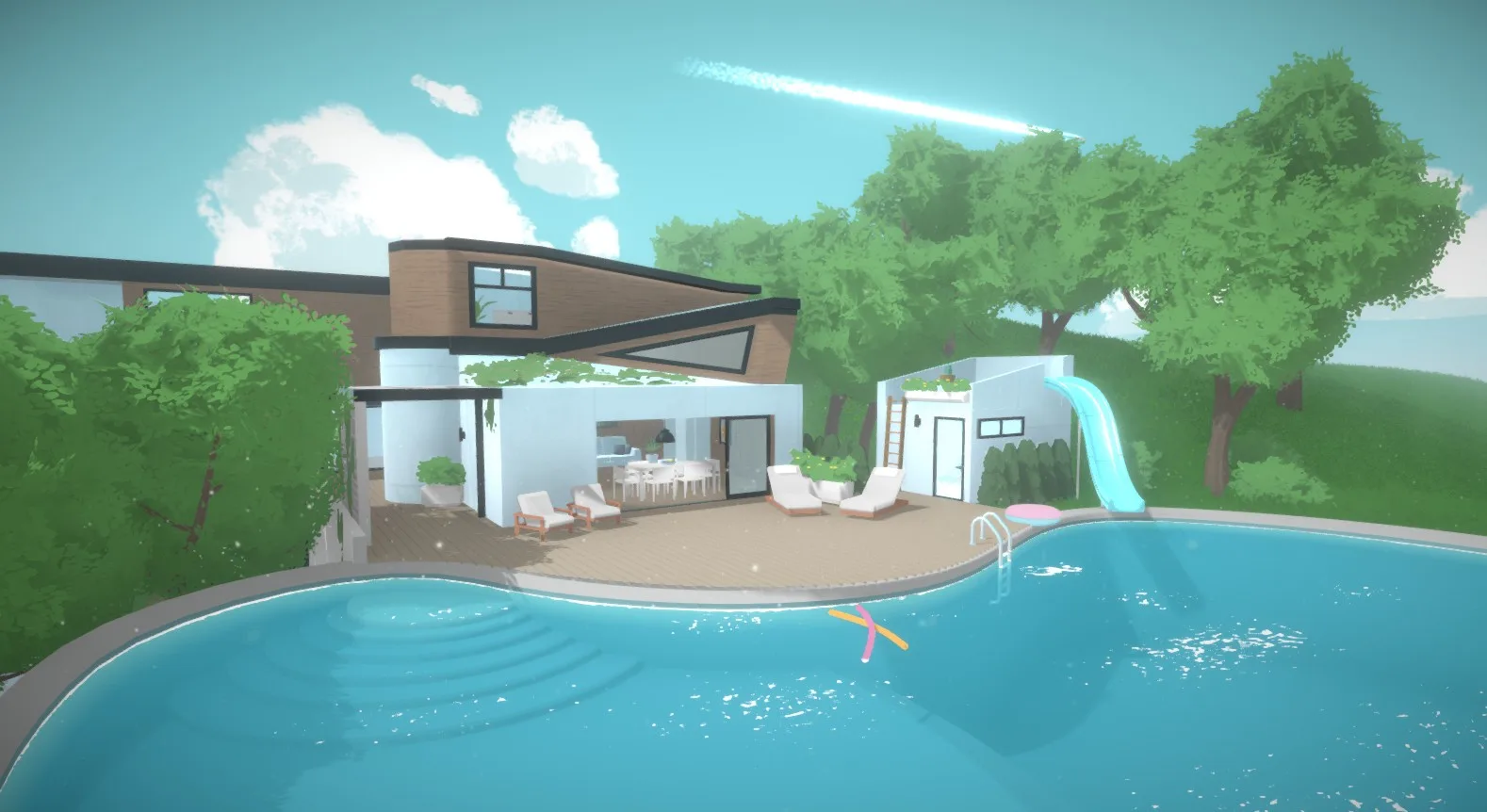
Learn how to use custom content and mods in Paralives for endless creative possibilities. Expand your game with community-made items and features.
Paralives is being developed with modding in mind, fostering a vibrant community of creators who can expand the game's content and mechanics. The game's modding tools are designed to be accessible, allowing players to create and share custom furniture, clothing, and even new gameplay features. For those interested in creating their own items, the process typically involves using external 3D modeling software to create the mesh and textures, and then importing them into the Paralives modding tools. The guide on "Creating a Basic Furniture Item" outlines the initial steps, such as finding the _Items_ tab in the Control Panel under the _Build_ category and using the + button to add a new item. Further guides, like "Creating an Item with Multiple Meshes," delve into more complex scenarios, such as items requiring more than one mesh for functionality or visual effects, like windows with glass shaders or animated objects. Terms used in modding are explained in detail in the Modding Glossary. The community aspect is crucial, with platforms like the official Discord channel and subreddit serving as hubs for sharing creations, seeking help, and collaborating. You can expect to find a wealth of custom content available for download, ranging from small decorative objects to entirely new gameplay systems, significantly enhancing the replayability and personalization of their Paralives experience. The community guidelines, while not specific to Paralives, emphasize a safe and respectful environment for sharing and discussion, which is vital for a thriving modding scene.
Getting Started with Modding
- Modding Tools: Access and familiarize yourself with the official Paralives modding tools.
- Modding Glossary: Consult the glossary for definitions of key modding terms.
- Basic Item Creation: Follow guides like "Creating a Basic Furniture Item" to learn the fundamentals.
- Advanced Techniques: Explore guides on creating items with multiple meshes for more complex dess.
Types of Custom Content
- Furniture: New chairs, tables, beds, and decorative objects.
- Clothing: Custom outfits and accessories for Parafolks.
- Build Mode Items: Walls, floors, roofs, and other architectural elements.
- Gameplay Mods: New interactions, traits, careers, and life events.
Community Resources
- Official Discord: Connect with other modders and players, ask questions, and share your work.
- Subreddit: A platform for discussions, showcases, and finding new mods.
- Modding Guides: Comprehensive tutorials and documentation available on the Paralives Wiki.
The ability to customize and expand Paralives through custom content is a significant draw for many players. It allows for an unparalleled level of personalization, ensuring that every player's game can be unique and tailored to their specific preferences and playstyle. The active modding community is a testament to the game's potential for longevity and depth.
100% Human-Written. AI Fact-Checked. Community Verified. Learn how AntMag verifies content