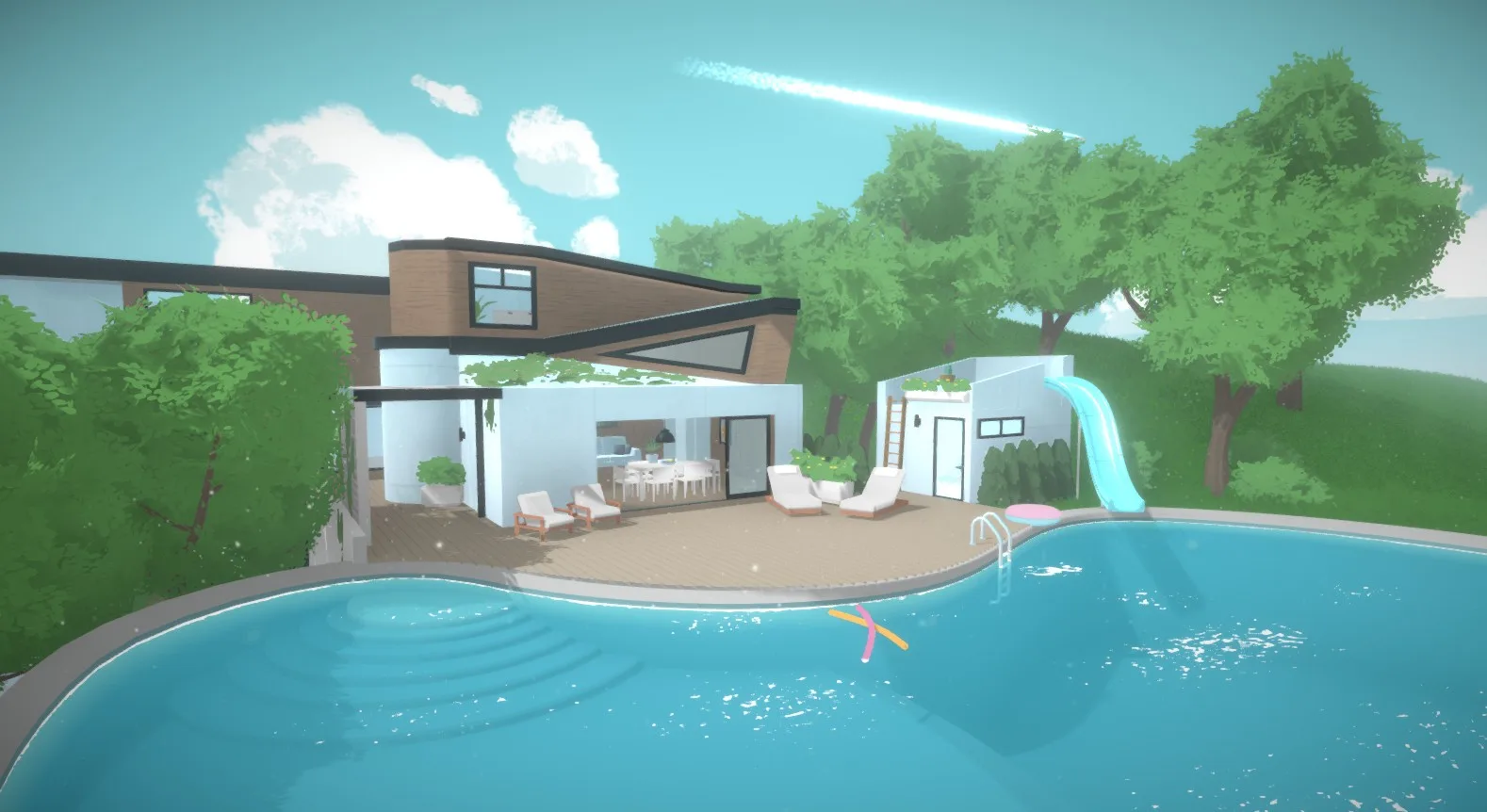
Manage your Paralives blueprints and share creations via the gallery. Upload and download unique builds and designs from other players worldwide.
Paralives is designed with a strong emphasis on community and player creativity, extending beyond individual gameplay to encompass the sharing of creations. The game's blueprint system is central to this, allowing players to save and share entire lots, including houses, gardens, and custom-built structures. This feature fosters a collaborative environment where You can inspire each other and contribute to a rich tapestry of in-game content. The gallery serves as a central hub for this exchange, making it easy to discover and download the work of other Paralives enthusiasts. Whether you're looking for a starter home, a sprawling mansion, or a unique commercial space, the blueprint and gallery system provides a direct avenue to access a vast library of player-made content. This facilitates a dynamic and ever-evolving game world, driven by the collective imagination of its community.
The ability to share blueprints and access the gallery is a core component of the Paralives experience, encouraging players to not only build but also to curate and distribute their architectural achievements. This system is expected to be intuitive, allowing for easy uploading and downloading of blueprints. You can expect to find a wide variety of creations, from functional residential lots designed for specific family dynamics to elaborate community spaces. The gallery will likely be searchable and filterable, enabling users to find blueprints based on style, size, or specific features. This ensures that You can quickly locate content that suits their current gameplay needs or aesthetic preferences, further enhancing the replayability and social aspects of the game. The integration of this sharing mechanism underscores Paralives' commitment to a player-driven content ecosystem.
Sharing Your Creations
To share your meticulously crafted lots, you will first need to save them as blueprints. This process typically involves accessing a dedicated build mode menu where an option to "Save Blueprint" will be available. Once saved, these blueprints can then be uploaded to the in-game gallery. The gallery acts as a public repository, allowing other players to browse, download, and even "like" your creations. This feedback mechanism can be a great way to gauge the popularity of your dess and receive recognition within the community. When uploading, you may have the option to add descriptions or tags to your blueprints, helping other players discover your work more easily. Consider detailing the inspiration behind your build, the intended functionality, or any unique features it possesses.
Discovering and Downloading Blueprints
Accessing the gallery is your gateway to a world of player-created content. Within the gallery, you'll find a diverse range of blueprints, from cozy starter homes to grand estates and specialized community lots. You can typically sort and filter these blueprints by various criteria, such as popularity, recency, or specific tags. When you find a blueprint that catches your eye, simply select it and choose the option to download. The game will then automatically place the downloaded lot into your game, ready for you to move in your Parafolk or use as inspiration for your own builds. It's a fantastic way to quickly populate your world with unique and interesting structures without having to build them all from scratch.
Tips for Blueprint Sharing
- Organize Your Lots: Before saving a blueprint, ensure the lot is exactly as you want it. Remove any temporary items or clutter that you don't want to be part of the shared des.
- Descriptive Titles and Tags: Use clear and concise titles for your blueprints. Add relevant tags that accurately describe the style, size, and purpose of the lot (e.g., "Modern Family Home," "Cozy Starter," "Community Park").
- High-Quality Screenshots: If the gallery allows for custom screenshots, take appealing images of your lot from various angles to showcase its best features.
- Consider Functionality: Think about how the lot will be used by other players. Ensure essential items are placed logically and that the layout is practical for gameplay.
Potential Gallery Features
100% Human-Written. AI Fact-Checked. Community Verified. Learn how AntMag verifies content