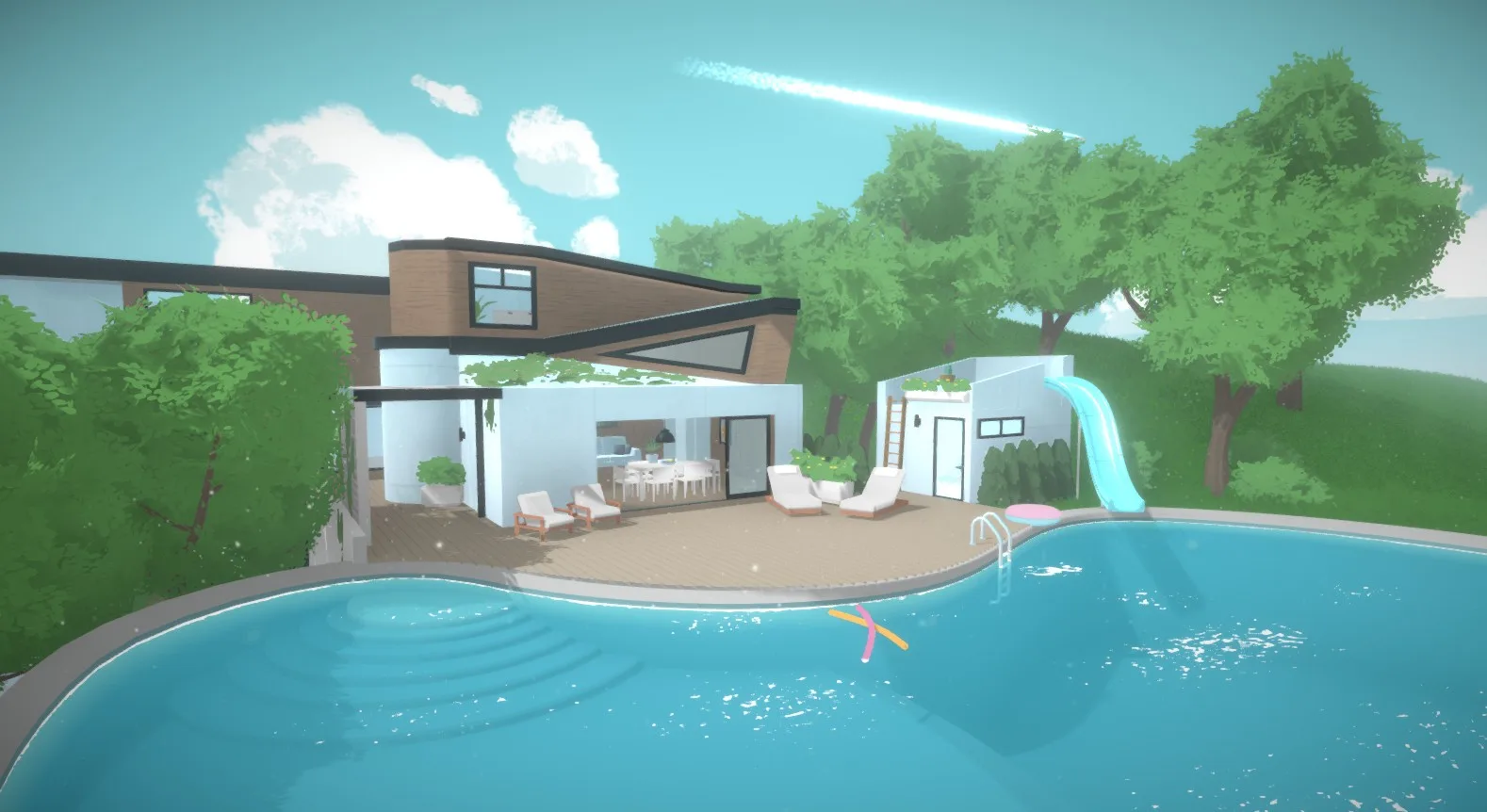
Discover clever object placement tricks and tips for building in Paralives. Learn how to arrange furniture and decorations like a pro to make your dream homes unique!
Mastering Object Placement in Paralives
Hey there! So you're diving into Paralives and want to make your houses look amazing, right? Let's talk about getting those objects *just* where you want them. It can be a little tricky sometimes, but with a few tricks, you'll be placing furniture and decor like a seasoned pro in no time.
The Basics: Moving and Rotating
You already know how to grab an item and move it around, and the rotate tool is your best friend for getting that couch facing the perfect direction. But don't forget you can fine-tune these actions!
Fine-Tuning Placement
Sometimes, just clicking and dragging isn't precise enough. You might want to nudge an object just a hair to the left, or perfectly center it on a wall. Keep an eye out for options that allow for:
- Pixel-Perfect Movement: Using arrow keys or holding a modifier key (like Shift or Ctrl) while moving an object can give you much finer control.
- Precise Rotation: Look for ways to input specific rotation angles, or use a modifier key to snap to smaller increments (like 5 or 15 degrees) instead of just free rotation.
Height Matters!
Don't forget about the Z-axis! Being able to adjust an object's height is crucial for things like placing items on shelves, stacking objects, or even creating interesting visual effects. Experiment with the height adjustment tool – you'll be surprised what you can do!
Wall Placement Wonders
Placing items *on* walls can be a game-changer for decor. You'll often find tools that let you:
- Snap to Walls: Objects will automatically align to the wall surface.
- Adjust Wall Offset: Control how far from the wall an object sits. This is great for things like picture frames or wall sconces.
Pro Tip: Sometimes, you might need to place an object on the floor first, then move it onto the wall. Give it a try if direct wall placement feels wonky!
Overlapping Objects
Don't be afraid to let objects overlap a little! Sometimes, tucking one item slightly behind another can create a more natural and less
100% Human-Written. AI Fact-Checked. Community Verified. Learn how AntMag verifies content