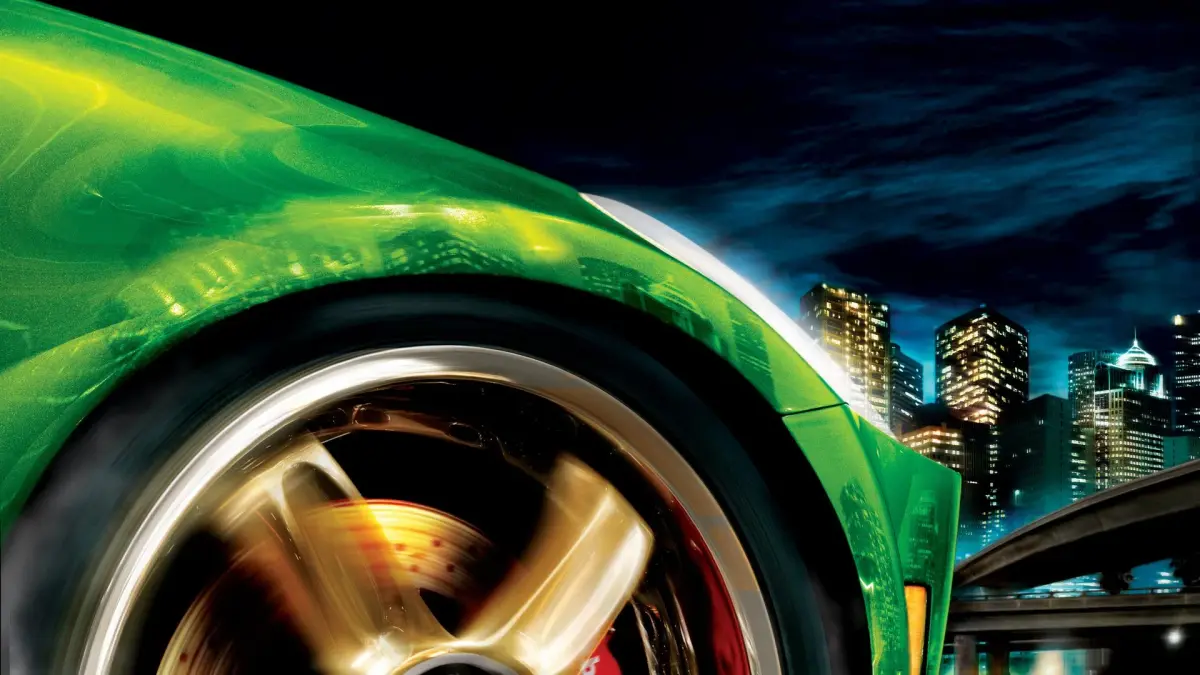
Your Need for Speed Underground 2 Part 9 guide is here! Learn about shops like Megalow Parts, Car Specialities, Graphics, and the Car Lot, plus career mode intro and Race #001.
Alright, let's dive into Part 9 of our Need for Speed Underground 2 journey. This section is all about getting familiar with the different shops available in Bayview and understanding the very beginning of the Career Mode. Think of it as setting up your garage and getting your bearings before we really start tearing up the streets.
Walkthrough:
- Understanding the Shops:
Before we get too deep into racing, let's check out the places you can spend your hard-earned cash:
- Megalow Parts: This is your go-to for Level 1 and 2 upgrades. The best part? They offer a sweet 20% discount on parts packages, which is double what you'll find elsewhere. Definitely hit this place up for some budget-friendly performance boosts.
- Car Specialities Shop: Want to make your ride truly unique? This is the spot. You can add all sorts of cool, flashy extras here, like Neon underglow, Nitrous Purge effects, and Hydraulics. Get creative and make your car stand out!
- Graphics Shop: This one's easy to spot with its Red Light. Here's where you'll change your car's paint color, and slap on all sorts of vinyls and decals. Time to give your car a fresh coat and some custom graphics.
- Car Lot: Need a new set of wheels? The Car Lot is where you'll find them. Keep an eye on your SMS messages; Rachel will let you know when new cars are available to purchase.
- Career Mode Intro:
Now, let's talk about the heart of the game: Career Mode. When you first start, you'll see a comic-style animation that sets the scene. You're the same hotshot driver from the first Underground, but after a nasty run-in with someone named Caleb, you've moved to Bayview to start fresh. Your first ride? Rachel's Nissan 350Z – yep, that's the car you'll see in the main menu and use to kick things off.
You'll get your first SMS message right away, giving you the lowdown on your car's features. You can press [X] to get back to the game or [Triangle] to head to your Mailbox to manage messages. You'll get more messages about the mini-map and steering controls, plus a heads-up about available races. You'll notice two races pop up on your mini-map. While your main goal is the Car Lot, we've got time for some fun first!
Keep an eye out for
100% Human-Written. AI Fact-Checked. Community Verified. Learn how AntMag verifies content