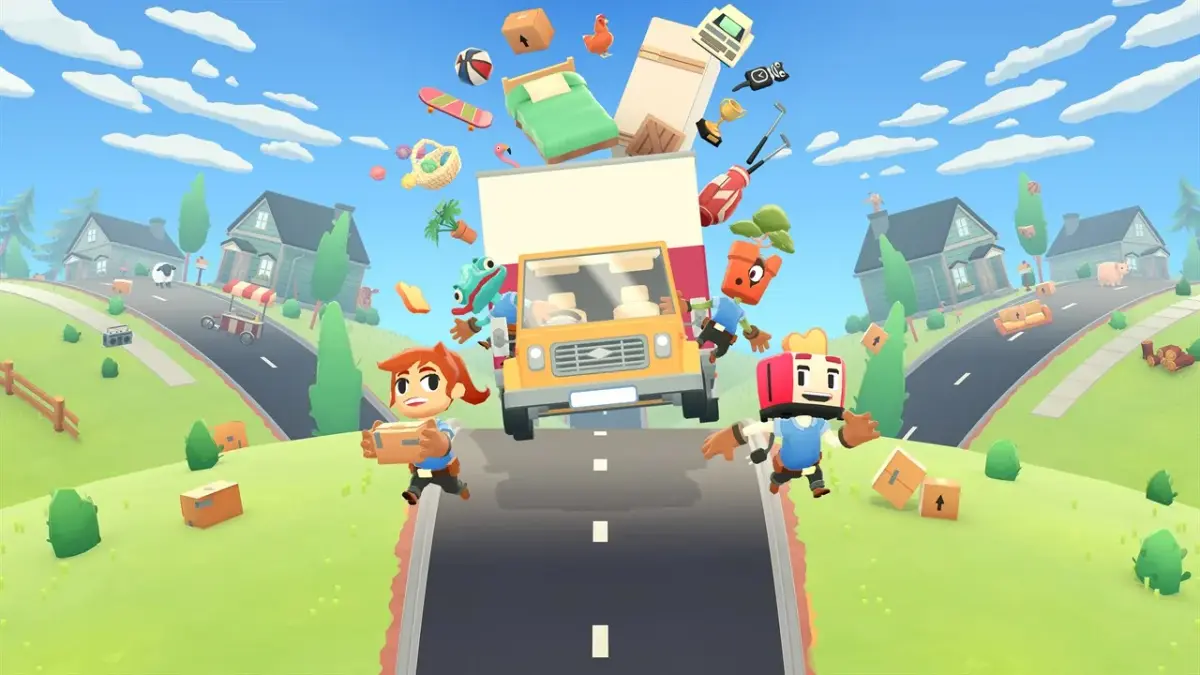
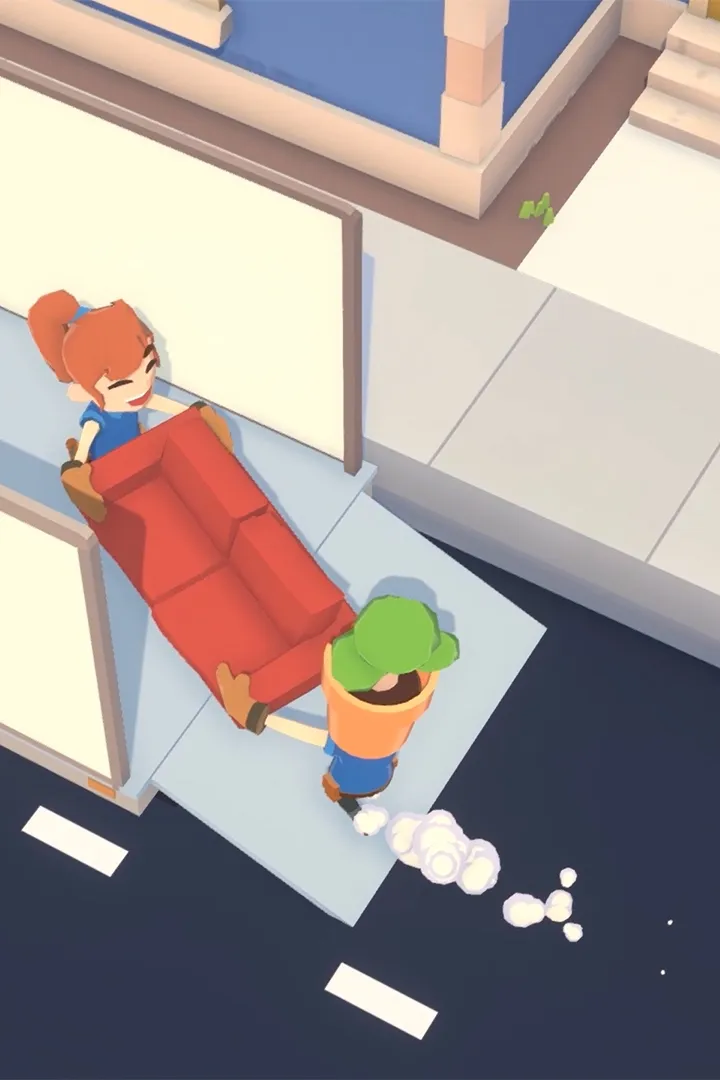
Master Moving Out's controls! This guide details controller layouts and keybindings for PC, PlayStation, Xbox, and Switch, ensuring you can expertly maneuver furniture and achieve those gold medals.
Moving Out offers a variety of controller layouts and keybindings across different platforms to suit your playstyle. Understanding these controls is crucial for efficient furniture moving and achieving the best times.
| Action | PC (Keyboard) | PlayStation | Xbox | Nintendo Switch |
|---|---|---|---|---|
| Move | WASD | Left Stick | Left Stick | Left Stick |
| Interact / Pick Up / Throw | E | Cross (X) | A | B |
| Jump | Spacebar | X | A | B |
| Dash / Special Action | Shift | Circle (O) | B | A |
| Grapple / Special Interact | Left Mouse Button | L2 / R2 | LT / RT | ZL / ZR |
| Crouch / Aim Throw | Ctrl | L1 | LB | L |
| Pause / Menu | Esc | Options | Menu | + |
Mastering these controls will help you navigate the chaotic levels of Moving Out with ease. Remember to practice your throws, jumps, and coordinated movements with your team to become the ultimate F.A.R.T.!
100% Human-Written. AI Fact-Checked. Community Verified. Learn how AntMag verifies content