Keep your progress safe in MOUSE: P.I. For Hire. Understand the game's autosave checkpoints and manual saving system to avoid losing valuable detective work.
Saving your progress in MOUSE: P.I. For Hire is crucial to avoid losing valuable playtime. The game uses a combination of manual saves and automatic checkpoints to ensure your journey is preserved.
Automatic Checkpoints:
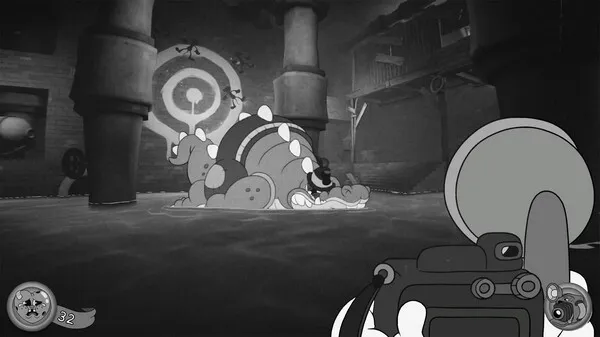
The game features an autosave system that triggers at key moments. You'll often see a small icon appear on your HUD (usually in a corner) indicating that the game is saving your progress. These checkpoints are typically placed after completing significant objectives, entering new areas, or before challenging encounters.
Manual Saving:
In addition to autosaves, you can usually manually save your game through the in-game pause menu. This is highly recommended before attempting difficult sections, making important decisions, or before quitting the game to ensure you don't lose any recent progress. Look for the "Save Game" option within the pause menu.
Load Game Menu:
When you wish to continue playing, you can select "Continue" from the main menu to load your most recent autosave or manual save. Alternatively, the "Load Game" option allows you to choose from a list of all your saved game files, giving you the flexibility to revisit earlier points in the story if needed.
Best Practices:
- Save Frequently: Make it a habit to manually save whenever possible, especially before any potentially risky encounters or story choices.
- Check for Autosaves: Pay attention to the autosave indicator to know when your progress is being automatically recorded.
- use Multiple Saves: If the game allows for multiple save slots, consider using them to create backups of your progress, especially before major story branches.
By understanding and using the game's saving system, you can ensure that your hard-earned progress is always protected, allowing you to focus on solving the mysteries of Noirville without fear of losing your work.
100% Human-Written. AI Fact-Checked. Community Verified. Learn how AntMag verifies content