
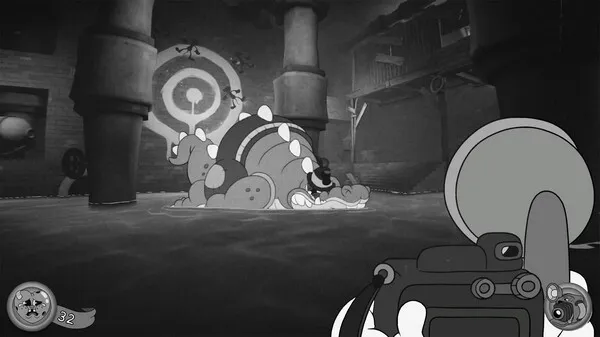
Learn MOUSE: P.I. For Hire menu navigation to manage your game, adjust settings, and access progression through the new game and continue options.
Navigating the menus in MOUSE: P.I. For Hire is essential for managing your game, adjusting settings, and accessing important information. Whether you're starting a new adventure or checking your progress, these menus are your gateway.
Main Menu:
- New Game: Starts a fresh playthrough of the story.
- Continue: Loads your most recent save file.
- Load Game: Allows you to select from a list of your saved games.
- Options: Accesses the game's settings for graphics, audio, controls, and gameplay.
- Extras: May contain unlockable content such as concept art, lore entries, or developer commentary.
- Quit Game: Exits the application.
In-Game Menu (Pause Menu):
Accessed by pressing the designated pause button (Esc on PC, Options/Menu button on controllers), this menu allows for mid-game adjustments and information retrieval:
- Resume: Returns you to the game.
- Save Game: Manually save your progress (if applicable).
- Load Game: Load a different save file.
- Options: Adjust settings without exiting the game.
- Inventory: View and manage your collected items and equipment.
- Map: Access the world map to check your location and objectives.
- Journal/Case Files: Review clues, character profiles, and mission objectives.
- Quit to Main Menu: Returns you to the main menu.
- Quit to Desktop (PC): Exits the game directly.
Take the time to explore the Options menu to fine-tune your experience. The Journal or Case Files section is particularly important for keeping track of the intricate plot and your detective work.
100% Human-Written. AI Fact-Checked. Community Verified. Learn how AntMag verifies content