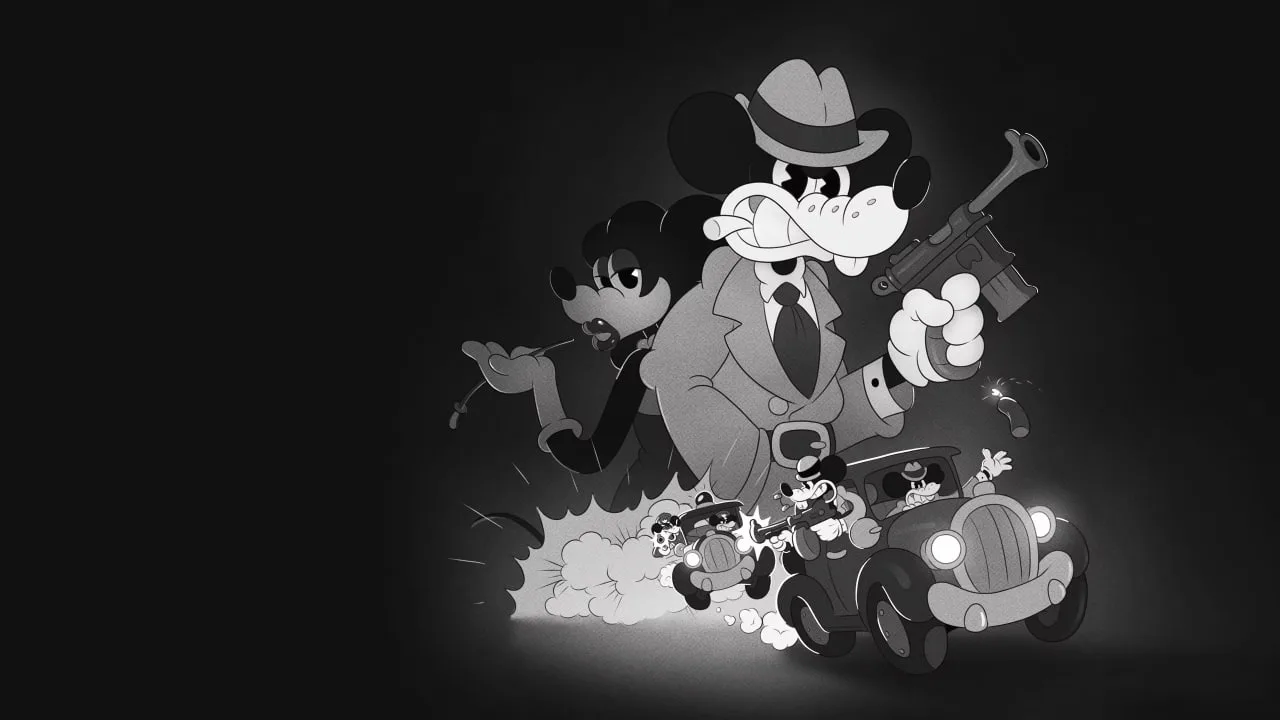
Optimize graphics for MOUSE: P.I. For Hire. Adjust settings like Shadow Quality and Anti-Aliasing to achieve peak performance and smooth gameplay.
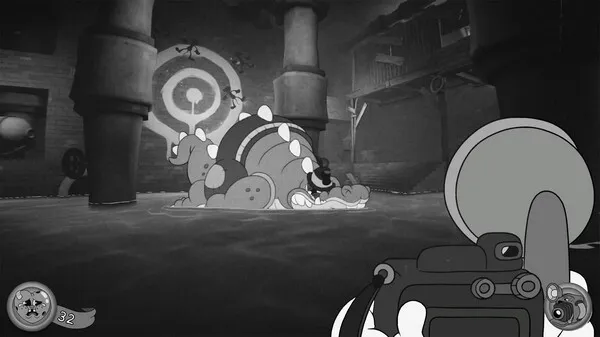
To ensure your investigation through the gritty streets of Noirville is as smooth as a well-executed alibi, optimizing your settings is key. MOUSE: P.I. For Hire offers a range of options to balance visual fidelity with performance, especially crucial in fast-paced first-person shooter combat. For maximum frame rates, consider lowering settings like Shadow Quality and Anti-Aliasing. These can be significant performance hogs, and while they enhance visual detail, their impact on gameplay can be detrimental, especially during intense boss battles like the one showcased in the exclusive gameplay. Texture Quality can often be kept at a higher setting without a drastic performance hit, preserving the unique rubberhose animation style. If you're experiencing stuttering, reducing the overall draw distance or disabling certain post-processing effects like Motion Blur can also provide a noticeable boost. For those playing on consoles, ensure your system is set to performance mode if available, prioritizing frame rate over resolution. Experimenting with these settings will allow you to find the sweet spot that delivers a fluid and responsive experience, letting you focus on outsmarting your adversaries and solving the case.
100% Human-Written. AI Fact-Checked. Community Verified. Learn how AntMag verifies content