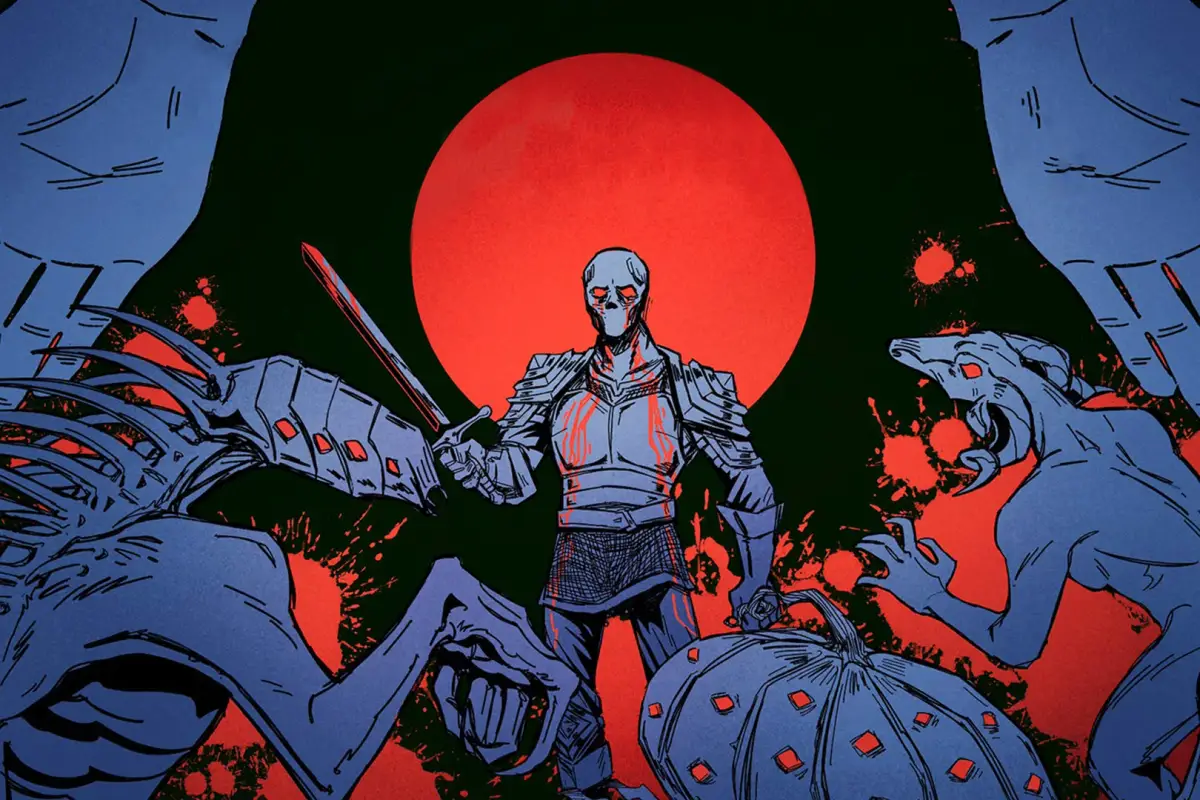
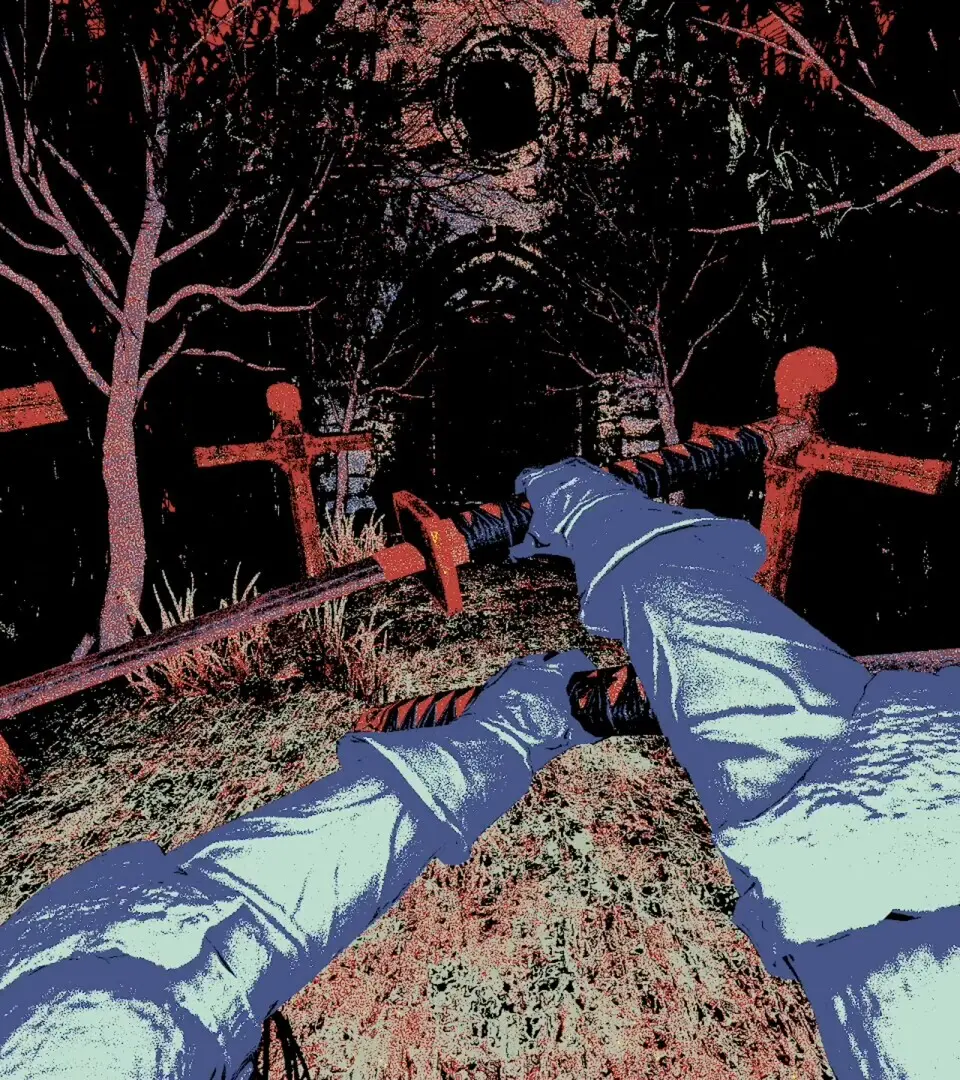
Step-by-step guide for installing Mortal Sin and optimizing initial game settings for the best performance.
After purchasing Mortal Sin, ensure you have sufficient disk space (approximately 80GB). The installation process is straightforward: simply follow the prompts from your chosen platform (Steam, Epic Games Store, PlayStation Store, Xbox Marketplace). Upon first launch, the game will perform an initial shader compilation, which may take a few minutes depending on your system specifications. It's recommended to update your graphics drivers before playing to ensure optimal performance and stability. Check the in-game settings for display resolution and refresh rate to match your monitor's capabilities for the smoothest experience.
100% Human-Written. AI Fact-Checked. Community Verified. Learn how AntMag verifies content