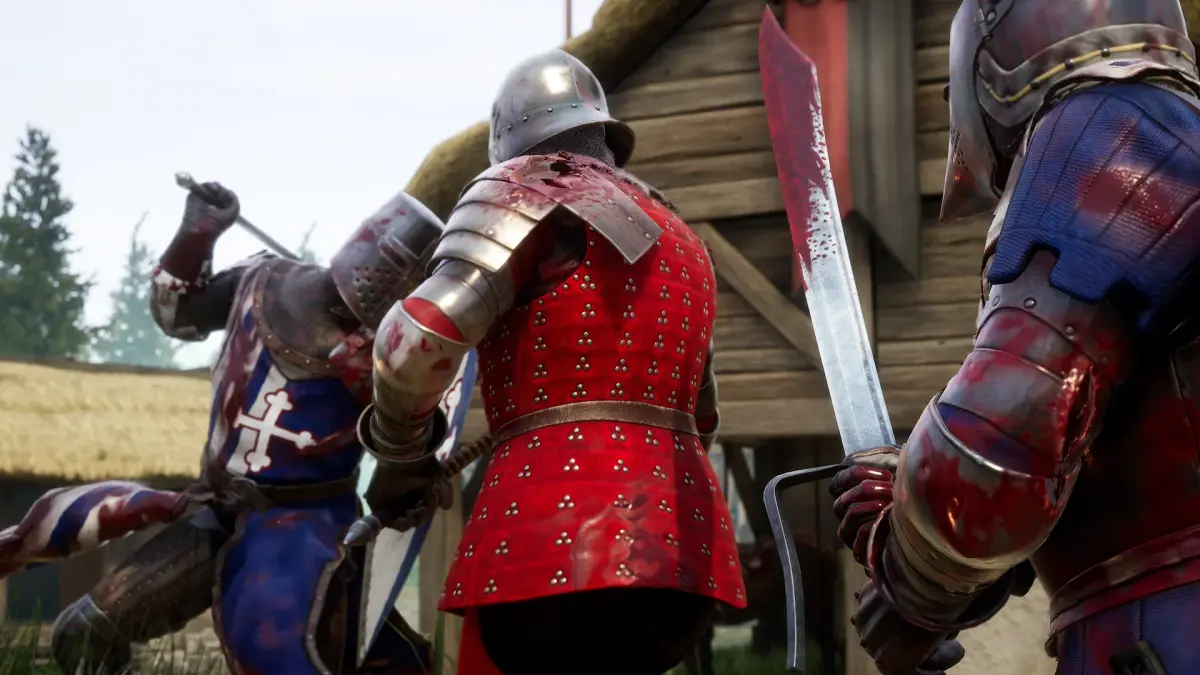
Welcome to Mordhau, a brutal medieval combat game where you'll swing swords, axes, and maces in intense multiplayer battles. Developed by Triternion and released in 2019 for PC, it's known for its deep combat system that rewards skill and precision. Whether you're dueling one-on-one or charging into a massive 64-player melee, Mordhau offers a visceral experience for those who love challenging, skill-based combat.
This guide is here to help you conquer every aspect of Mordhau. We'll cover all the game modes, from the chaotic Frontline and Invasion to the tactical Skirmish and Duel servers. You'll find tips on mastering every weapon type, understanding the intricate combat mechanics, and achieving those coveted Steam Achievements. Get ready to dominate the battlefield.
Overview
Get a high-level overview of Mordhau's mechanics. Understand the unique directional combat system and core gameplay loop for battlefield success.
Overview
Get a high-level overview of Mordhau's mechanics. Understand the unique directional combat system and core gameplay loop for battlefield success.
Attacker Strategies
Employ Mordhau Attacker strategies in Invasion mode. Use smoke bombs and firebombs to advance and complete objectives against fortified foes.
As an Attacker in Invasion, your primary goal is to complete the current objective. This often means pushing through heavily fortified enemy positions. Utilize smoke bombs to obscure enemy vision, firebombs to clear areas, and engineers to build ramps or destroy enemy fortifications. Don't get bogged down in individual duels; focus on the objective. If the objective is to push a siege tower, ensure enough players are near it to keep it moving. If it's to destroy a barricade, focus all available damage on it. Overwhelm the defenders with numbers and coordinated pushes. Dying on the objective is often a necessary sacrifice to keep the momentum going.
Getting Started
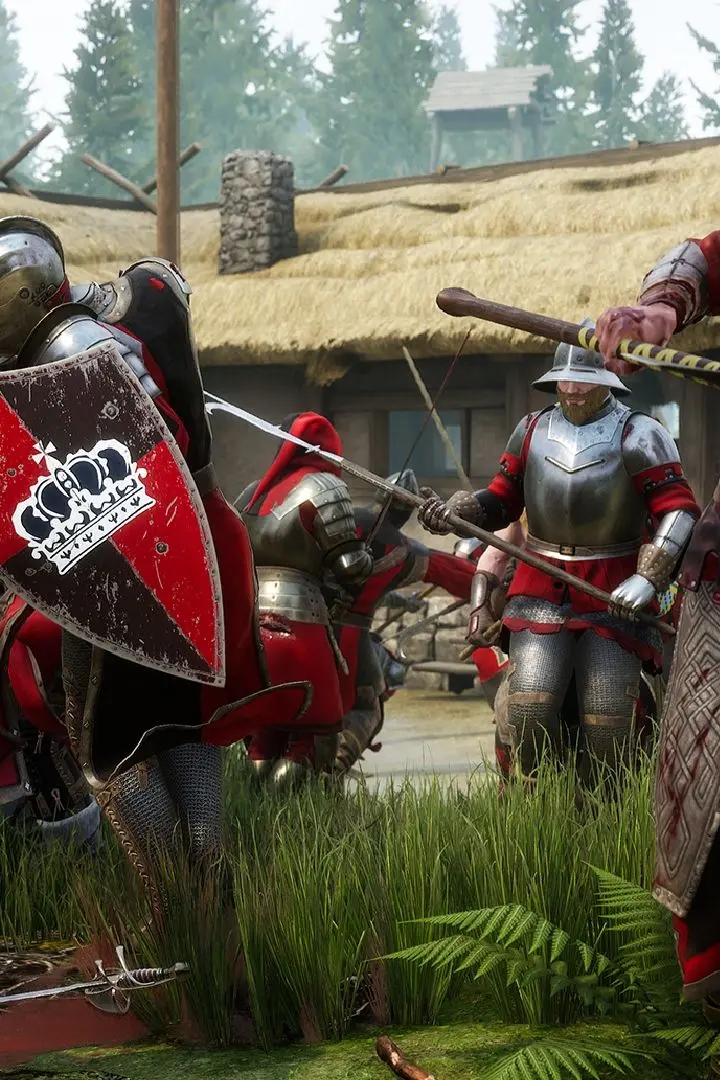
Begin your Mordhau journey by mastering its intricate combat system and learning from battlefields to achieve victory in this skill-based slasher.
Getting Started
Begin your Mordhau journey by mastering its intricate combat system and learning from battlefields to achieve victory in this skill-based slasher.
Controls & UI — Mordhau Guide
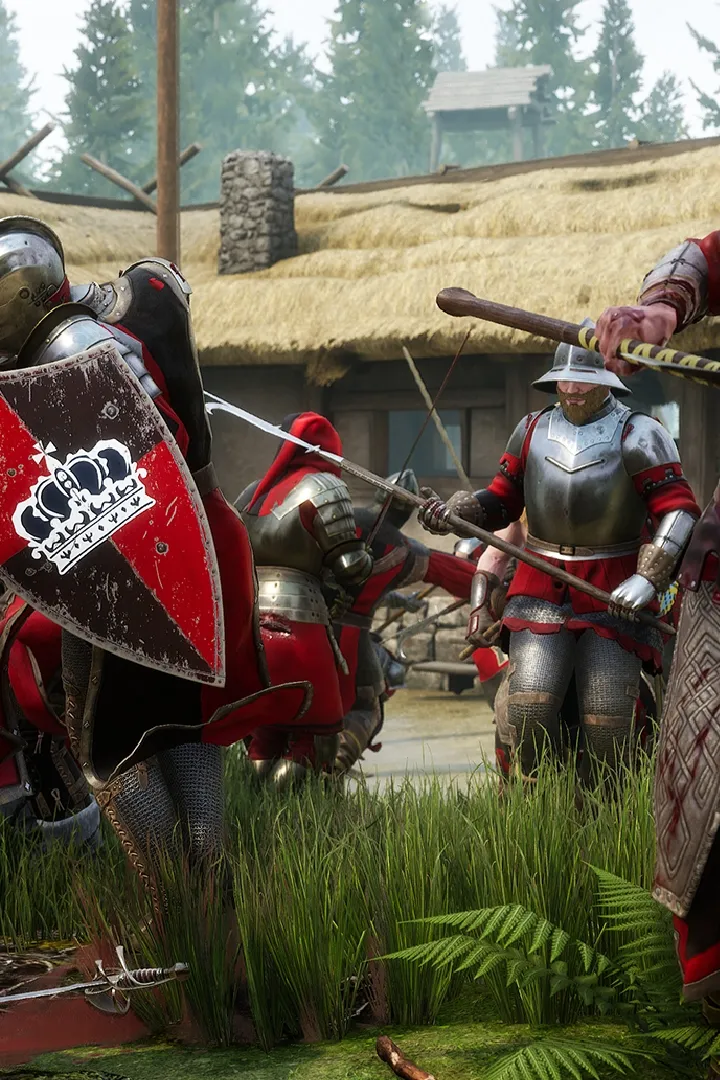
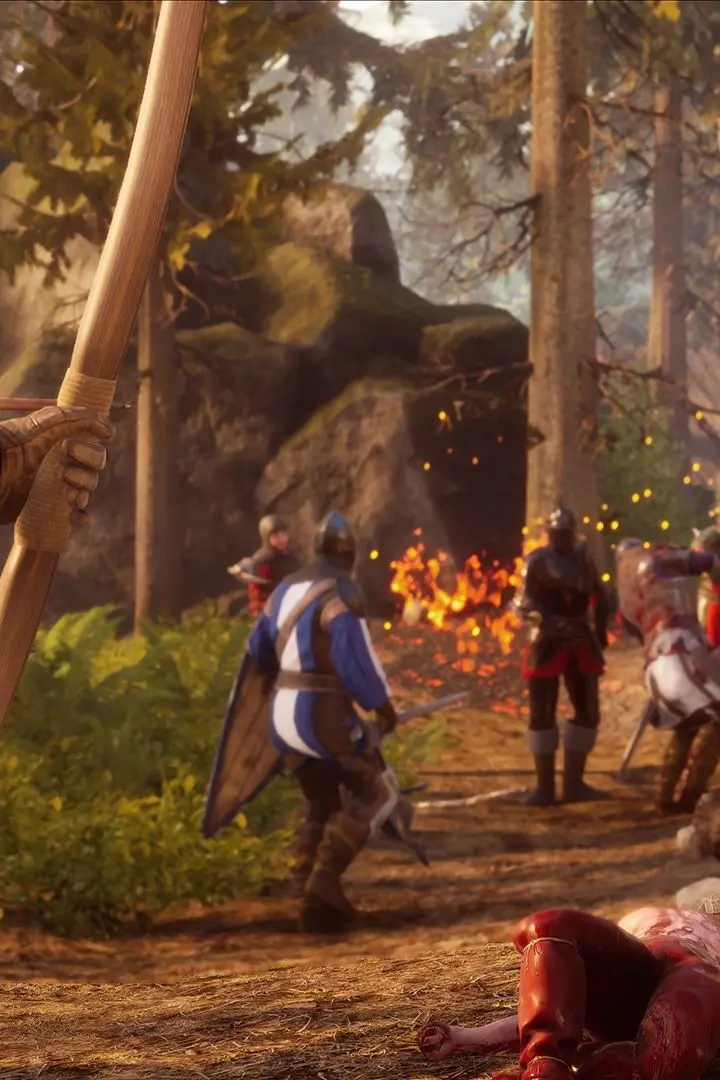
Master Mordhau controls & UI. Learn essential keybinds for movement and combat, and understand vital UI elements like health, stamina, and the minimap.
Navigating the chaotic battlefields of Mordhau requires a firm grasp of its controls and user interface (UI). A well-configured setup and an understanding of the on-screen information can mean the difference between a swift victory and a swift demise. This section will guide you through the essential controls and UI elements to ensure you're prepared for combat.
Mordhau offers a highly customizable control scheme, allowing players to tailor their input to their preferences. The default controls are generally intuitive for players familiar with first-person action games. Key bindings for movement include WASD for directional movement, Spacebar for jumping, and Left Shift for sprinting. Combat controls are centered around the mouse: Left Mouse Button for primary attacks, Right Mouse Button for secondary attacks (often a stab or overhead depending on the weapon and stance), and Middle Mouse Button for blocking. The scroll wheel is used for switching between attack types (slash, stab, overhead) and for chambering attacks.
The User Interface (UI) provides critical information at a glance. The most prominent elements include your Health Bar, typically located at the bottom center of the screen, indicating your remaining vitality. Adjacent to it is your Stamina Bar, which depletes with actions like attacking, blocking, and sprinting, and regenerates over time. You'll also see your current Ammo/Arrow Count if you're using a ranged weapon, and your Equipped Weapon. The Minimap, usually in the top corner, shows allied and enemy positions (if spotted), objectives, and key points of interest. Your Score and the Team Scores are also displayed, providing context for the match's progress.
Essential UI Elements:
- Health Bar: Your remaining HP.
- Stamina Bar: Resource for actions; depletes and regenerates.
- Minimap: Tactical overview of the battlefield.
- Objective Markers: Indicate current goals and progress.
- Kill Feed: Shows recent player eliminations.
Beyond the default settings, You can adjust mouse sensitivity, key bindings, and even UI scaling to optimize their experience. Taking a few minutes to explore the options menu and fine-tune your controls can significantly improve your reaction time and overall combat effectiveness. Understanding the UI elements ensures you're always aware of your status, your team's situation, and the immediate threats or opportunities on the battlefield.
Similar guides you might like


100% Human-Written. AI Fact-Checked. Community Verified. Learn how AntMag verifies content