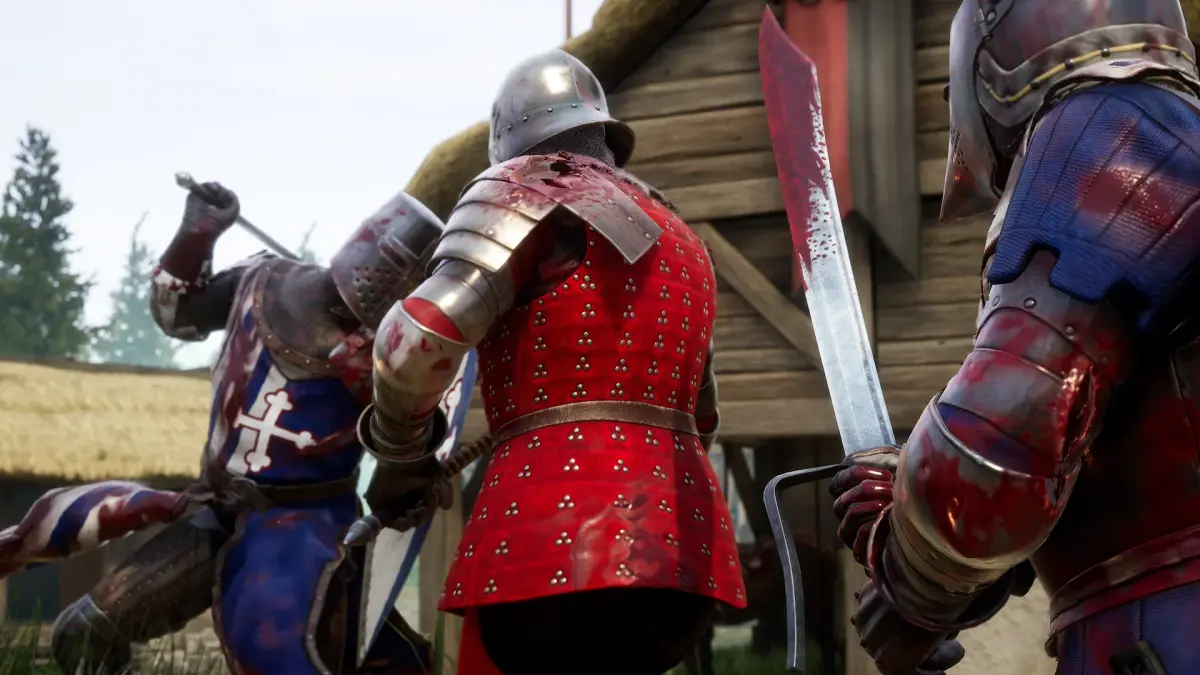
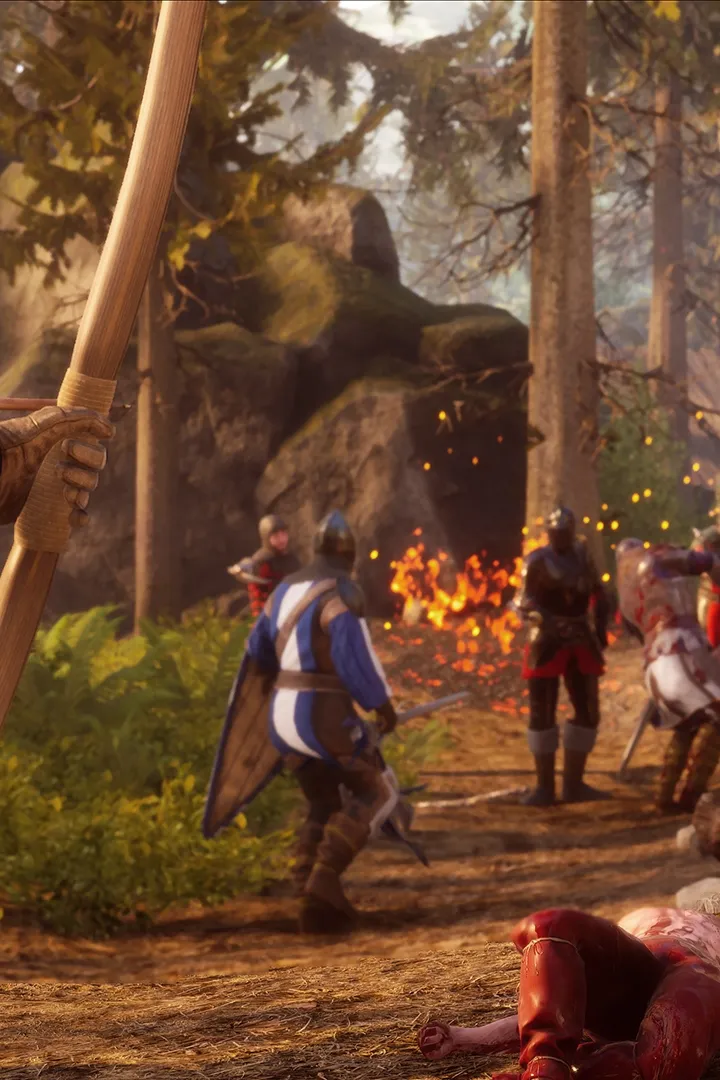
Enhance your Mordhau experience with custom content. Learn about modding support for new maps, game modes, and gameplay tweaks from the community.
Mordhau's robust modding support allows players to expand the game's horizons with custom content. From new maps and game modes to cosmetic items and gameplay tweaks, the modding community offers a wealth of content to enhance your experience.
The world of Mordhau is constantly evolving, thanks in large part to its dedicated modding community. Modding allows players to inject new life into the game, offering custom maps, unique game modes, cosmetic enhancements, and even gameplay overhauls. Embracing mods can significantly broaden your Mordhau experience and provide endless replayability.
Where to Find Mods:
- Steam Workshop: The primary hub for Mordhau mods. You can easily subscribe to mods, and they will automatically download and install.
- Modding Forums and Websites: Dedicated Mordhau modding communities and forums often host mods not available on the Workshop, or provide more in-depth discussions and guides.
- Discord Servers: Many modding communities have active Discord servers where you can find the latest mods, get help, and connect with other modders.
Types of Mods:
- Custom Maps: Players create entirely new maps for various game modes, offering fresh environments and strategic challenges.
- New Game Modes: Modders develop entirely new ways to play Mordhau, from unique PvE experiences to complex PvP scenarios.
- Cosmetic Mods: These mods alter the appearance of armor, weapons, or characters, offering new visual customization options.
- Gameplay Tweaks: Some mods make subtle changes to gameplay mechanics, such as altering weapon stats, perk effects, or AI behavior.
- Server-Side Mods: These mods are installed on dedicated servers and affect all players connected to that server, often enabling custom game modes or unique rulesets.
Installing and Managing Mods:
The installation process varies depending on the mod and where you download it from.
- Steam Workshop: Simply click the "Subscribe" button on the mod's page. The game will handle the rest. You can manage your subscribed mods through the Steam client.
- Manual Installation: For mods downloaded from other sources, you'll typically need to manually place files into specific game directories. Always follow the mod author's installation instructions carefully.
- Mod Managers: Some complex mods or collections of mods might benefit from using a dedicated mod manager, which can help with installation, conflict resolution, and organization.
- Server-Side Mods: Installing server-side mods usually involves configuring your dedicated server files. This is typically for server administrators.
Important Considerations:
- Compatibility: Not all mods are compatible with each other. Conflicts can arise, leading to crashes or unexpected behavior. Read mod descriptions carefully for compatibility notes.
- Updates: Mods may not always be updated immediately after a game patch. This can lead to issues. Keep an eye on mod update status.
- Server Rules: When joining multiplayer servers, be aware of which mods are allowed. Some servers may disallow client-side mods or only permit specific server-side mods.
- Performance Impact: Some mods, especially those with complex visual elements or extensive gameplay changes, can impact game performance.
- Security: Always download mods from reputable sources to avoid malware.
Modding Mordhau opens up a universe of possibilities. By exploring the Steam Workshop and other community resources, you can discover a vast array of custom content that will breathe new life into your gameplay and offer unique challenges and experiences.
100% Human-Written. AI Fact-Checked. Community Verified. Learn how AntMag verifies content