
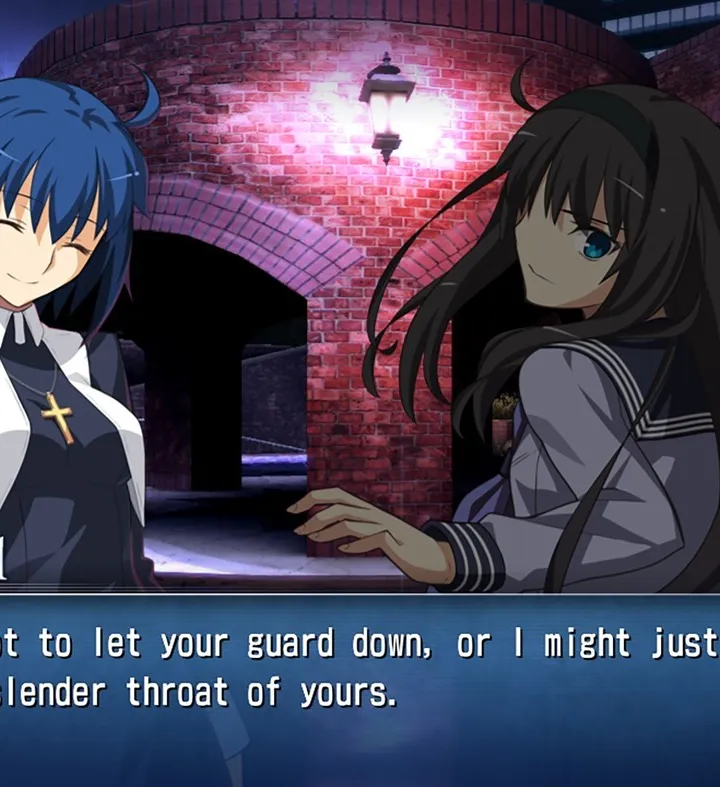
Analyze your Melty Blood: Type Lumina gameplay using the Replay Mode. Pinpoint weaknesses and find opportunities for improvement to elevate your skills.
The Replay Mode in Melty Blood: Type Lumina is an invaluable tool for players looking to elevate their gameplay, understand character matchups, and refine their strategies. Far beyond simply re-watching a cool combo, this mode offers deep analytical features that can pinpoint weaknesses and highlight opportunities for improvement. Mastering its functions is crucial for any aspiring top player.
Accessing and Managing Replays
To begin your analysis, navigate to the Replay Mode from the main menu. Here, you'll find a list of your saved replays. It's highly recommended to regularly save replays of both your wins and losses, especially against challenging opponents or when trying out new techniques.
- Saving Replays: After any match in Versus Mode (local or online), Ranked Match, or Player Match, you'll be prompted to save the replay. Always choose "Save Replay" for matches you want to review.
- Loading Replays: From the Replay Mode menu, select the desired replay from your list. Replays are typically categorized by character, opponent, and date, making it easy to find specific matches.
- Deleting Replays: To manage storage or declutter your list, you can delete old replays. Highlight the replay and select the "Delete" option.
Key Analysis Features and Strategies
Once a replay is loaded, you'll have access to a suite of powerful tools. Don't just watch passively; actively engage with these features to extract maximum value.
1. Frame-by-Frame Playback
This is arguably the most critical feature for detailed analysis. Use the following controls:
- Pause/Play: (Typically mapped to Start/Options button) Stop and resume the action.
- Frame Advance: (Often D-Pad Right or R1/RB) Move forward one frame at a time. This allows you to see the exact moment of impact, block, or whiff.
- Frame Rewind: (Often D-Pad Left or L1/LB) Move backward one frame at a time. Essential for re-examining specific interactions.
- Slow Motion: (Check in-game controls, usually a shoulder button) Play at a reduced speed to observe sequences more clearly.
Actionable Strategy: Use frame advance to identify the precise frame advantage/disadvantage after specific moves. For instance, if you're consistently getting punished after a particular special move, frame advance to see if you're minus on block and by how much. This helps you understand when it's your turn to attack or defend.
2. Input Display
Toggle on the Input Display (usually an option within the replay menu). This shows the exact button presses and stick movements for both players.
Actionable Strategy:
- For Your Own Play: Check if your inputs were clean during complex combos or defensive maneuvers. Did you drop a combo because of a missed input, or was the timing off? Were you mashing inappropriately?
- For Opponent's Play: Observe how your opponent reacts to your pressure. Do they consistently try to Moon Drive out of your blockstrings? Are they always attempting a specific reversal on wake-up? This insight helps you predict and punish their habits.
3. Hitbox/Hurtbox Display
This advanced feature (if available, check replay options) overlays visual boxes representing character hitboxes (where attacks connect) and hurtboxes (where a character can be hit). This is incredibly powerful for understanding spacing and attack properties.
Actionable Strategy:
- Spacing Analysis: See why certain attacks whiffed or connected at unexpected ranges. Did your opponent's attack have a surprisingly large hitbox? Was your character's hurtbox extended during a specific animation?
- Counter-Play Development: Identify gaps in your opponent's pressure where their hurtbox is exposed, or where your character can safely move through their attack's hitbox. This is key for developing effective counter-attacks and evasive maneuvers.
4. Meter and Resource Tracking
The replay mode clearly displays the Moon Gauge, Magic Circuit, and Shield Gauge for both players throughout the match.
Actionable Strategy:
- Resource Management: Review critical moments where you or your opponent gained or spent resources. Did you waste a Moon Drive? Did your opponent build enough Magic Circuit for a powerful Arc Drive or Last Arc at a crucial time? Understanding these patterns helps you make better decisions in live matches.
- Punishing Moon Drive/Shield: Observe when opponents tend to activate Moon Drive or use Shield. If they consistently use it defensively in certain situations, you can bait it out and punish them for it in future encounters.
5. Match Statistics and Data
At the end of a replay, or sometimes accessible during playback, you can view detailed match statistics, including hit counts, damage dealt, successful blocks, and more.
Actionable Strategy:
- Performance Review: Compare your stats to your opponent's. Were you landing fewer hits? Taking more chip damage? This quantitative data can highlight general areas for improvement.
- Character Matchup Insights: Over several replays against the same character, look for trends in statistics. This can inform your approach to specific matchups.
By diligently using these Replay Mode features, you can transform your losses into learning opportunities and refine your strategies to become a truly formidable player in Melty Blood: Type Lumina.
100% Human-Written. AI Fact-Checked. Community Verified. Learn how AntMag verifies content