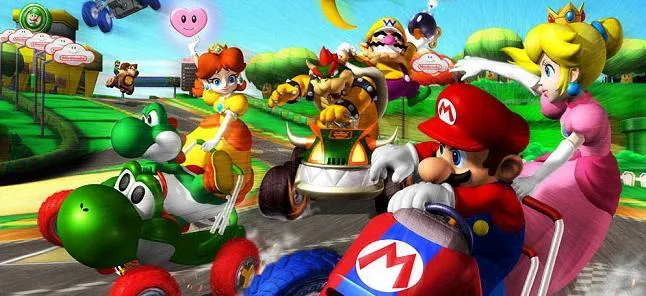
Learn how to tweak sound settings, manage friend alerts, edit your nickname, design kart emblems, and manage save data in Mario Kart Double Dash.
Hey there! So, you're looking to fine-tune your Mario Kart Double Dash experience, huh? The Options menu is where you get to play around with all sorts of settings to make the game just right for you. Think of it like customizing your kart, but for the whole game!
In here, you can mess with your sound settings – crank up the music or turn off those annoying sound effects if you want. You can also decide if you want a little heads-up when your buddies log in while you're playing online in Wi-Fi mode. No one likes being interrupted when they're in the zone, right?
Want to change your in-game name? You can do that here too. And get this – you can even design your own custom emblem that’ll show up on the front of your kart! You get to use the stylus for this, so get creative. It's a cool way to make your kart truly yours.
Oh, and one more thing: if you ever need to wipe the slate clean and start fresh, you can erase all your saved data right from the Options menu. Just be super careful with that one – there's no going back once it's done!
Quick Note on Characters: While you're tweaking settings, remember that character choice really matters! Each weight class has its own quirks. Lightweights accelerate fast but aren't the speediest and get pushed around easily. Heavies are like tanks, shrugging off bumps, but they're slow to get going and have slower top speeds. Medium characters are the balanced all-rounders. It's good to know this when you're picking your racer!
100% Human-Written. AI Fact-Checked. Community Verified. Learn how AntMag verifies content