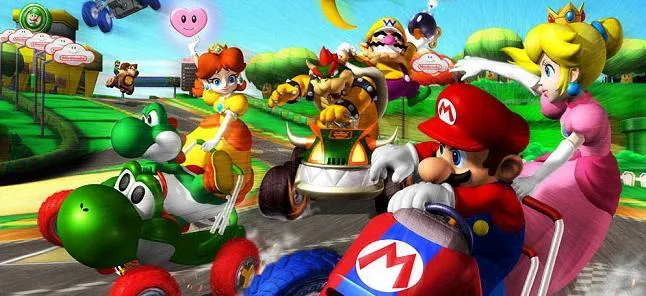
Learn how to connect and race with friends in Mario Kart Double Dash!! using the Nintendo GameCube Broadband Adapter. Explore co-op play and special items.
Walkthrough
- 1Connect to the internet using the Nintendo GameCube Broadband Adapter.
- 2Up to 16 players can participate in a single race, each in a 2-person kart.
- 3Select your character pair; the second character can use items.
- 4Swap characters and positions when necessary, especially when hitting double item boxes.
- 5Utilize character-specific Special Items for unique advantages.
- 6Experience cooperative play where two players share one kart.
Tips
- Mastering the character swap is crucial for effective item usage.
- Experiment with different character pairings to discover powerful Special Item combinations.
- Coordinate with your co-op partner to maximize efficiency on the track.
- The Broadband Adapter enables a large-scale online racing experience not seen in many other GameCube titles.
100% Human-Written. AI Fact-Checked. Community Verified. Learn how AntMag verifies content