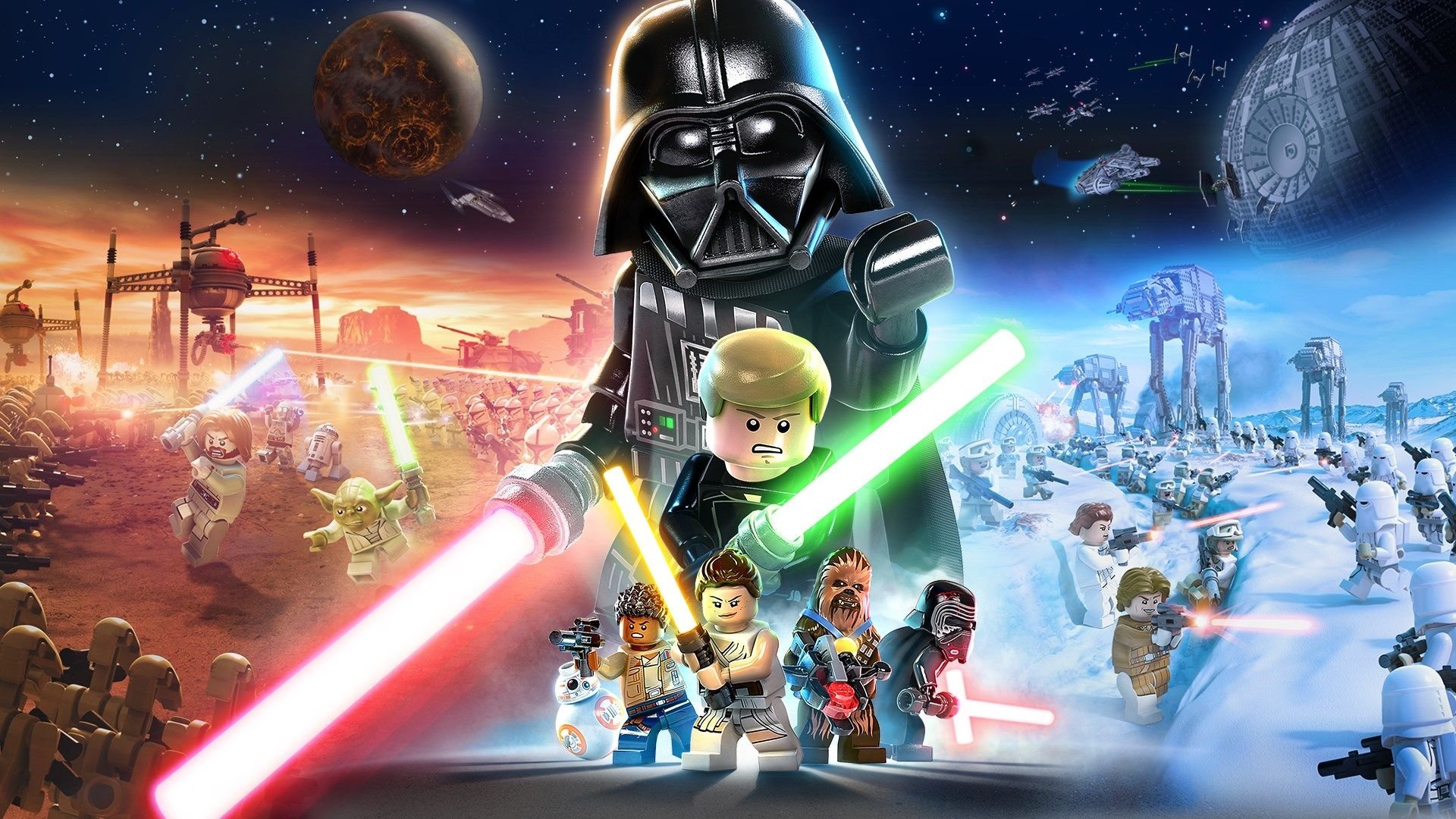
Navigate the galaxy with ease! This guide breaks down every button prompt for combat, vehicles, and general movement in Lego Star Wars: The Skywalker Saga.
Alright, let's get you up to speed on how to actually play Lego Star Wars: The Skywalker Saga. The controls have gotten a bit of an overhaul from previous LEGO games, but don't worry, it's pretty intuitive once you know what's what. You can tweak pretty much everything in the Controller Config Options menu, so feel free to make it feel just right for you.
We've broken down the controls into a few categories to make it easier to digest.
General Controls
These are your bread-and-butter actions for moving around and interacting with the world.
| PlayStation | Xbox | Switch | Control |
| Move Your Character | |||
| Move the Camera | |||
| Jump | |||
| Basic Attack | |||
| Interact Use Class Ability |
|||
| Enter or Exit Vehicle/Creature Hold down to use Mind Trick if a Force-User |
|||
| Sprint | |||
| Aim Ranged Weapon Defend and Focus (Lightsaber) |
|||
| Shoot Ranged Weapon Throw Lightsaber |
|||
| Center Camera Behind You (With Option) Focus Camera on Next Waypoint |
|||
| Change Character | |||
| Open Character Tab | |||
| Open Character Bar | |||
| Open Area Map | |||
| Open Pause Menu | |||
| Open Holoprojector |
Combat Controls
Things get a little more intense when blasters are firing and lightsabers are clashing!
| PlayStation | Xbox | Switch | Control |
| Jump Attack | |||
| Light Attack | |||
| Heavy Attack |
Vehicle Controls
Whether you're piloting an X-wing or riding a Tauntaun, these will get you around.
| PlayStation | Xbox | Switch | Control |
| Steer Vehicle | |||
| Move the Camera | |||
| Hold to Accelerate Double Tap and Hold for a Speed Boost |
|||
| Hold to Brake | |||
| Fire Main Weapon | |||
| Fire Proton Torpedo | |||
| Roll Craft Left/Right Press Both for a Somersault or U-Turn |
That covers the basics! Don't be afraid to experiment in the game's menus to find the control scheme that feels best for you. Happy gaming!
100% Human-Written. AI Fact-Checked. Community Verified. Learn how AntMag verifies content