Learn the essential controls and mechanics of Human: Fall Flat with our comprehensive guide. Master movement, interaction, and puzzle-solving to navigate the wobbly worlds.
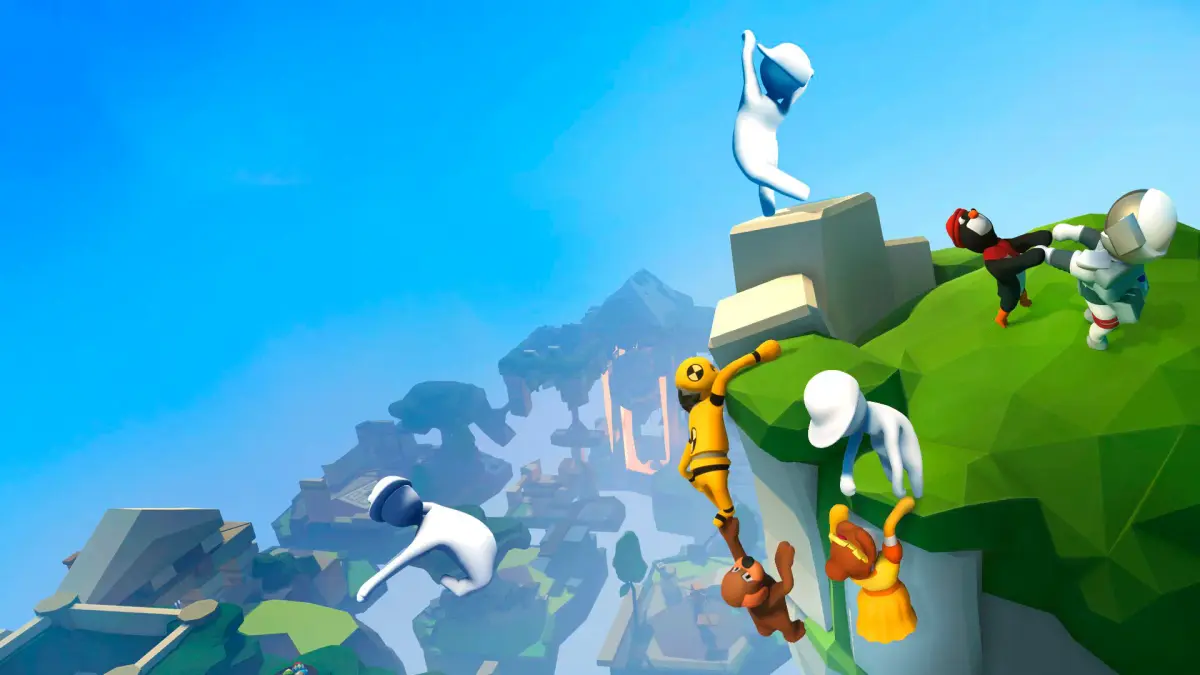
Human: Fall Flat is a physics-based puzzle-platformer where players control a wobbly human character. The core gameplay revolves around manipulating the environment and your character's limbs to solve puzzles and reach the exit of each level. Understanding the controls is key to mastering the game's unique challenges.
| Action | PC Controls | Controller Controls |
|---|---|---|
| Move | WASD | Left Analog Stick |
| Look Around | Mouse | Right Analog Stick |
| Jump | Spacebar | A Button (Xbox) / X Button (PlayStation) |
| Crouch | C | B Button (Xbox) / Circle Button (PlayStation) |
| Grab / Interact | Left Mouse Button | Right Trigger (Xbox) / R2 Button (PlayStation) |
| Throw / Release Grab | Left Mouse Button (while holding) | Right Trigger (Xbox) / R2 Button (PlayStation) (while holding) |
| Swing Arms | Move Mouse (while holding) | Left Analog Stick (while holding) |
| Melee Attack | Right Mouse Button | Left Trigger (Xbox) / L2 Button (PlayStation) |
| Pick Up / Drop Object | E | X Button (Xbox) / Square Button (PlayStation) |
| Toggle Walk/Run | Shift | Press Left Analog Stick |
| Pause Menu | Esc | Start Button / Options Button |
Advanced Controls & Mechanics:
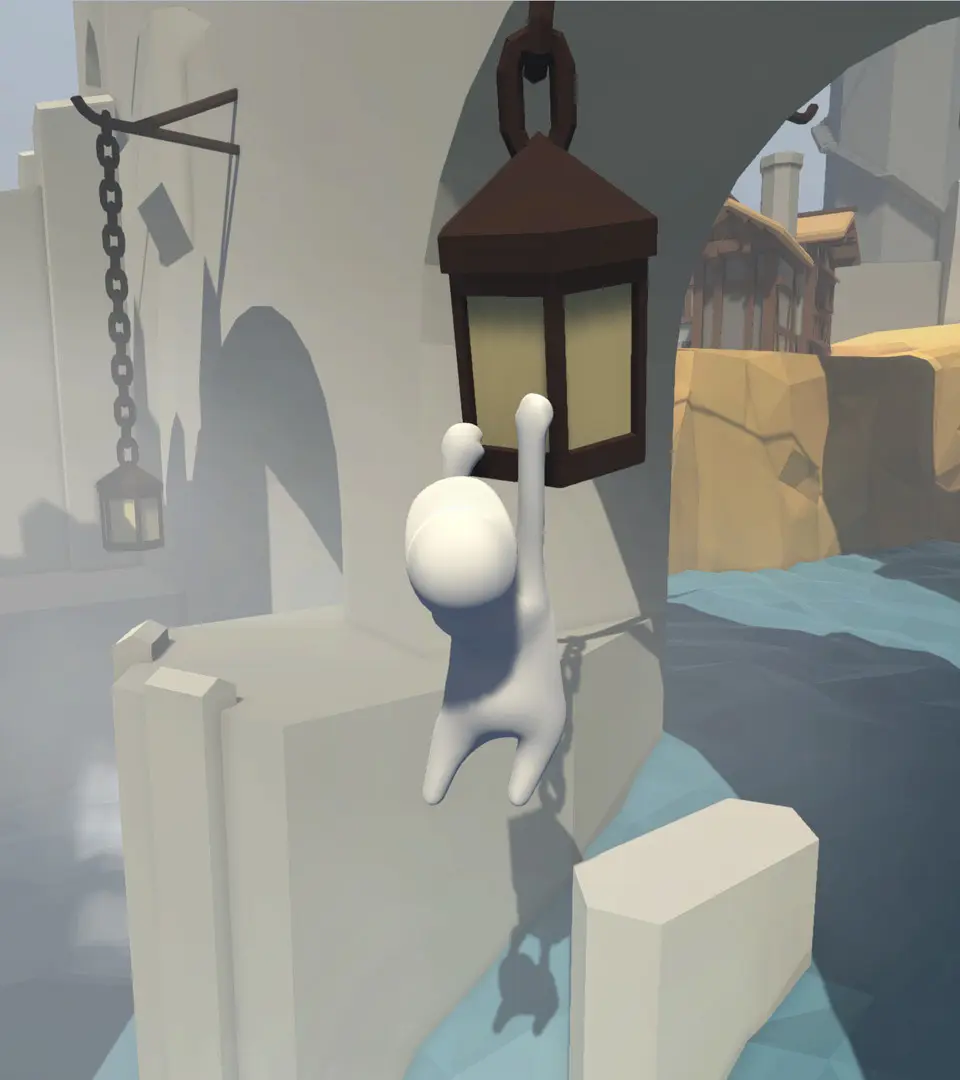
- Climbing: To climb, you'll need to repeatedly grab ledges or objects with your hands and pull yourself up.
- Pushing/Pulling: Interact with objects using your grab button and then use your movement keys or analog stick to push or pull them.
- Throwing: Grab an object, then press the grab button again (or release it depending on context) and flick your mouse or analog stick to throw.
- Teamwork (Multiplayer): In multiplayer, you can grab onto other players to help them cross gaps, reach higher places, or simply cause chaos.
100% Human-Written. AI Fact-Checked. Community Verified. Learn how AntMag verifies content