
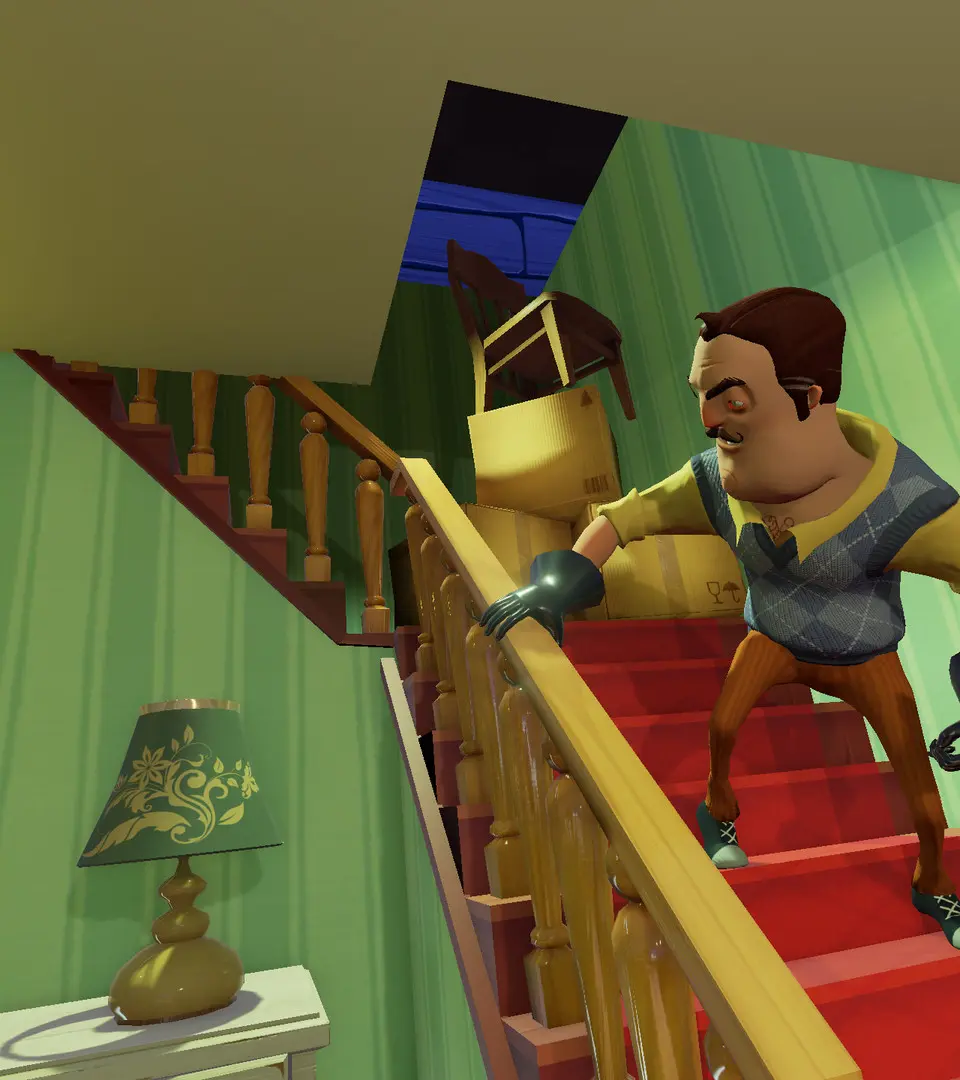
Learn the essential controls and actions in Hello Neighbor. This guide covers movement, interaction, and essential mechanics to help you navigate the game effectively.
This guide provides a comprehensive overview of the basic controls and actions required to play Hello Neighbor. Understanding these mechanics is crucial for progressing through the game and solving its puzzles.
| Action | Button |
|---|---|
| Move | WASD / Left Stick |
| Jump | Spacebar / A Button |
| Crouch | Ctrl / B Button |
| Interact | E / X Button |
| Pick Up / Drop Item | Left Mouse Button / Right Trigger |
| Use Item | Right Mouse Button / Left Trigger |
| Throw Item | Left Mouse Button (Hold) + Release / Right Trigger (Hold) + Release |
| Sprint | Shift / Left Stick (Press In) |
| Look Around | Mouse Movement / Right Stick |
| Pause Menu | Esc / Start Button |
100% Human-Written. AI Fact-Checked. Community Verified. Learn how AntMag verifies content