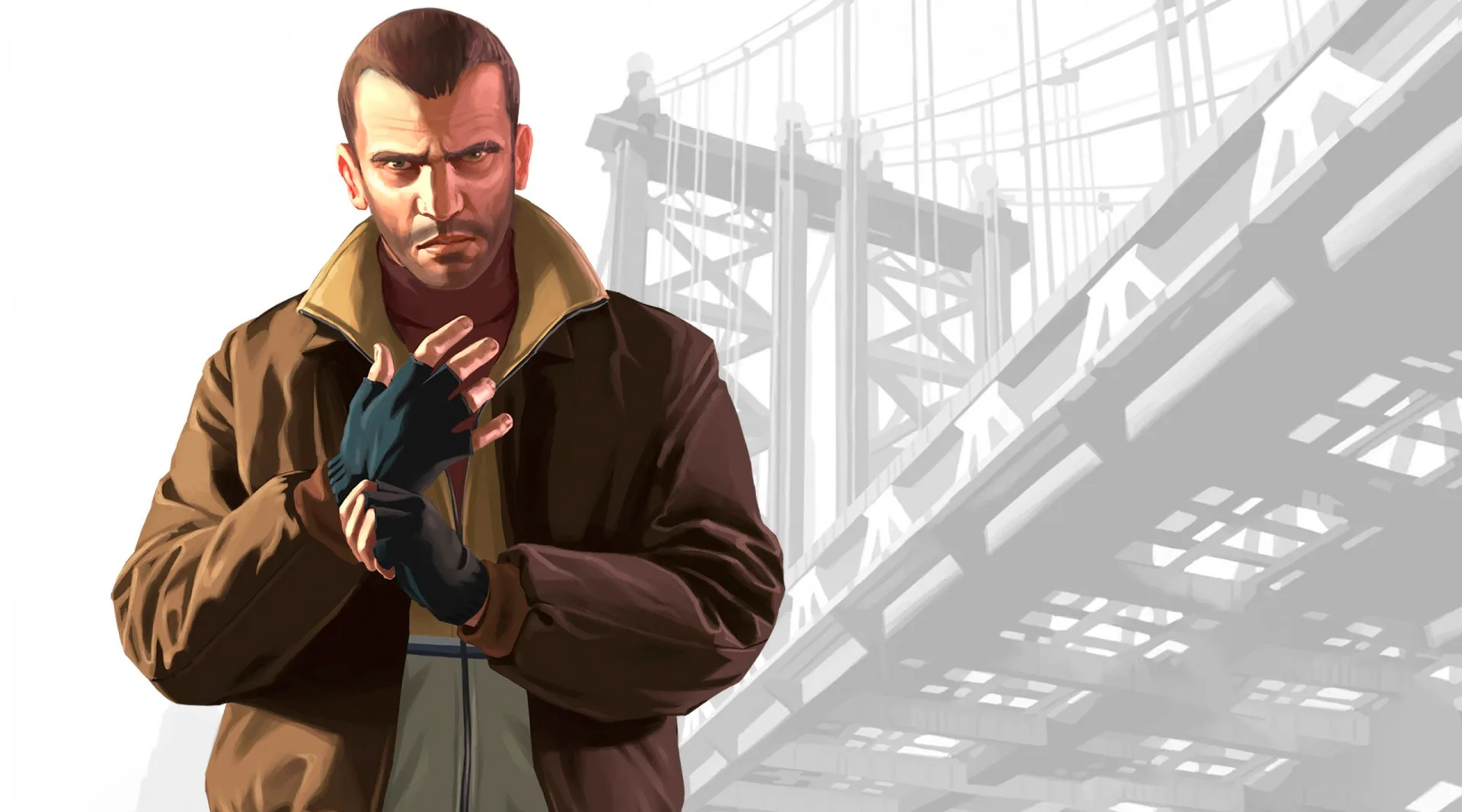
Explore the camera options in Grand Theft Auto IV. Learn how to adjust your view for optimal gameplay and immersion in Liberty City.
This guide covers the camera options available in Grand Theft Auto IV. While the game primarily focuses on action and driving, understanding how to manipulate your camera view can significantly enhance your experience.
Camera Controls:
| Action | Button/Control |
|---|---|
| Cycle Camera View | R3 (Right Analog Stick Click) |
| Look Around (while stationary) | Right Analog Stick |
| Adjust Camera Height (in some situations) | Up/Down on Right Analog Stick |
Camera Perspectives:
- Third-Person Chase Camera: The default view, offering a good balance between situational awareness and immersion.
- First-Person View (Limited): While not a full first-person mode, some vehicles and situations may offer a closer view that mimics a first-person perspective.
- Cinematic Camera: Activated during certain cutscenes or driving sequences, providing dynamic camera angles.
Tips for Camera Usage
- Experiment with cycling through camera views to find what works best for different situations, whether driving at high speed or engaging in combat.
- Utilize the right analog stick to look around and scout your surroundings, especially when approaching intersections or potential ambushes.
- Be aware that camera behavior can change dynamically during missions or specific gameplay events.
100% Human-Written. AI Fact-Checked. Community Verified. Learn how AntMag verifies content