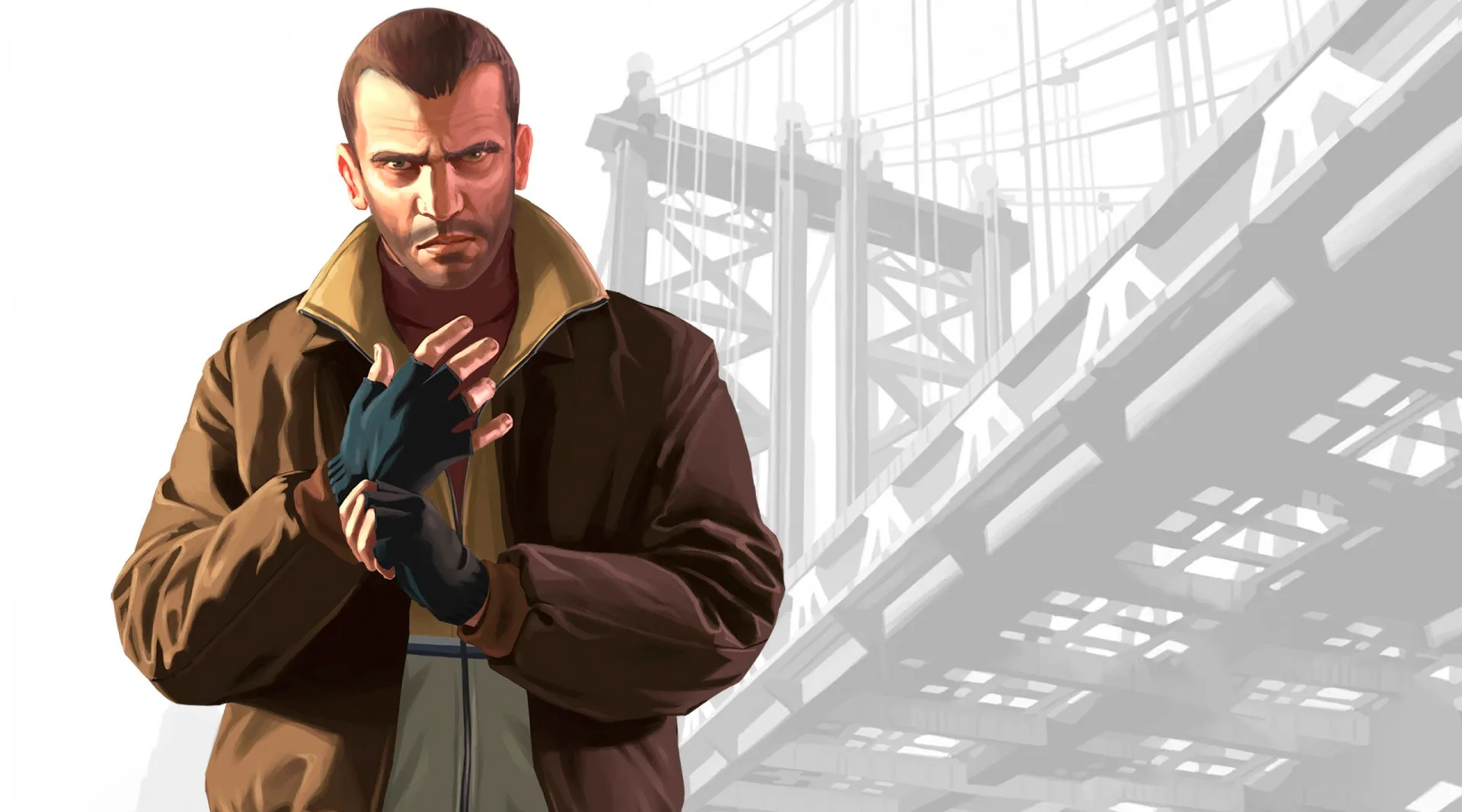
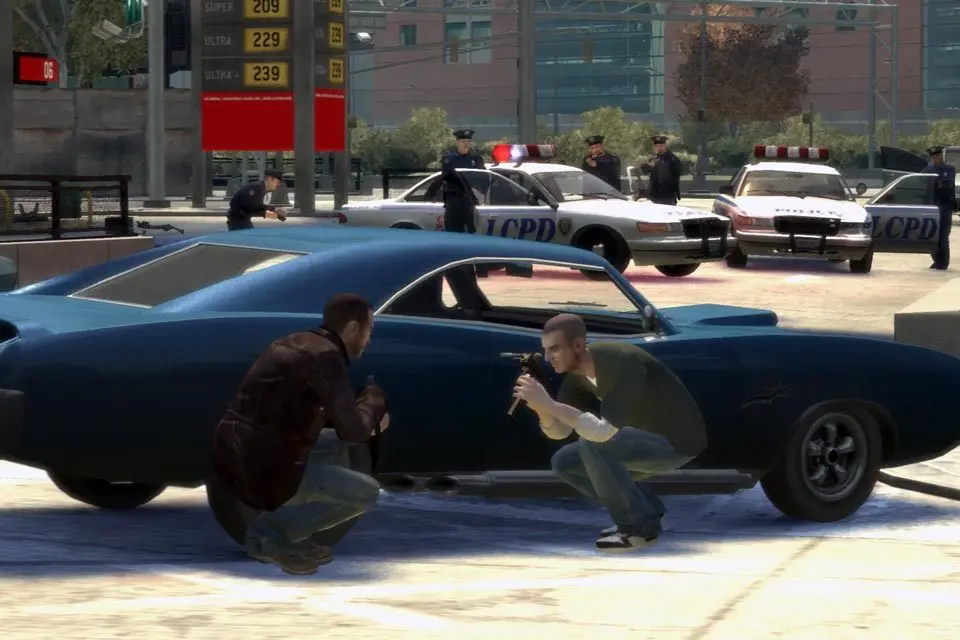
Get a grip on Grand Theft Auto IV! This guide breaks down foot, firing, vehicle, and helicopter controls, plus essential mechanics like wanted ratings and saving.
Alright, let's get you rolling with Grand Theft Auto IV. This section is all about getting comfortable with how you move around Liberty City, handle your business, and generally not crash into everything (unless you want to, of course). We'll cover everything from walking and shooting to driving and flying, plus some of the core game mechanics you'll need to know.
Think of this as your essential cheat sheet to the controls and basic systems. Once you've got this down, you'll be ready to tackle anything the city throws at you.
Foot Controls
When you're on foot, you've got a pretty standard set of controls. You'll use the movement keys (WASD on PC, or the left analog stick on a controller) to walk around. Holding down a sprint button (usually Left Shift on PC, or 'A'/'X' on a controller) will get you moving faster. You can also crouch using a dedicated button (Ctrl on PC, or 'B'/'Circle' on a controller), which is super useful for taking cover or sneaking around.
Firing/Fight Move Controls
When things get heated, you'll need to know how to handle yourself. Aiming is usually done by holding down the right mouse button (or 'LT'/'L2' on a controller). Once you're aimed up, a quick tap of the left mouse button (or 'RT'/'R2' on a controller) will fire your weapon. For melee combat, you can throw punches by tapping the fire button while close to an enemy. If you want to get a bit more aggressive, you can also use a dedicated 'fight move' button to perform special attacks or to shove people out of the way.
Vehicle Controls
Driving is a huge part of GTA IV, so getting these down is key. Accelerating is usually the 'W' key or 'RT'/'R2', while braking and reversing is 'S' or 'LT'/'L2'. Steering is handled by your movement keys or the left analog stick. You can also handbrake with a dedicated key (Spacebar on PC, or 'B'/'Circle' on a controller) for some stylish slides. Don't forget you can honk your horn, change radio stations, and even use your headlights!
Land Vehicle Controls
Inside cars, trucks, and bikes, you've got a few extra options. You can lean into turns on a motorcycle by using your movement keys or the analog stick. Some vehicles have special functions, like opening the trunk or even ramming with the front bumper. Keep an eye out for those little details!
Stunt Information
For the daredevils out there, GTA IV has some cool stunt mechanics. You can perform wallrides by driving up against a wall at speed. There's also the 'bump' for knocking things over, and the 'airgrab' which lets you grab onto certain objects while in the air. Mastering the 'two-wheeler' (wheelie) on bikes can also be a lot of fun and useful for certain situations.
Helicopter Controls
Flying helicopters is a bit different. You'll typically use your movement keys or analog sticks to control ascent, descent, and pitch. The mouse or triggers often handle yaw (turning left/right) and roll. It takes a little practice, but once you get the hang of it, you'll have an amazing view of the city.
Wanted Ratings, Weapons, Health, and Armor
Understanding how the cops react to your actions is crucial. The 'Wanted Circle' on your radar shows how much attention you've attracted. The more stars, the more police will come after you. Getting rid of a wanted rating usually involves breaking line of sight and hiding out for a bit, or heading to a Pay 'n' Spray. You'll also need to manage your health and armor. Health depletes when you take damage, and armor acts as a buffer, absorbing some of the hits before your health is affected. Grabbing health packs and body armor pickups will keep you in the fight.
Saving Games
Saving your progress is simple but important. You can save your game by going to Niko's apartment and interacting with the bed. It's a good idea to save frequently, especially after completing a tough mission or reaching a new milestone. Making copies of your save file is also a smart move, just in case something goes wrong.
That covers the basics! Don't be afraid to experiment with the controls in a safe area to get a feel for them. The more you practice, the more natural it will become.
100% Human-Written. AI Fact-Checked. Community Verified. Learn how AntMag verifies content