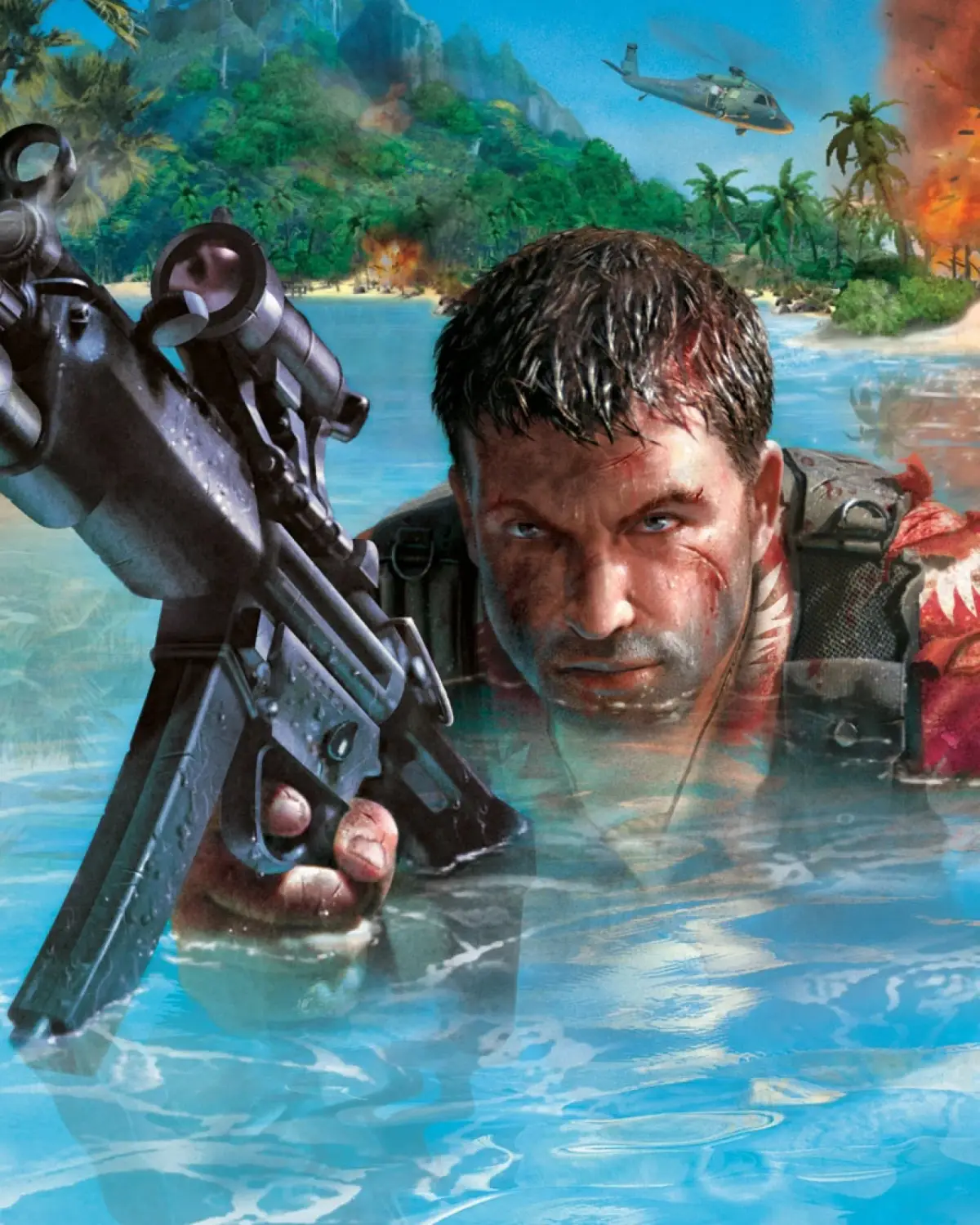
Learn all Far Cry controls, including button mappings for PC and Wii, weapon switching, movement, special abilities like Feral Vision, and more.
This guide details the control scheme for Far Cry, covering both PC and Wii (with Nunchuk) inputs for various actions, movement, and combat.
| Action | PC / Wii Remote |
|---|---|
| Lock camera / Activate predator mode | A |
| Fire (right hand) | B |
| Reload / Interact (hold) | C |
| Fire (left hand) / Throw object | Z |
| Use Binocular / Tear up turrets (hold) | 1 |
| Objective list | 2 |
| Feral vision | - |
| Pause menu | + |
| Wii Home Menu | Home |
| Move / Drive | Analog Stick |
| Switch throwing weapon | D-pad Up |
| Switch weapon | D-pad Right |
| Stand / Crouch / Prone | D-pad Down |
| Dual Wield On/Off | D-pad Left |
| Use Machete / Feral Claw | Swipe remote left or right |
| Jump / Raise up / Use vehicle gun | Lift up on Nunchuk |
| Zoom | Thrust remote forward (thrust backward to zoom out) |
| Throw Grenade | Hold Z, move Nunchuk backward, swing forward, release Z |
| Feral Heal | Swipe Nunchuk left, then quickly right |
100% Human-Written. AI Fact-Checked. Community Verified. Learn how AntMag verifies content