
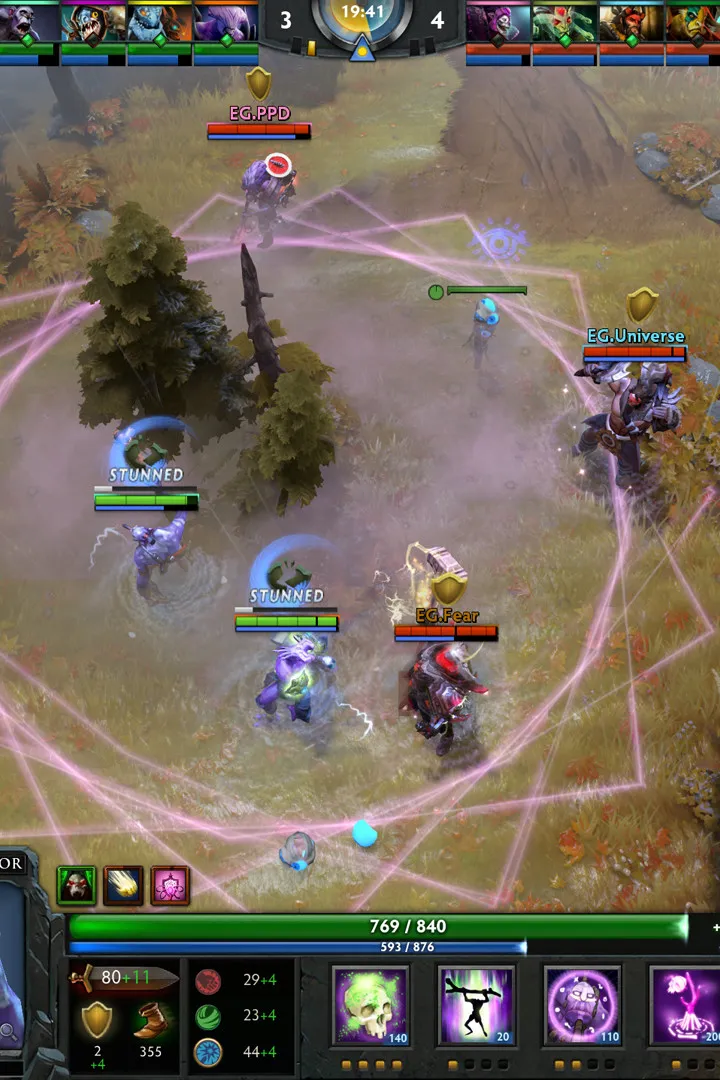
Learn how to create a Dota 2 account and install the game with our step-by-step guide. Get ready to join the battle on the Dota 2 map!
This guide will walk you through the process of setting up your account and installing Dota 2. Follow these steps to get started on your Dota 2 journey.
Account Setup:
- Visit the official Dota 2 website or Steam platform.
- Navigate to the account creation or sign-up section.
- Follow the on-screen prompts to create your unique Dota 2 account. This may involve providing an email address, choosing a username, and setting a password.
- Verify your account if required by the platform.
Game Installation:
- Once your account is set up, locate the Dota 2 game page on Steam.
- Click the 'Play Game' or 'Install' button.
- Choose your preferred installation directory and confirm the installation.
- Wait for the download and installation process to complete.
- Launch Dota 2 from your Steam library to begin playing.
Tips
- Ensure you have a stable internet connection for a smooth download.
- Check the system requirements to ensure your PC can run Dota 2 effectively.
- Familiarize yourself with the Steam client if you are new to the platform.
100% Human-Written. AI Fact-Checked. Community Verified. Learn how AntMag verifies content