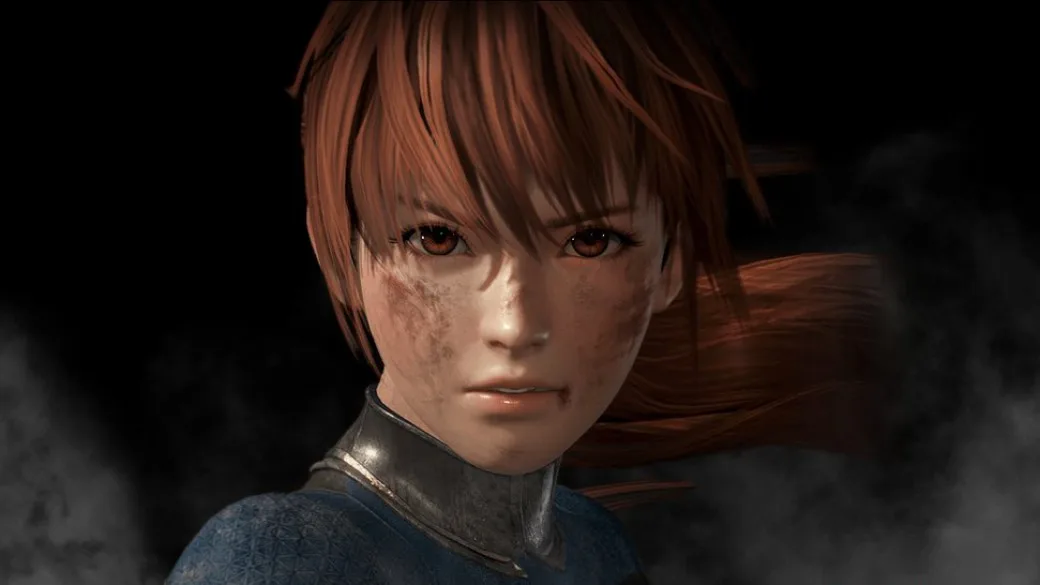
Customize your Dead or Alive 6 experience by adjusting camera types, graphical effects, fight screen displays, and content filters in the game settings.
Within the game settings menu of Dead or Alive 6, you can modify several aspects of your game experience. These include:
- Changing the camera type between the new "action" camera and the "classic" camera.
- Toggling the hit graphical effect on or off.
- Toggling the dirt effect on or off.
- Toggling the sweat and water effect on or off.
- Modifying what the fight screen displays.
- Filtering out specific content you do not want to be included when using the "random" option for selecting stages or fighters.
Tips
- Experiment with the different camera types to find the view that best suits your playstyle.
- Consider turning off certain graphical effects if you are experiencing performance issues or prefer a cleaner visual presentation.
- Utilize the content filter to curate your random stage and fighter selections, ensuring a more personalized experience.
100% Human-Written. AI Fact-Checked. Community Verified. Learn how AntMag verifies content