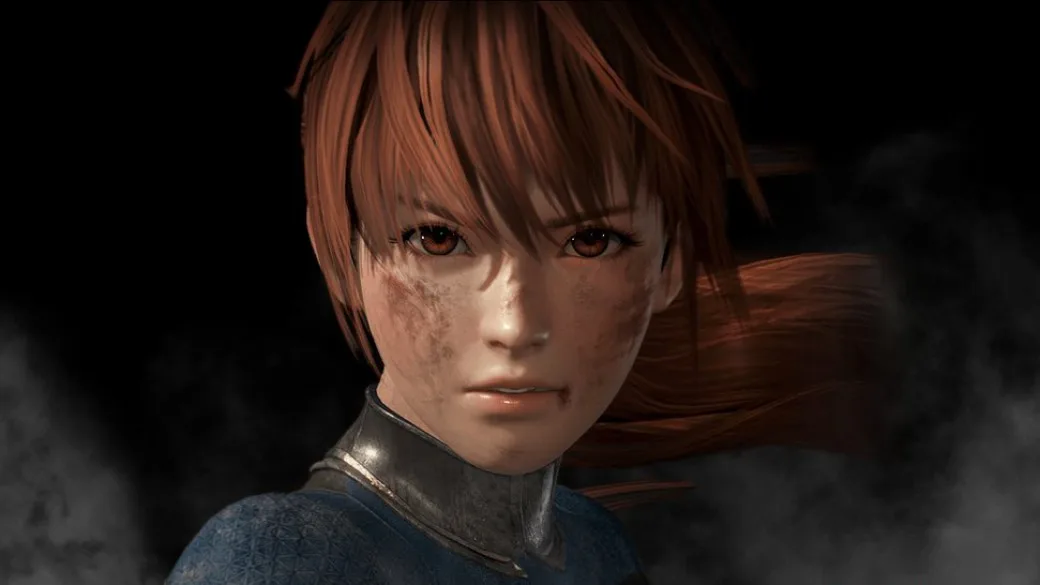
Learn how Dead or Alive 6 registers your button presses for combos. Discover the secret to chaining moves without gaps and keeping your opponent locked down!
Hey there! So, you're diving into Dead or Alive 6 and want to nail those flashy combos? There's a little secret about how the game actually reads your button presses that can really change how you approach offense. It’s not quite what you might expect if you're new to fighting games!
You know how when you’re trying to string together a few punches, like hitting P, P, P? A lot of beginners think they have to wait for the first punch animation to finish completely before they can even think about pressing the next button. But guess what? That's not how it works in Dead or Alive 6!
Here’s the cool part: the game is actually smart enough to register your button presses *while* your character is still in the middle of throwing that first punch. So, if you mash out “PPP” as fast as you can, even if your character is still mid-swing on the first punch, the game has already queued up the second and third punches to come out right after. Pretty neat, huh?
So, how does this help you? It's all about chaining those combos together seamlessly! When you're trying to pull off a combo or any move that needs multiple button presses in quick succession, the key is to input them as fast as you can, *while* the animations for the previous moves are still playing out. If you do this, your inputs will flow into each other, creating true combos and, crucially, avoiding those tiny gaps where your opponent might be able to block or even escape your pressure.
Sure, you *could* wait for each punch animation to fully finish before hitting the next button, but honestly, your human hands can’t possibly react faster than your console is already processing your inputs. By hitting those buttons before the animations are done, you’re telling the game exactly what you want to do, and it’s going to execute it.
So, the takeaway here is simple: to make sure your combos are true and leave no openings for your opponent to slip through, get those button presses in *before* the current animation is fully finished. It’s all about timing your inputs to flow with the action on screen, not waiting for it to stop!
100% Human-Written. AI Fact-Checked. Community Verified. Learn how AntMag verifies content