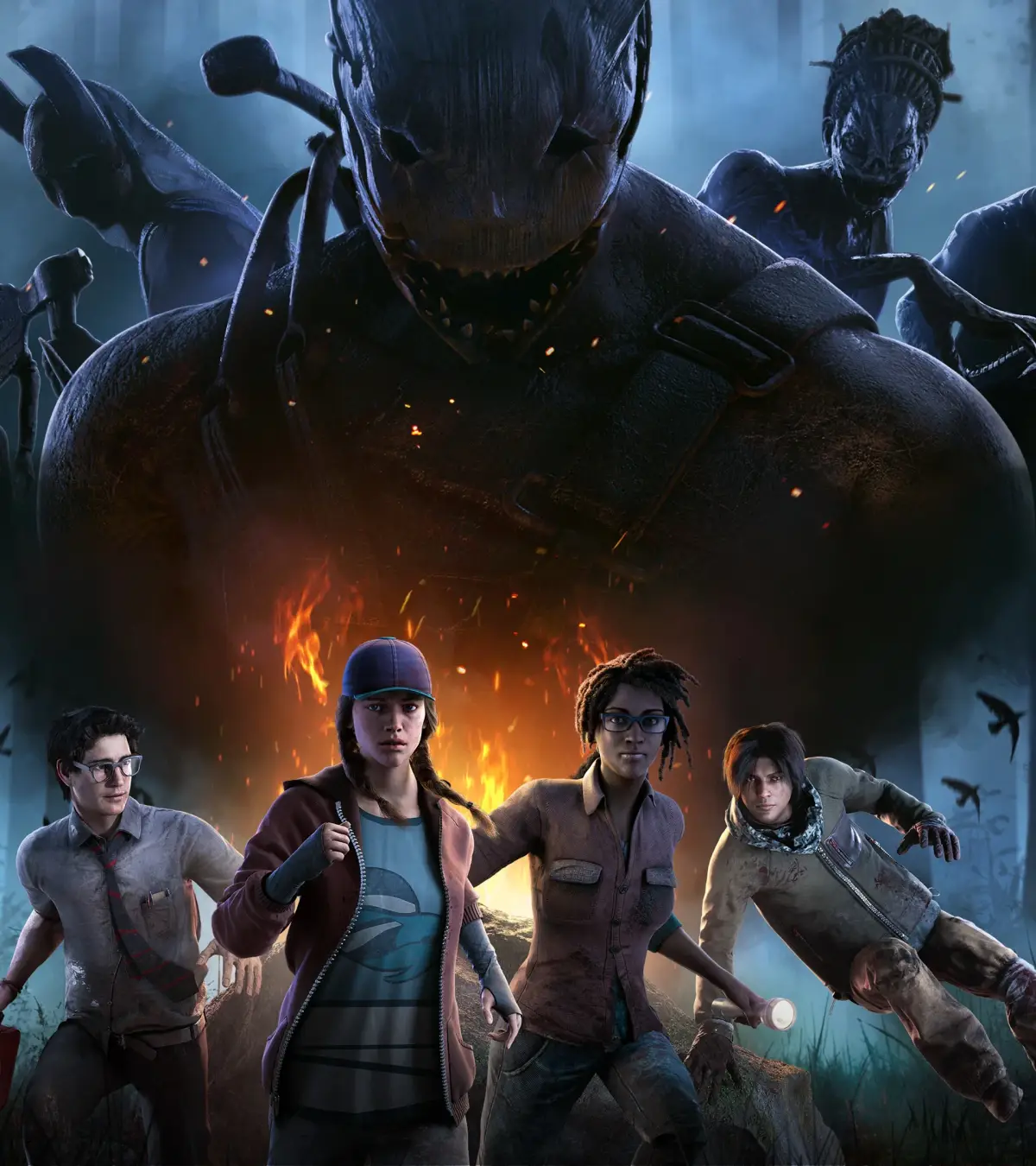
Troubleshoot Dead by Daylight technical issues: connection errors, lag, low FPS, and graphical glitches. Get back to playing smoothly.
Like any complex online game, Dead by Daylight can sometimes be plagued by technical issues that disrupt the gameplay experience. From connection problems to graphical glitches, these issues can be frustrating. This guide will help you identify and troubleshoot some of the most common technical problems you might encounter.
Ensuring a smooth gameplay experience often comes down to understanding your system, your internet connection, and the game's own requirements. By addressing these common issues proactively, you can minimize downtime and get back to surviving (or hunting) as quickly as possible. We'll cover solutions for connectivity, performance, and in-game glitches.
Connection and Server Issues
These are some of the most frequent problems, often related to your internet connection or the game's servers.
- "Cannot Connect to Online Services": This error typically indicates a problem with your internet connection or the Dead by Daylight servers.
- Troubleshooting:
- Restart your router and modem.
- Check the official Dead by Daylight server status (often found on their social media or forums).
- Ensure your firewall isn't blocking the game.
- Try connecting via an Ethernet cable instead of Wi-Fi for a more stable connection.
- Verify the integrity of game files through your game launcher (Steam, Epic Games Store).
- Troubleshooting:
- Close unnecessary background applications that consume bandwidth.
- Ensure no one else on your network is heavily using the internet (streaming, downloading).
- Consider upgrading your internet plan if consistently experiencing high ping.
- Select the correct region in the game's settings if applicable.
- Troubleshooting:
- Ensure your game is updated to the latest version.
- Restart the game and your platform.
- Try switching between survivor and killer to see if one role has better matchmaking.
Performance and Graphics Issues
These problems relate to how smoothly the game runs on your hardware.
- Low Frame Rate (FPS): The game feels choppy and unresponsive.
- Troubleshooting:
- Lower your in-game graphics settings (resolution, texture quality, shadows).
- Ensure your graphics drivers are up to date.
- Close unnecessary background applications.
- Check if your PC meets the minimum system requirements for Dead by Daylight.
- Consider using performance optimization tips (see section 15).
- Troubleshooting:
- Update your graphics drivers.
- Verify game file integrity.
- Disable any overclocking on your CPU or GPU.
- Try running the game in windowed mode or borderless windowed mode.
In-Game Glitches and Bugs
These are issues that occur within the game itself.
- Perk or Item Malfunctions: A perk not working as intended or an item disappearing.
- Troubleshooting:
- Restart the game. This often resolves temporary glitches.
- Report the bug to the Dead by Daylight developers through their official channels.
- Check online forums or communities to see if other players are experiencing the same issue.
- Troubleshooting:
- Try to wiggle free by moving your character in different directions.
- If stuck, sometimes disconnecting and reconnecting (if possible) can help, though this is rare.
- Report the specific location of the bug to the developers.
Remember to always keep your game and drivers updated, and when in doubt, consult the official Dead by Daylight support resources or community forums. A stable connection and optimized system are your first lines of defense against technical woes.
100% Human-Written. AI Fact-Checked. Community Verified. Learn how AntMag verifies content