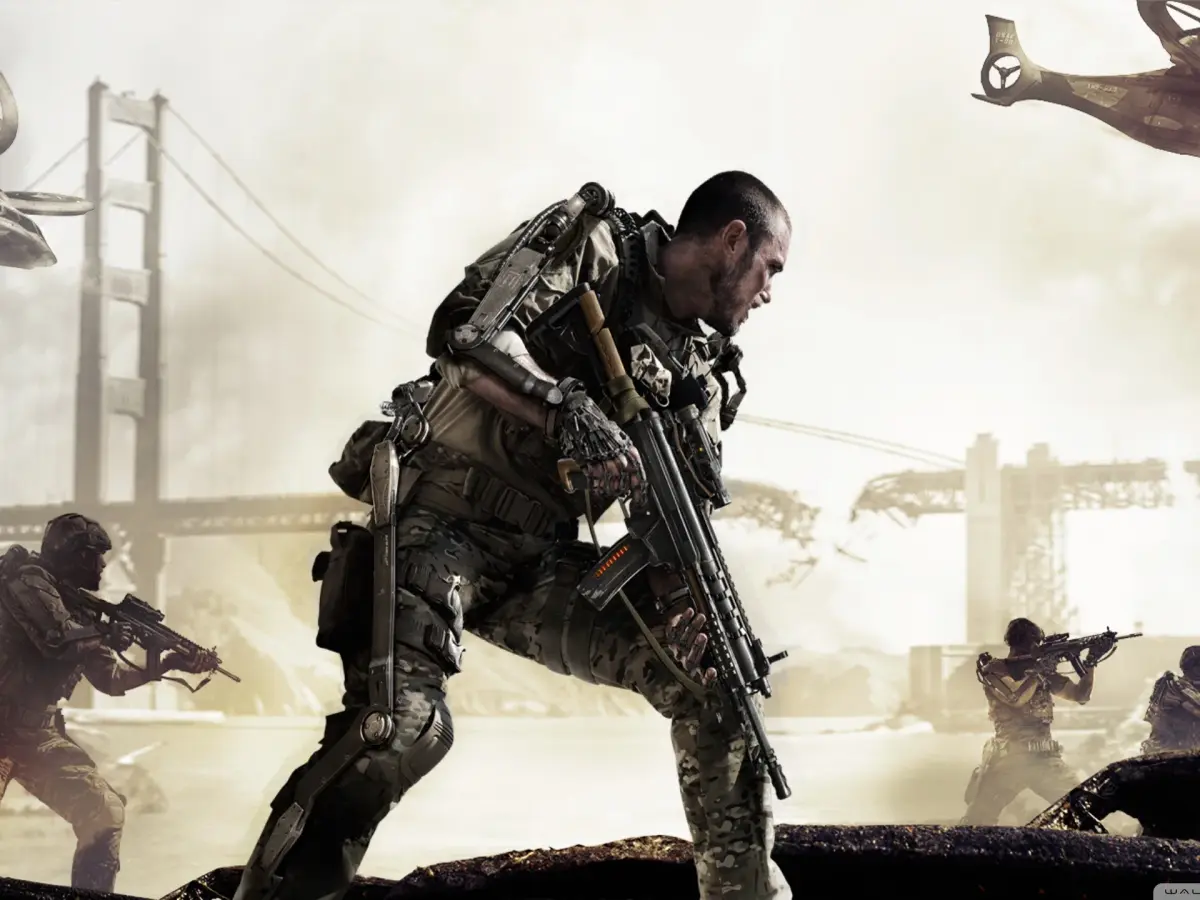
Learn the default button layout for Call of Duty: Advanced Warfare movement, including walk, strafe, lean, crouch, and jump.
Movement Controls:
- Walk Forward: W
- Walk Backwards: S
- Strafe Left: A
- Strafe Right: D
- Lean Left: Q
- Lean Right: E
- Go to Crouch: C
- Go to Prone: CTRL
- Jump: SPACE
Unbound Controls:
- Jump/Stance Up: Unbound
- Stance Down: Unbound
- Stance Up: Unbound
- Toggle Crouch: Unbound
- Toggle Prone: Unbound
- Crouch: Unbound
- Turn Left: Unbound
- Turn Right: Unbound
- Strafe: Unbound
Tips
- Familiarize yourself with the movement keys to navigate the battlefield effectively.
- The Lean Left (Q) and Lean Right (E) functions allow you to peek around corners without exposing your entire body.
- Using Crouch (C) and Prone (CTRL) can help you avoid enemy fire and set up ambushes.
100% Human-Written. AI Fact-Checked. Community Verified. Learn how AntMag verifies content