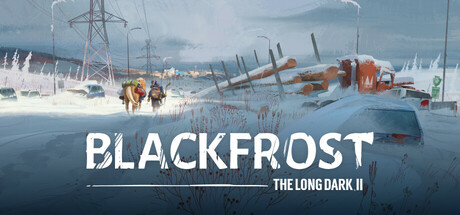
Learn how to adjust custom difficulty settings in Blackfrost: The Long Dark II to tailor your survival experience. Explore options for resource scarcity, predator aggression, and more.
Blackfrost: The Long Dark II offers a robust Custom Difficulty system, allowing players to fine-tune their survival experience. This guide explains the various settings available and how they impact gameplay.
Difficulty Settings Explained:
- Resource Scarcity: Controls the abundance of loot, food, and supplies. Lower settings mean scarcer resources, increasing the challenge.
- Predator Aggression: Determines how frequently and aggressively wildlife, particularly wolves and bears, will hunt the player.
- Weather Severity: Affects the frequency and intensity of blizzards, cold snaps, and other environmental hazards.
- Infection Risk: Modifies the chance of contracting infections from wounds or contaminated sources.
- Day/Night Cycle: Adjusts the length of daylight and darkness, impacting visibility and temperature fluctuations.
- Tool Durability: Influences how quickly tools and weapons degrade with use.
- Starting Conditions: Allows players to choose their initial gear, location, and even potential starting afflictions.
By adjusting these parameters, players can create a personalized challenge, from a more forgiving experience to an unforgiving, hyper-realistic survival simulation.
100% Human-Written. AI Fact-Checked. Community Verified. Learn how AntMag verifies content