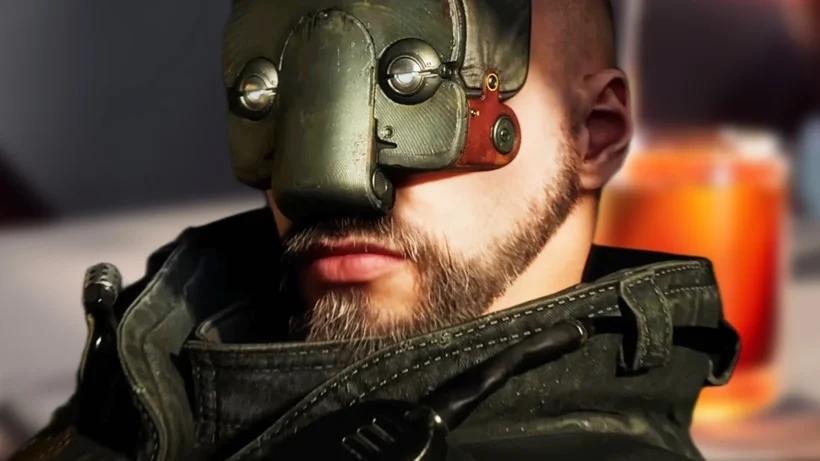
Install Atomic Heart 2 on your PlayStation 5 or Xbox Series S/X with this quick guide. Begin your Soviet adventure in Facility 3826 with simple setup steps.
Getting Atomic Heart 2 installed on your PlayStation 5 or Xbox Series S/X is a straightforward process, allowing you to quickly dive into the world of Facility 3826. Follow these steps to begin your adventure.
PlayStation 5 Installation Guide
- Power On Your Console: Ensure your PS5 is connected to your TV and powered on.
- Insert the Game Disc (if applicable): If you purchased a physical copy, insert the game disc into the Blu-ray drive. The console will typically recognize the game and prompt you to begin installation.
- Digital Download: If you purchased Atomic Heart 2 digitally from the PlayStation Store, navigate to your game library. The game should appear there, ready for download. Select it and choose 'Download'.
- Initiate Installation: Whether from disc or digital download, the installation process will begin automatically. You'll see a progress bar indicating the download and installation status.
- Update Required: Upon initial installation, the game will likely require a day-one patch or subsequent updates. Ensure your console is connected to the internet to download these. The console will usually prompt you to install them.
- Launch the Game: Once the installation and all updates are complete, the game icon will appear on your PS5's home screen. Select it to launch Atomic Heart 2 and begin your journey.
Xbox Series S/X Installation Guide
- Power On Your Console: Ensure your Xbox Series S or Series X is connected to your TV and powered on.
- Insert the Game Disc (if applicable): For physical copies, insert the game disc into the disc drive. Your Xbox will detect the disc and prompt you to install the game.
- Digital Download: If you purchased Atomic Heart 2 digitally from the Microsoft Store, navigate to 'My games & apps'. The game should be listed under 'Full library' or 'Ready to install'. Select it and choose 'Install'.
- Begin Installation: The installation process will commence. You can monitor the progress through the 'Queue' section of your console's dashboard.
- Update Required: Similar to the PS5, expect updates to be necessary. Connect your Xbox to the internet to download any available patches.
- Launch the Game: After installation and updates are finished, find Atomic Heart 2 on your dashboard and select it to start playing.
Important Notes for Both Consoles:
- Storage Space: Ensure you have sufficient free space on your console's internal storage or an approved external drive. Atomic Heart 2 will likely require a significant amount of space, similar to its predecessor.
- Internet Connection: A stable internet connection is essential for digital downloads and game updates.
- Time: Installation times can vary depending on your internet speed and the size of the game and its updates.
100% Human-Written. AI Fact-Checked. Community Verified. Learn how AntMag verifies content