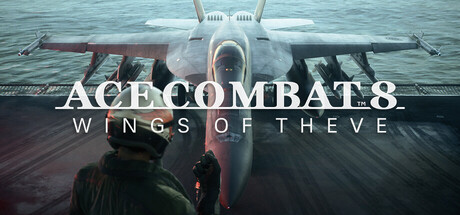
Dive into Ace Combat 8: Wings of Theve's advanced settings and optimization options. Learn how to tweak your game for the best performance and visual experience with expert tips.
Hey there! So you've been playing Ace Combat 8: Wings of Theve and you're ready to take things to the next level, huh? That's awesome! While the game is fantastic right out of the box, there are definitely some advanced settings and optimization tweaks you can make to really fine-tune your experience. Think of it like tuning up your favorite fighter jet – a few adjustments can make a world of difference in performance and how smooth everything looks.
This section is all about digging into those nitty-gritty options that can seriously impact your gameplay. We'll cover everything from graphical settings that can boost your frame rates without sacrificing too much visual flair, to control customizations that might just give you that edge in a dogfight. We'll also touch on some general advice that seasoned pilots swear by. It's not about making the game harder, but about making it work *for you*.
So, grab your flight stick, settle in, and let's get your Ace Combat 8: Wings of Theve set up to perform at its absolute best. You'll be pulling off maneuvers you never thought possible before you know it!
100% Human-Written. AI Fact-Checked. Community Verified. Learn how AntMag verifies content