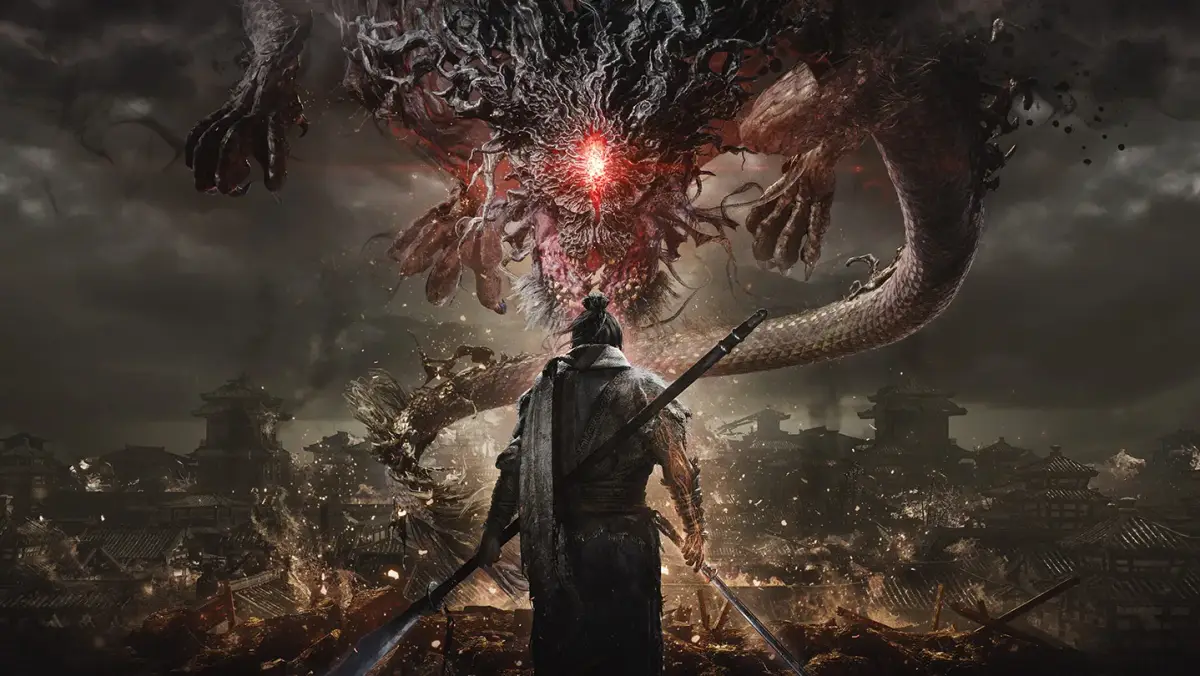
Discover the two ways to change your character's appearance in Wo Long: Fallen Dynasty. Tweak armor/weapon visuals and alter facial features after progressing through the story.
Hey there! So you're looking to switch up your warrior's look in Wo Long: Fallen Dynasty? Don't worry, it's pretty straightforward once you know how. There are actually two main ways you can go about this, and one is available right from the start.
The first method is all about your gear – specifically, whether you want to show off your awesome armor and weapons or hide them. This is super handy if you've found a piece of gear with great stats but a less-than-stellar appearance. To access these options, just open your main menu, head over to the Settings tab, and then select Game Settings. Here, you'll find toggles for your helmet and even options for your melee and ranged weapons. It's a great way to keep your character looking sharp without sacrificing those crucial stat boosts!
Now, for the second, more significant way to change your character's appearance – we're talking about your actual facial features and overall look. This one requires a bit of story progression. You won't be able to access it until you've defeated the boss Aoye in Part 3 of the game. After that major milestone, a new NPC named Zou Chi will appear and head to the Hidden Village. Make your way there and find him. When you interact with Zou Chi, you'll see the Change Appearance option. Selecting this will bring you back to the full character creation screen, just like when you first started the game. The best part? It's completely free, so you can change your look as often as you like without any cost!
100% Human-Written. AI Fact-Checked. Community Verified. Learn how AntMag verifies content