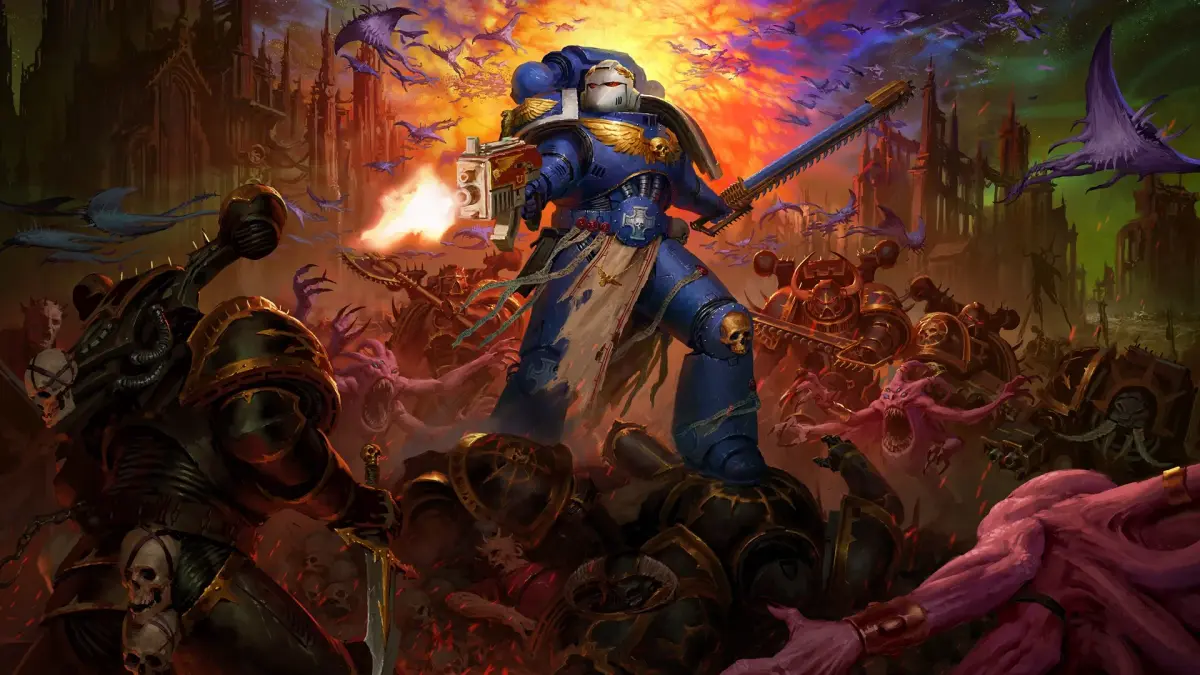
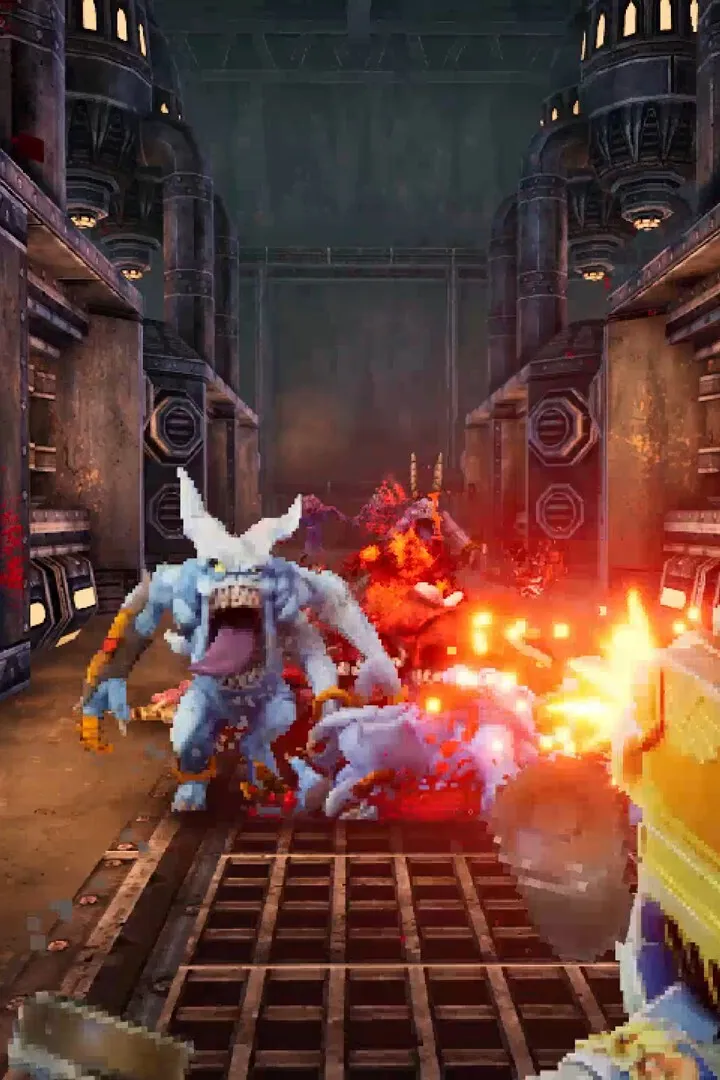
Get Warhammer 40,000: Boltgun 2 up and running! This guide walks you through the installation and setup process, ensuring you're ready to unleash holy fury on the enemies of mankind.
Hey there! Ready to dive into the grim darkness of the 41st Millennium with Warhammer 40,000: Boltgun 2? Awesome! First things first, let's get you set up so you can start blasting heretics. This guide will walk you through the installation and initial setup, making sure you're ready to go in no time.
Here's a more detailed breakdown:
- Acquire the Game: Head over to your preferred digital storefront (Steam, Epic Games Store, PlayStation Store, Xbox Store, etc.) and purchase Warhammer 40,000: Boltgun 2. Make sure you have a valid payment method linked.
- Download and Install: Once purchased, initiate the download and installation process through the storefront. This might take a while depending on your internet speed and the game's file size. Ensure you have enough free space on your hard drive!
- System Requirements Check (Just in Case!): While Boltgun 2 is pretty optimized, it's always a good idea to quickly check the minimum and recommended system requirements on the store page. This way, you can be sure your PC is up to the task.
- Launch the Game: After installation is complete, you'll see a 'Play' or 'Launch' button appear in your storefront. Click it to start the game!
- Initial Setup: The first time you launch, you might be prompted to set up some graphics settings, adjust audio levels, or configure your controls. Take a moment to dial these in to your preference.
Quick Tips:
- Keep Drivers Updated: Make sure your graphics card drivers are up to date. This can prevent a lot of weird graphical glitches and performance issues.
- Verify Game Files: If you ever encounter problems, most storefronts have an option to 'Verify Integrity of Game Files'. This checks for any corrupted or missing files and redownloads them.
- Check the Options Menu: Don't forget to explore the in-game options menu. You can usually tweak things like Field of View (FOV), mouse sensitivity, and keybindings to make your experience smoother.
And that's it! You should now be ready to jump into the action. For the Emperor!
100% Human-Written. AI Fact-Checked. Community Verified. Learn how AntMag verifies content