
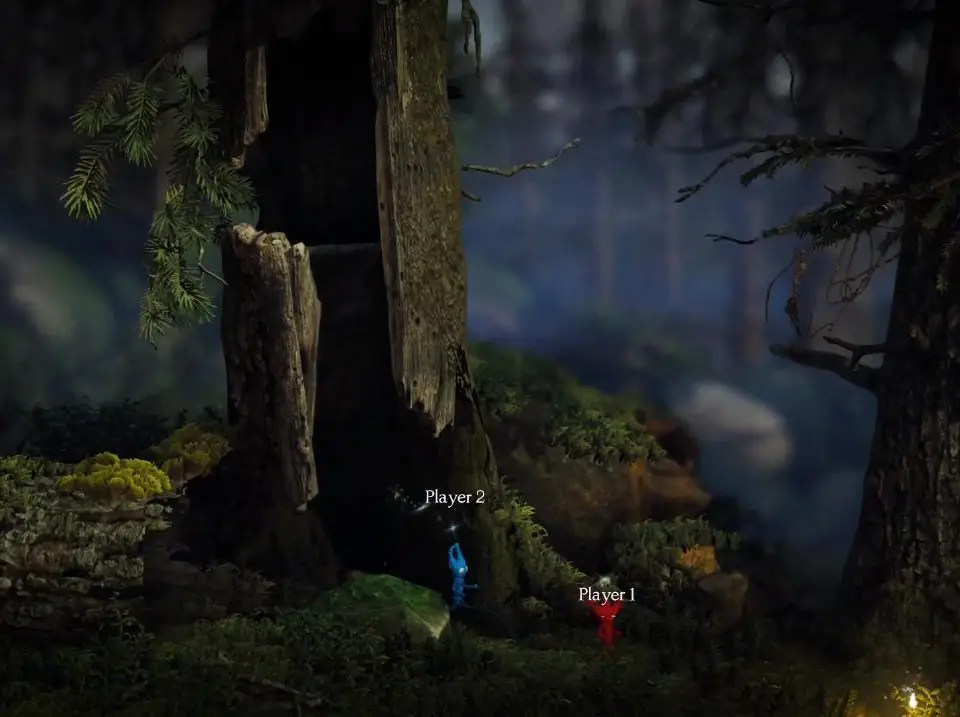
Learn how to customize your Yarny in Unravel Two, including accessing the appearance menu and unlocking the 'New Threads' achievement. A quick guide for players.
Unravel Two allows players to customize their Yarnys. This guide explains how to access the appearance menu and unlock the 'New Threads' achievement.
How to Customize:
- Pause the game.
- Open the appearance menu.
- Filter through the different customization options for your Yarny.
- Exit the menu and return to the game.
By customizing your character, you will unlock the New Threads achievement.
100% Human-Written. AI Fact-Checked. Community Verified. Learn how AntMag verifies content