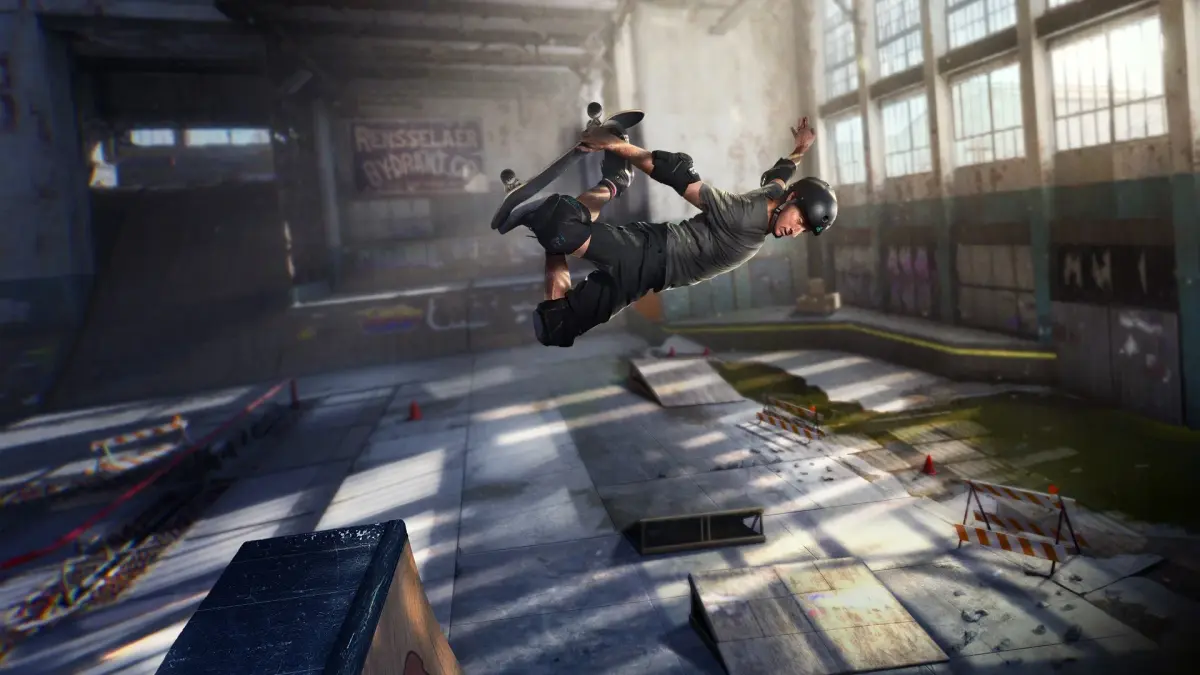
Learn the ins and outs of Tony Hawk's Pro Skater 1 + 2 controls with this comprehensive guide. Master every button and trick to dominate the skate parks!
Hey there! So you've picked up Tony Hawk's Pro Skater 1 + 2, awesome choice! This guide is here to help you get a handle on the controls, which are super important for pulling off those sick tricks and nailing those goals. We'll break down exactly what each button does, so you can stop fumbling and start shredding.
Think of this as your cheat sheet for the PlayStation controller. We've got all the default button mappings right here, pulled straight from the game's manual. You'll want to get familiar with these so you can react instinctively when you're trying to land a big combo or grab that secret tape.
Controls Breakdown:
- Directional Buttons Left/Right: These are your bread and butter for moving around the park and, crucially, for balancing yourself when you're grinding on a rail.
- Directional Button Up: Use this to lean forward, which is handy for getting out of pools or off half-pipe lips.
- Directional Button Down: This acts as your brake, or you can use it to lean back, which can help with air control.
- X Button: Your main jump button! This is what you'll press to ollie into the air.
- Square Button: This is for your flip tricks. Combine it with directional inputs to pull off different spins and flips.
- Circle Button: Time to grab! This button initiates grab tricks, where you'll grab your board in various stylish ways.
- Triangle Button: This is your grind and slide button. Hit it when you're near a rail or ledge to lock on and slide.
- R1 Button: While in the air, this lets you turn right.
- R2 Button: Want to do a quick 180-degree turn in the air? This is your button.
- L1 Button: Similar to R1, but for turning left in the air.
- L2 Button: And this is for your 180-degree turns to the left while airborne.
- Start Button: This pauses the game and brings up the options menu, where you can adjust settings or restart your run.
- Select Button: This button controls your camera view, letting you get the best angle on your tricks or the environment.
Mastering these controls is the first step to becoming a pro skater. Don't worry if it takes a little practice; even the best skaters started somewhere. Keep at it, and you'll be pulling off insane combos in no time!
100% Human-Written. AI Fact-Checked. Community Verified. Learn how AntMag verifies content