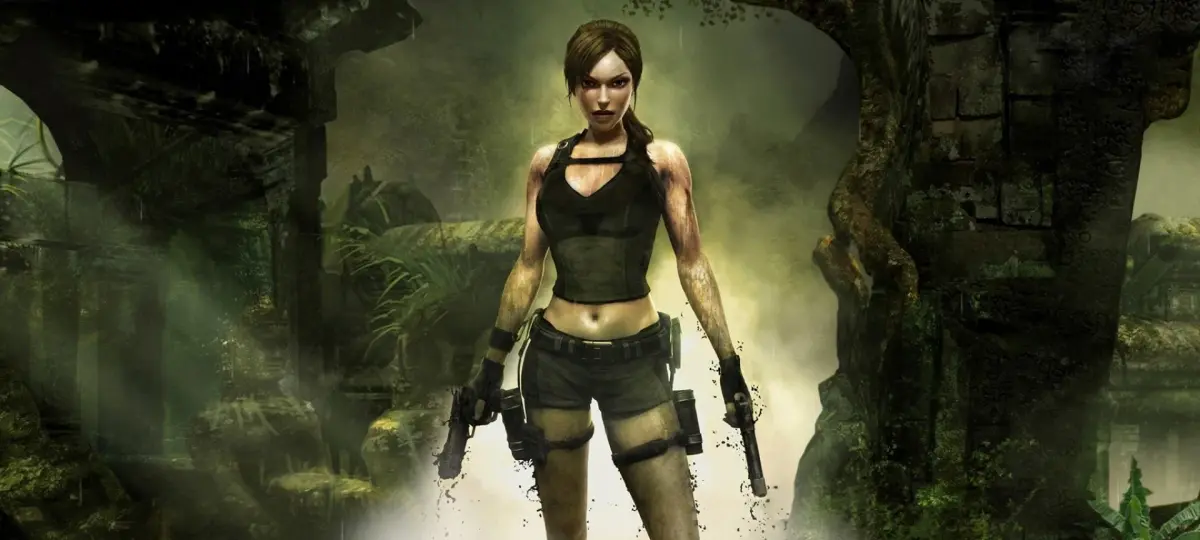
Fix the Known Solution glitch in Tomb Raider: Underworld. PC users can patch, while console players must reload from the 'Xibalba' Autosave.
Walkthrough
- 1For PC Users: Download and install the available patch to prevent the Known Solution glitch from occurring. Players with a Steam account likely already have this patch, which also resolves other minor issues.
- 2For Console Users: No patch is available. To resolve the glitch, you must reload the game from an earlier Autosave.
- 3Recommended Autosave: Load the Autosave specifically titled "Xibalba," which will return you to the beginning of the calendar.
- 4Consequence: You will need to repeat a significant portion of your progress. This is currently the best and only known solution.
- 5If Problem Persists: Should the glitch continue to occur, you may need to restart the entire level.
Tips
- The PC patch addresses multiple minor problems within Tomb Raider: Underworld.
- Reloading from the "Xibalba" Autosave is the most effective workaround for console players.
100% Human-Written. AI Fact-Checked. Community Verified. Learn how AntMag verifies content