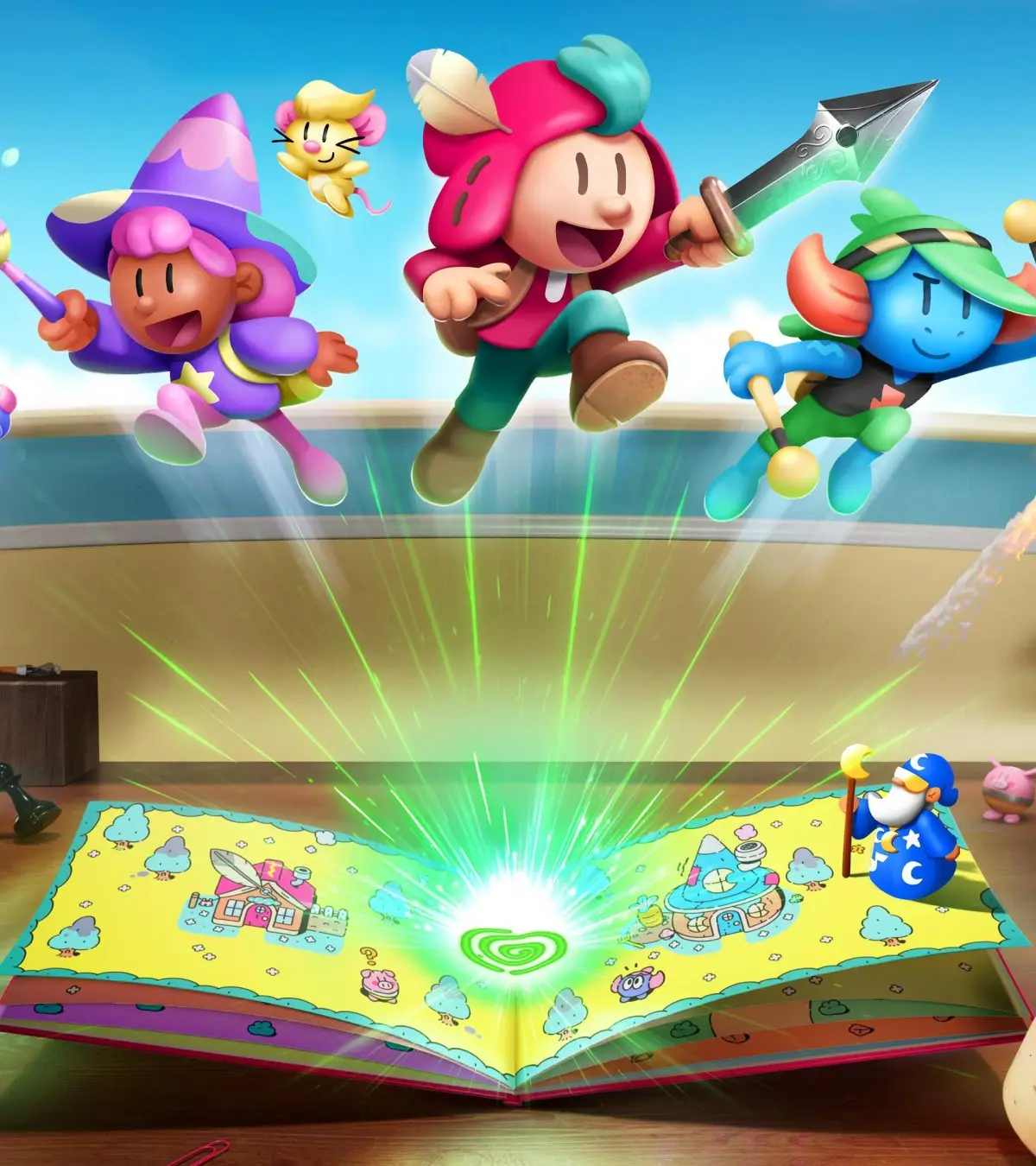
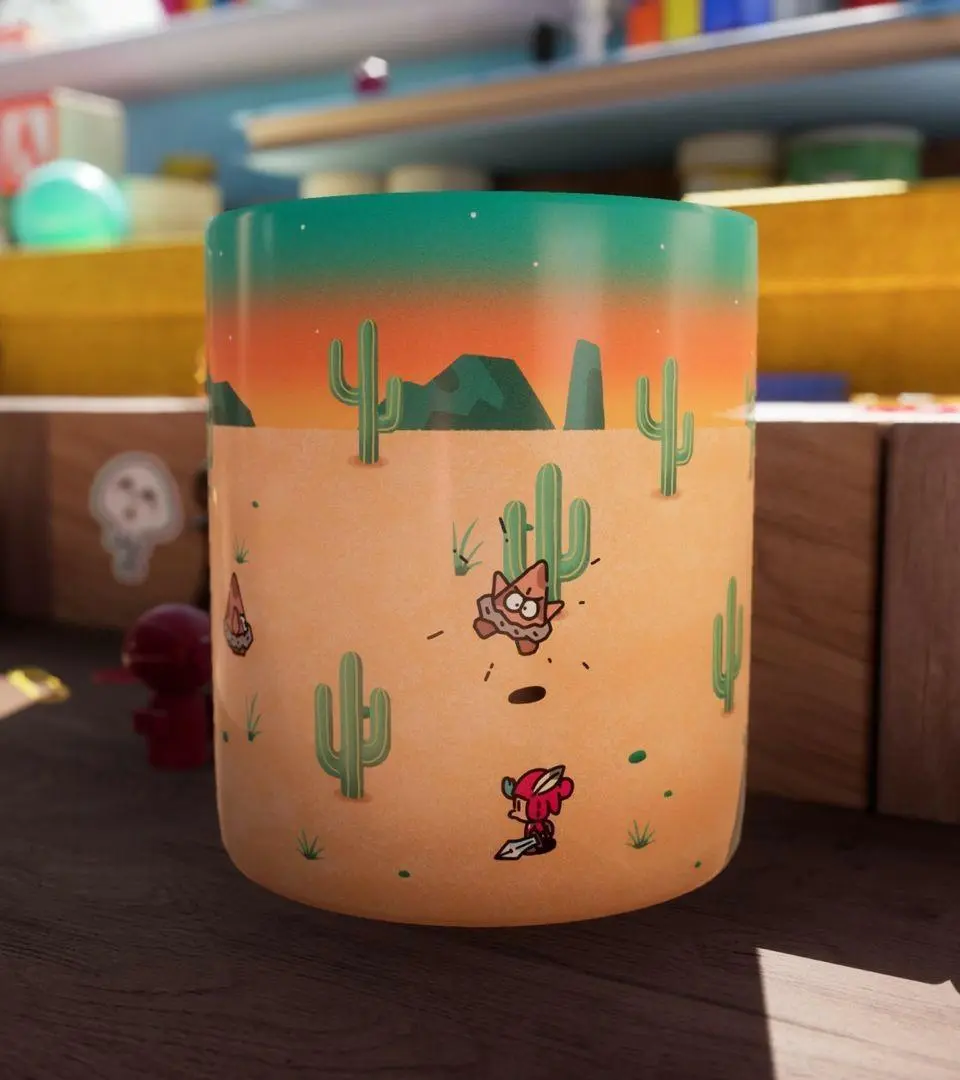
Learn how to master The Plucky Squire's controls and user interface. Understand the game's unique mechanics and how to navigate its world effectively.
The Plucky Squire features a unique blend of 2D and 3D gameplay, with controls and UI elements that adapt to the player's current environment. Understanding these is key to mastering the game's puzzles and combat.
| Action | Description |
|---|---|
| 2D Movement (In-Book) | Standard directional movement within the 2D children's book world. |
| 3D Movement (Outside Book) | Full 3D movement and interaction within the cluttered bedroom environment. |
| Page Manipulation | Interact with the pages of the book to change the environment, swap words, and solve puzzles. |
| Word Swapping | Select and rearrange words within the book's text to alter the story and create new pathways or solutions. |
| Object Interaction | Pick up, use, and manipulate objects found both within the book and in the 3D world. |
| Combat (In-Book) | Engage in simplified combat, often resembling classic top-down action games, against book-world enemies. |
| Combat (Outside Book) | May involve mini-games or specific mechanics that differ from the core 2D/3D gameplay, such as shooting or rhythm-based challenges. |
| Narrator Interaction | While not a direct control, the narrator provides context and hints, influencing the player's understanding of the game's mechanics and story. |
The game's interface is designed to be intuitive, with clear visual cues for interactive elements. The transition between the 2D book world and the 3D real-world environment is seamless, with controls adapting accordingly. Pay close attention to the text on the pages, as manipulating these words is often the key to progressing through puzzles.
100% Human-Written. AI Fact-Checked. Community Verified. Learn how AntMag verifies content