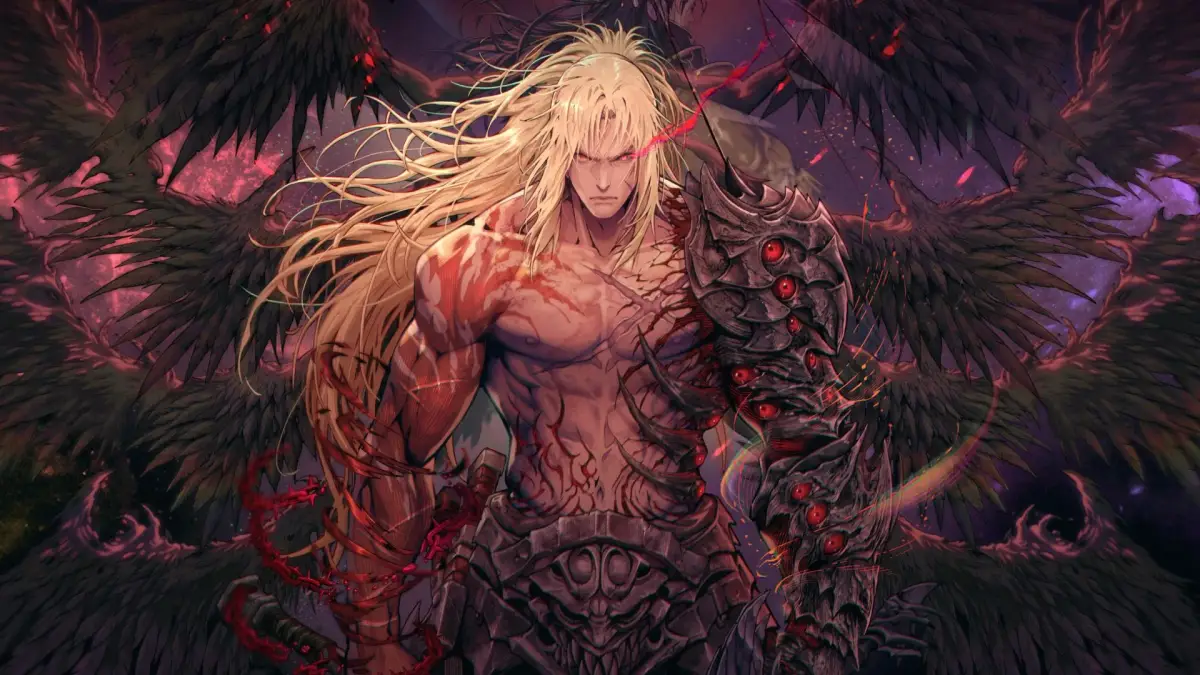
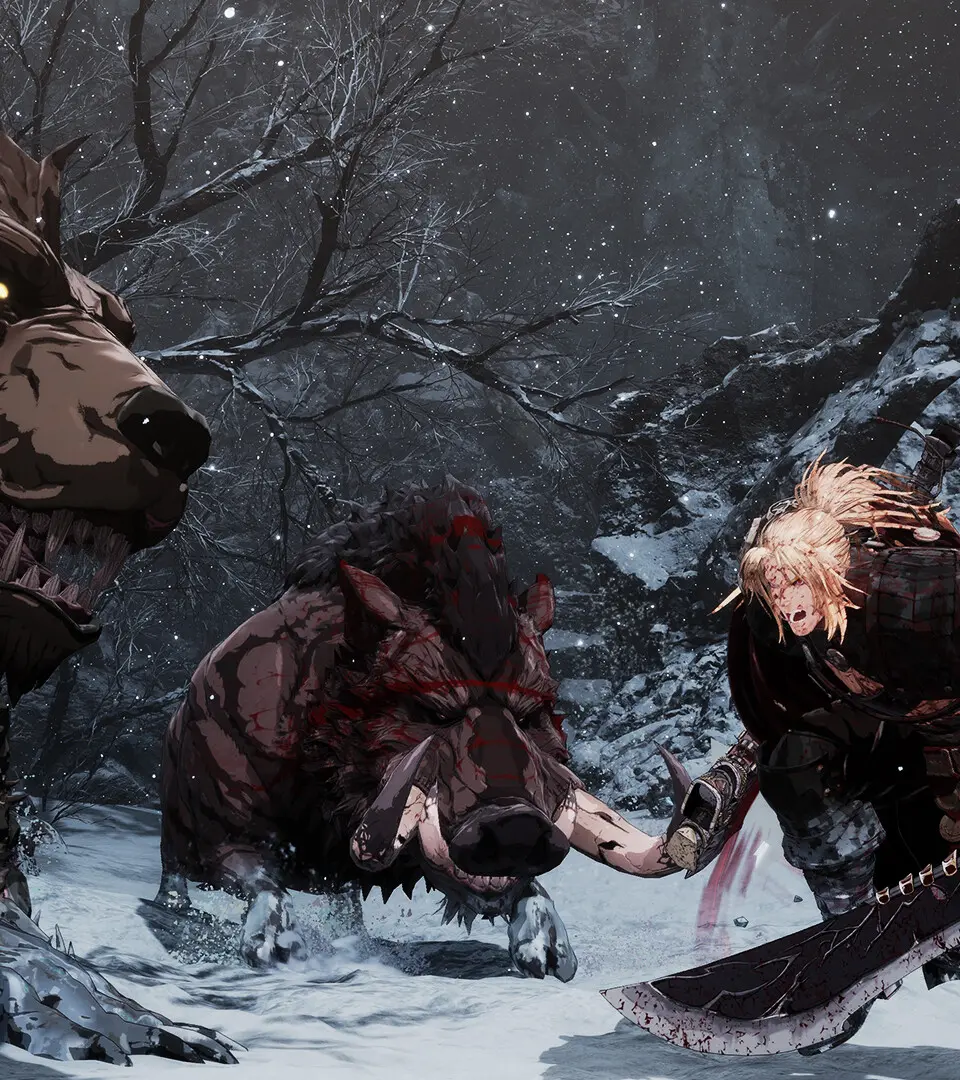
Master The First Berserker: Khazan's user interface with our comprehensive guide. Learn about HUD elements, menus, and controls to enhance your gameplay experience.
This guide provides an overview of the User Interface (UI) in The First Berserker: Khazan, helping players understand the various elements on screen and in menus to navigate the game effectively.
| Action | Description |
|---|---|
| Health Bar | Displays Khazan's current health. Depletes as Khazan takes damage. |
| Stamina Bar | Indicates Khazan's stamina, used for actions like attacking, dodging, and sprinting. Regenerates over time. |
| Skill Icons | Shows available combat skills and their cooldowns or resource costs. |
| Minimap | Provides a small map of the immediate area, showing Khazan's location, objectives, and nearby enemies. |
| Objective Marker | Highlights the current main objective or quest location on the minimap and in the game world. |
| Enemy Information | Displays the name, health, and sometimes weaknesses of targeted enemies. |
| Inventory Menu | Allows players to manage items, equipment, and consumables. |
| Skill Tree | A menu for upgrading Khazan's abilities and unlocking new skills. |
| Quest Log | Lists active and completed quests, along with their descriptions and objectives. |
| Status Effects | Icons indicating buffs or debuffs currently affecting Khazan or enemies. |
100% Human-Written. AI Fact-Checked. Community Verified. Learn how AntMag verifies content