
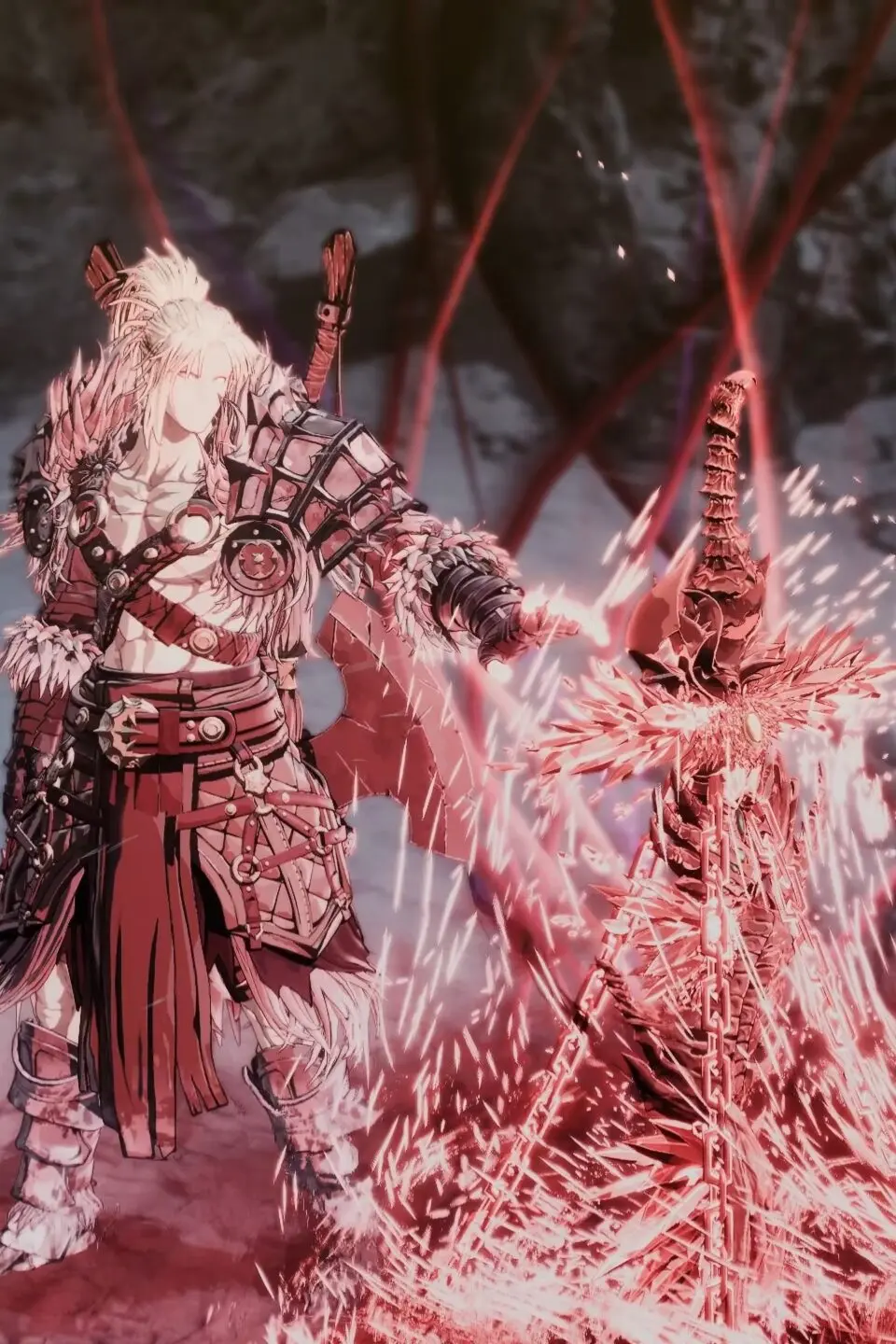
Master Khazan's movement and combat controls for The First Berserker: Khazan, breaking down keyboard, mouse, and controller inputs.
Mastering Khazan's movement and combat is paramount. The game primarily uses a keyboard and mouse setup on PC, or a controller on consoles. Here's a breakdown of the default controls:
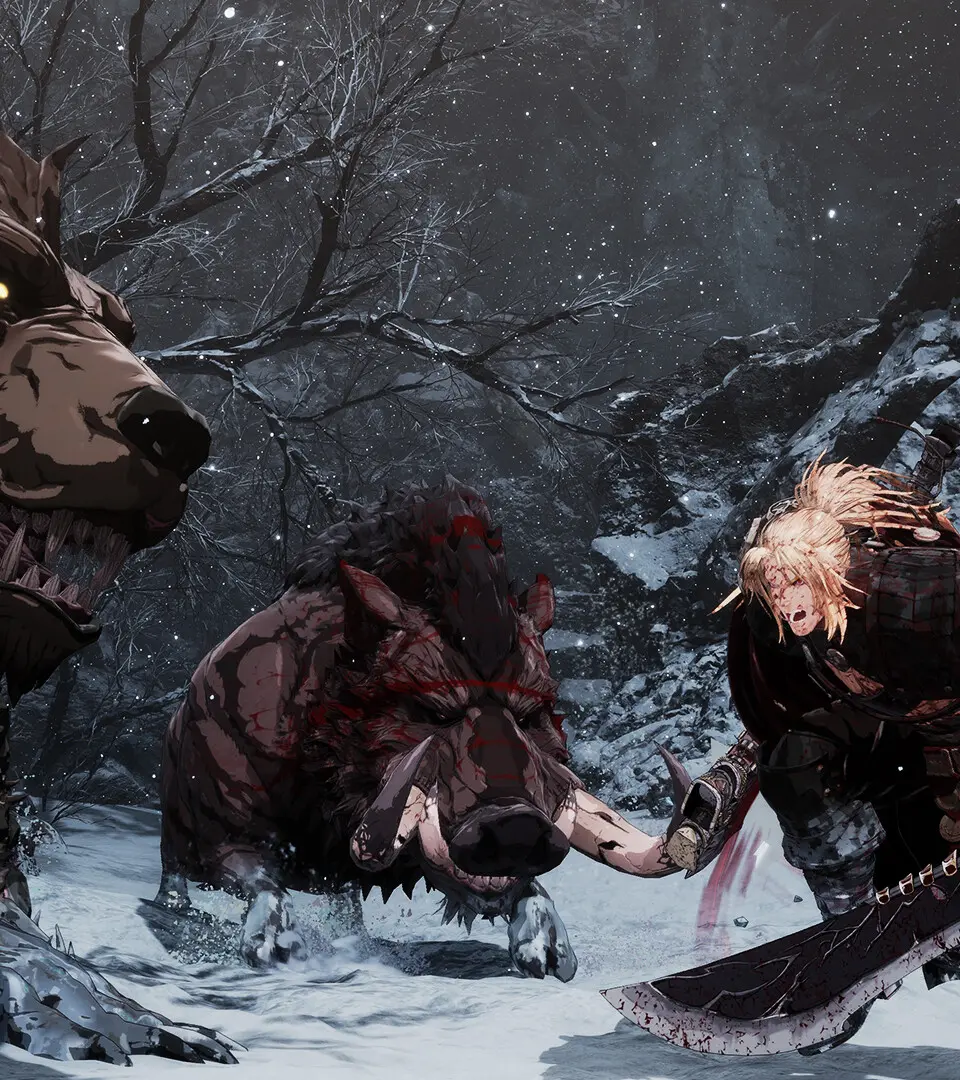
- Movement: WASD (Keyboard) / Left Analog Stick (Controller)
- Light Attack: Left Mouse Button / X (Xbox) / Square (PlayStation)
- Heavy Attack: Right Mouse Button / Y (Xbox) / Triangle (PlayStation)
- Dodge/Dash: Spacebar / B (Xbox) / Circle (PlayStation)
- Block/Parry: Left Shift / Left Bumper (Xbox) / L1 (PlayStation)
- Interact: E / A (Xbox) / X (PlayStation)
- Skill 1/2/3/4: Q, E, R, F / D-Pad (Controller)
- Berserk Mode: Z / L3+R3 (Controller)
Practice these basic movements and attacks in the tutorial area to get a feel for Khazan's weight and speed. Effective dodging and parrying are key to surviving encounters.
100% Human-Written. AI Fact-Checked. Community Verified. Learn how AntMag verifies content