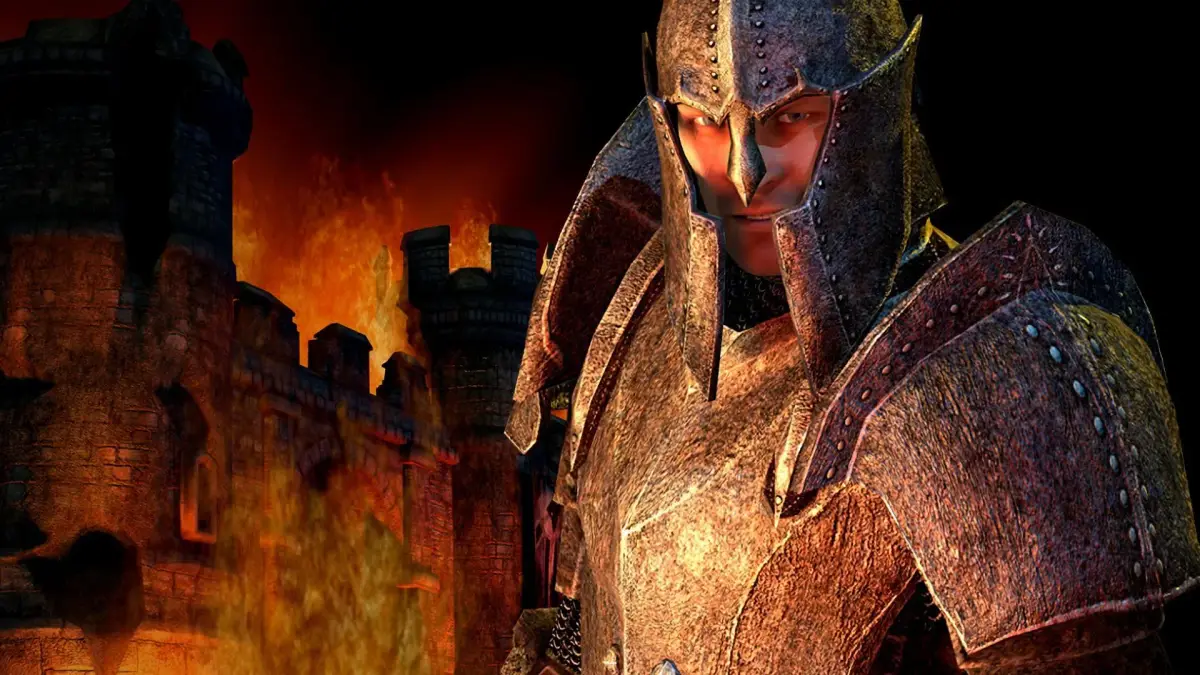
Get a grip on The Elder Scrolls IV: Oblivion! This guide breaks down all Xbox 360 and PC controls, from movement and combat to menu navigation. Master your adventure!
Alright, let's get you moving and fighting in Cyrodiil! Knowing the controls is super important, whether you're playing on an Xbox 360 or a PC. Don't worry, it's pretty straightforward once you see it laid out. You can even re-map most of these in the options menu if something doesn't feel right, but this is the default setup.
Xbox 360 Controls
Movement Controls
| Action | Input |
| Move | Left Analog Stick |
| Camera | Right Analog Stick |
| Attack | Right Trigger |
| Power Attack | Hold Right Trigger and move Left Analog Stick |
| Activate | A Button |
| Block | Left Trigger |
| Zoom with Bow | Left Trigger |
| Cast | Right Bumper |
| Ready Weapon | X Button |
| Sneak | Left Stick Press to Toggle |
| Jump | Y Button |
| Change View | Right Stick Press to Toggle |
| Journal | B Button |
| Wait | Back Button |
| Grab | Left Bumper |
| Hotkeys | Directional Pad |
Menu Controls
| Action | Input |
| Move cursor | Left Stick and Directional Pad |
| Change Menus | Left and Right Triggers |
| Move map cursor Arrow | Right Stick |
| Hotkey | Y Button |
| Equip/Unequip | A Button |
| Sort | A Button |
| Rotate/Zoom Character model | Right Stick |
PC Controls
Movement Controls
| Action | Input |
| Move | W, A, S, D |
| Run | Left Shift |
| Always Run | Caps Lock |
| Camera | Move Mouse |
| Attack | Left mouse Button |
| Power Attack | Hold Left Mouse Button and press Movement Key |
| Activate | Space Bar |
| Block | Right Mouse Button |
| Zoom with Bow | Right Mouse Button |
| Cast | C |
| Ready Weapon | F |
| Sneak | Left CTRL |
| Jump | E |
| Change View | R |
| Journal | Tab, F1, F2, F3, F4 |
| Wait | T |
| Grab | Z |
| Hotkeys | 1-8 |
Menu Controls
For PC menus, you'll mostly be using your mouse. Just move the cursor around and click on what you want. You can scroll through menus and use the mouse wheel to rotate or zoom in on your character model when you're looking at equipment.
100% Human-Written. AI Fact-Checked. Community Verified. Learn how AntMag verifies content