
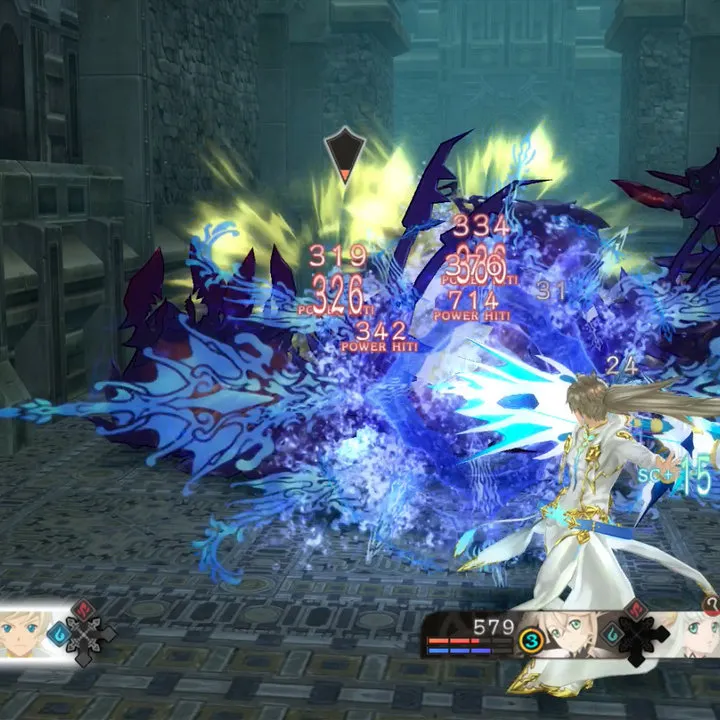
Master the controls and basic movement in Tales of Zestiria. Learn button prompts, actions, and essential gameplay mechanics to navigate the world of Glenwood effectively.
This guide covers the fundamental controls and basic movement mechanics for Tales of Zestiria. Understanding these elements is crucial for navigating the world and engaging in combat effectively.
| Action | Button |
|---|---|
| Move | Left Stick |
| Camera Control | Right Stick |
| Jump | A Button (Xbox) / X Button (PlayStation) |
| Dash/Evade | B Button (Xbox) / Circle Button (PlayStation) |
| Interact/Confirm | A Button (Xbox) / X Button (PlayStation) |
| Cancel/Back | B Button (Xbox) / Circle Button (PlayStation) |
| Menu | Start Button (Xbox) / Options Button (PlayStation) |
| Skill/Artes | X Button (Xbox) / Square Button (PlayStation) + Directional Input |
| Artes | Y Button (Xbox) / Triangle Button (PlayStation) + Directional Input |
| Attack | Right Trigger (Xbox) / R2 Button (PlayStation) |
| Guard | Left Trigger (Xbox) / L2 Button (PlayStation) |
| Target Lock | Left Bumper (Xbox) / L1 Button (PlayStation) |
100% Human-Written. AI Fact-Checked. Community Verified. Learn how AntMag verifies content