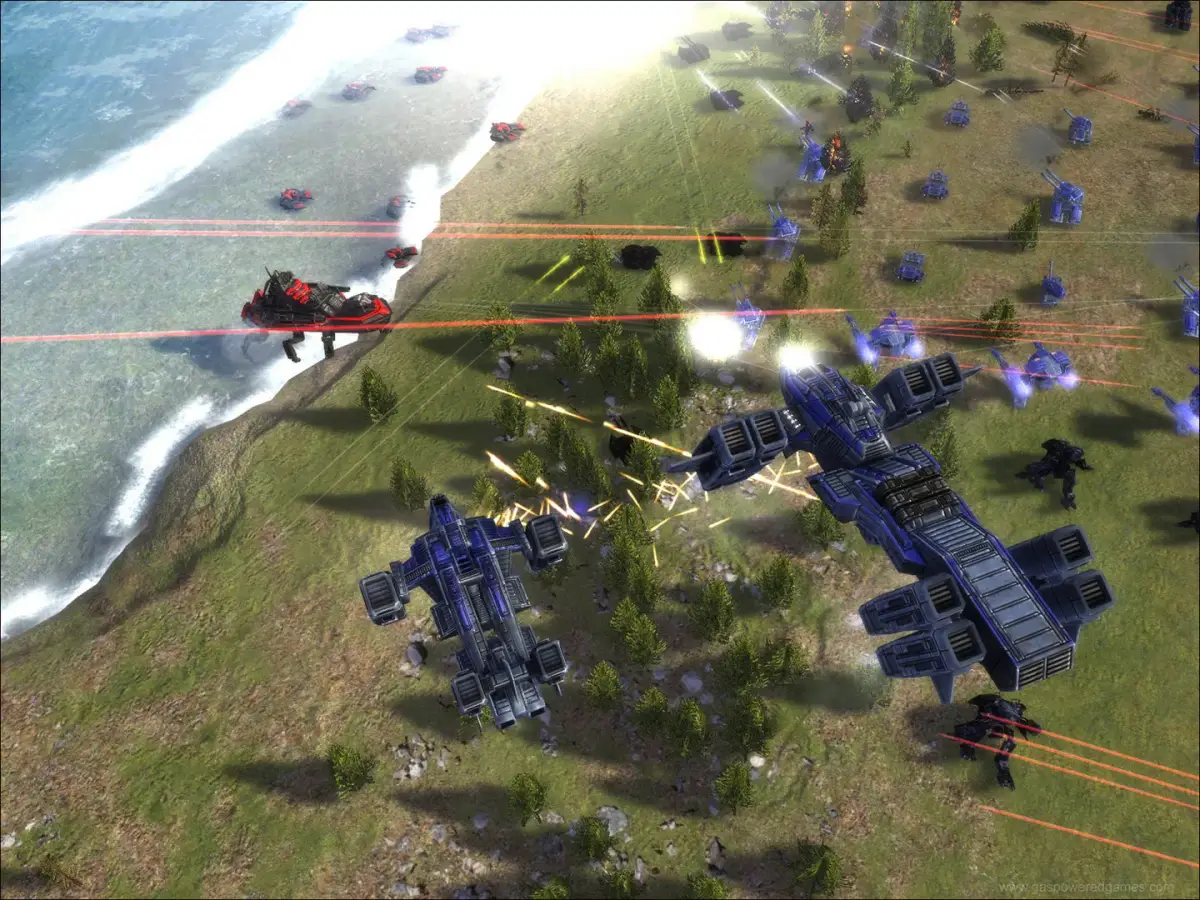
Master unit selection in Supreme Commander with hotkeys for selecting all units, grouping, and specific unit types.
Walkthrough
- 1Select a single unit: Left Click on the unit.
- 2Select all units of a specific type on screen: Double Left Click on a unit.
- 3Deselect all units: Left Click on an empty area of the screen.
- 4Select all units within a box: Left Click and drag to create a selection box. If the selection is primarily mobile units, the game will guess which type of unit you intended and select only those mobile units.
- 5Select all units and buildings on screen: Press Ctrl + C.
- 6Select all units and buildings on the map: Press Ctrl + X.
- 7Select all air units: Press Ctrl + A.
- 8Select all sea units: Press Ctrl + S.
- 9Select all land units: Press Ctrl + L.
- 10Select all engineers and the Commander: Press Ctrl + B.
- 11Select all units of a specific type on the entire map: Press Ctrl + Z.
- 12Select all engineers on screen: Press Ctrl + Period.
- 13Select all factories on screen: Press Ctrl + H.
- 14Go to the Commander: Press Comma.
- 15Select the Commander: Press Alt + Comma.
- 16Go to the nearest idle engineer (a unit that can construct buildings): Press Period.
- 17Select the nearest idle engineer: Press Alt + Period.
- 18Cycle through idle engineers: Press Shift + Period.
- 19Select the nearest factory: Press H.
- 20Select the nearest land factory: Press Ctrl + Shift + L.
- 21Select the nearest air factory: Press Ctrl + Shift + A.
- 22Select the nearest naval factory: Press Ctrl + Shift + S.
Grouping Units:
- Set selected units as a group: Select your units, then press Ctrl + [Number Key] (e.g., Ctrl + 1). All 10 number keys can be used for creating and selecting groups.
- Add selected units to an existing group: Select the units you want to add, then press Shift + [Number Key] (e.g., Shift + 1). Units can belong to multiple groups.
- Select a group of units: Press the corresponding [Number Key] (e.g., 1). By default, factories are not selected when you select a group.
- Select the factories belonging to a specific group: Press Shift + Ctrl + [Number Key] (e.g., Shift + Ctrl + 1).
- Add an idle engineer to a group: Shift + click on the unit icon of the desired group.
Tips
- Your unit groups will appear as icons on the right side of your Heads-Up Display (HUD (heads-up display — the on-screen icons showing health, ammo and the minimap)) (a graphical overlay displaying game information).
- Factories automatically assign their build queue's group numbers to newly constructed units.
100% Human-Written. AI Fact-Checked. Community Verified. Learn how AntMag verifies content