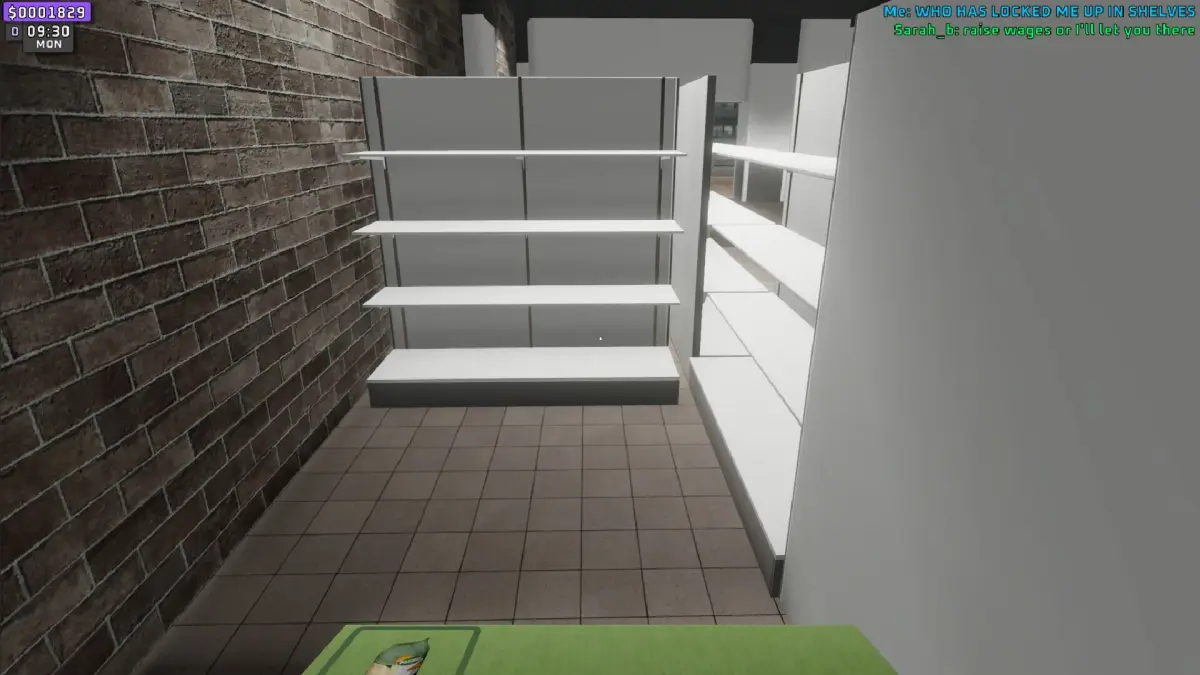

Get technical support for Supermarket Together. Learn how to report issues, find solutions, and troubleshoot common game problems for a smoother experience.
Even the most robust games can encounter technical hiccups. If you're experiencing issues with Supermarket Together, such as crashes, performance problems, or connectivity errors, knowing where to find technical support is essential. Getting help can resolve frustrating problems and get you back to managing your virtual supermarket smoothly.
Technical support is your resource for troubleshooting game-related issues. This can range from simple fixes you can implement yourself to more complex problems that require assistance from the game developers or platform providers. Understanding the support channels available will help you resolve problems efficiently.
Common Technical Issues
Players might encounter:
- Game Crashes: The game unexpectedly closes.
- Performance Issues: Lag, stuttering, or low frame rates.
- Loading Problems: The game fails to load or gets stuck on a loading screen.
- Connectivity Errors: Issues with online multiplayer or saving game progress.
- Input/Control Problems: Controllers not being recognized or inputs not registering correctly.
- Graphical Glitches: Visual artifacts, missing textures, or incorrect rendering.
- Save File Corruption: Your game progress becomes inaccessible.
Where to Find Support
Here are the typical avenues for technical support:
- Official Game Website/Forums: The developers often host forums where You can report bugs, ask questions, and find solutions posted by the community or support staff. Look for a "Support," "Help," or "Community" section.
- Developer Social Media: Developers sometimes use platforms like Twitter or Facebook to announce known issues and provide updates or quick fixes.
- Platform Support: If you're playing on a console (e.g., PlayStation, Xbox, Nintendo Switch) or PC (via Steam, Epic Games Store), the platform provider may offer technical support for game installation, account issues, or platform-specific problems.
- Customer Support Email/Ticketing System: Many developers offer direct contact through email or a dedicated support portal where you can submit a detailed report of your issue.
- Knowledge Base/FAQs: Check for a frequently asked questions (FAQ) section or a knowledge base on the game's official website. It might contain solutions to common problems.
How to Report an Issue Effectively
When contacting support or posting on forums, provide as much detail as possible:
- Game Version: Specify the exact version of Supermarket Together you are playing.
- Platform: Indicate whether you are playing on PC, PlayStation, Xbox, Switch, etc.
- Operating System (for PC): Include your Windows version (e.g., Windows 10, Windows 11).
- Hardware Specifications (for PC): CPU, GPU, RAM.
- Detailed Description of the Problem: Explain exactly what is happening, when it started, and what you were doing in the game when it occurred.
- Steps to Reproduce: If you can consistently make the bug happen, describe the steps.
- Error Messages: Quote any error messages you receive verbatim.
- Troubleshooting Steps Already Taken: List any solutions you've already tried (e.g., restarting the game, verifying game files, updating drivers).
- Screenshots/Videos: Visual evidence can be incredibly helpful.
Self-Help Troubleshooting Steps
Before contacting support, try these common fixes:
- Restart the Game: A simple restart can often resolve temporary glitches.
- Restart Your Device: Rebooting your PC or console can clear system memory.
- Verify Game Files (PC): Most PC game launchers have an option to verify the integrity of game files, which can fix corrupted or missing data.
- Update Graphics Drivers (PC): Ensure your graphics card drivers are up to date.
- Check System Requirements: Make sure your hardware meets or exceeds the game's minimum requirements.
- Close Background Applications: Other programs can consume resources and cause performance issues.
By following these steps and utilizing the available support channels, you can effectively address technical issues and enjoy a seamless Supermarket Together experience.
100% Human-Written. AI Fact-Checked. Community Verified. Learn how AntMag verifies content