Master the 'Processing Voids and Returns' in Supermarket Together. Learn how to manage stock, handle customer returns, and keep your supermarket running smoothly with this comprehensive guide.
Walkthrough
- 1Customer Returns: When a customer wishes to return an item, they will approach the cashier. You need to process the return through the cashier interface. This typically involves scanning the item and confirming the return to refund the customer and remove the item from your sales inventory.
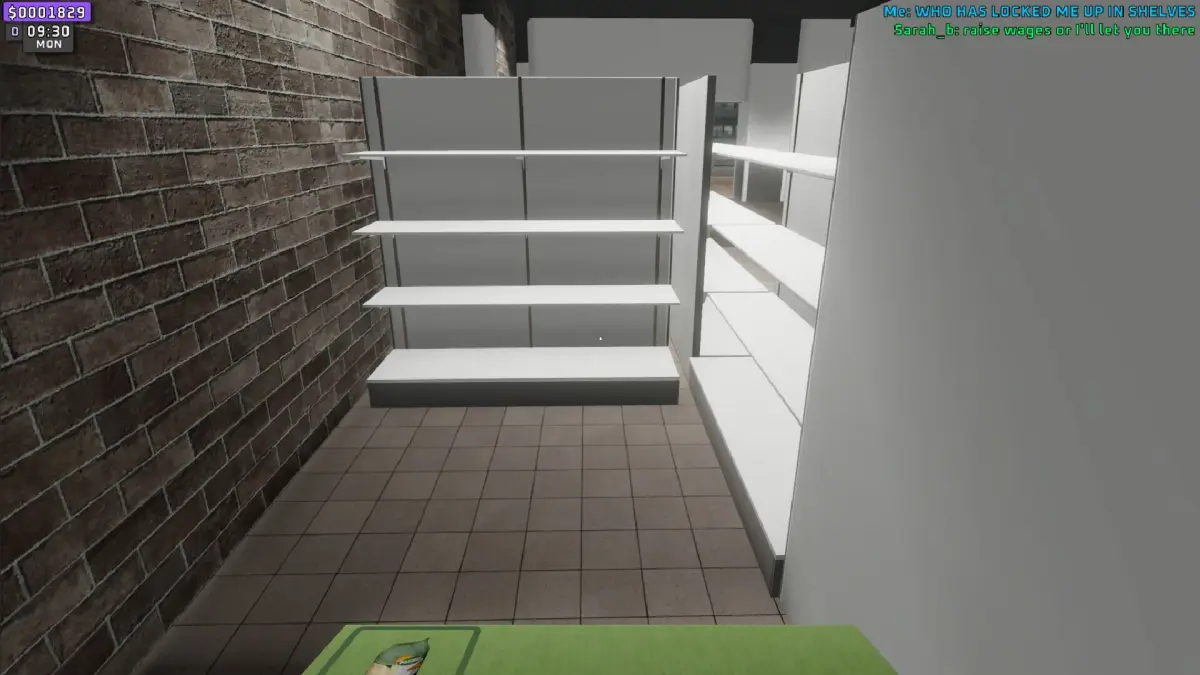
- 2Restocking Shelves: After processing returns or selling items, shelves will become empty. You need to order new stock and then physically place the items on the shelves. This is crucial for maintaining customer satisfaction and sales.
- 3Ordering Stock: Regularly check your inventory levels and order new products to ensure shelves are always stocked. This can be done through the ordering interface, often accessible from your computer in the store.
- 4Managing Voids: Voids usually refer to cancelling a sale or a return. This might be necessary if a mistake is made during a transaction. Use the appropriate function at the cashier to void the transaction.
- 5NPC Shopkeepers: Be aware of NPCs who may try to steal from your store. You may need to use a broom to defend your inventory and recover stolen goods.
Tips
- Cooperative Play: Splitting tasks with friends, such as one person handling cashiering and returns while another focuses on restocking and ordering, can significantly improve efficiency and make the gameplay more engaging.
- Upgrade Your Store: Use profits to unlock perks and expand your supermarket. This can lead to more efficient operations and higher profits.
- In-Game Music: Be prepared for repetitive in-game music, as customization options for the soundtrack are limited.
- DLC: Consider purchasing the $5 DLC for potential new features and gameplay enhancements.
100% Human-Written. AI Fact-Checked. Community Verified. Learn how AntMag verifies content