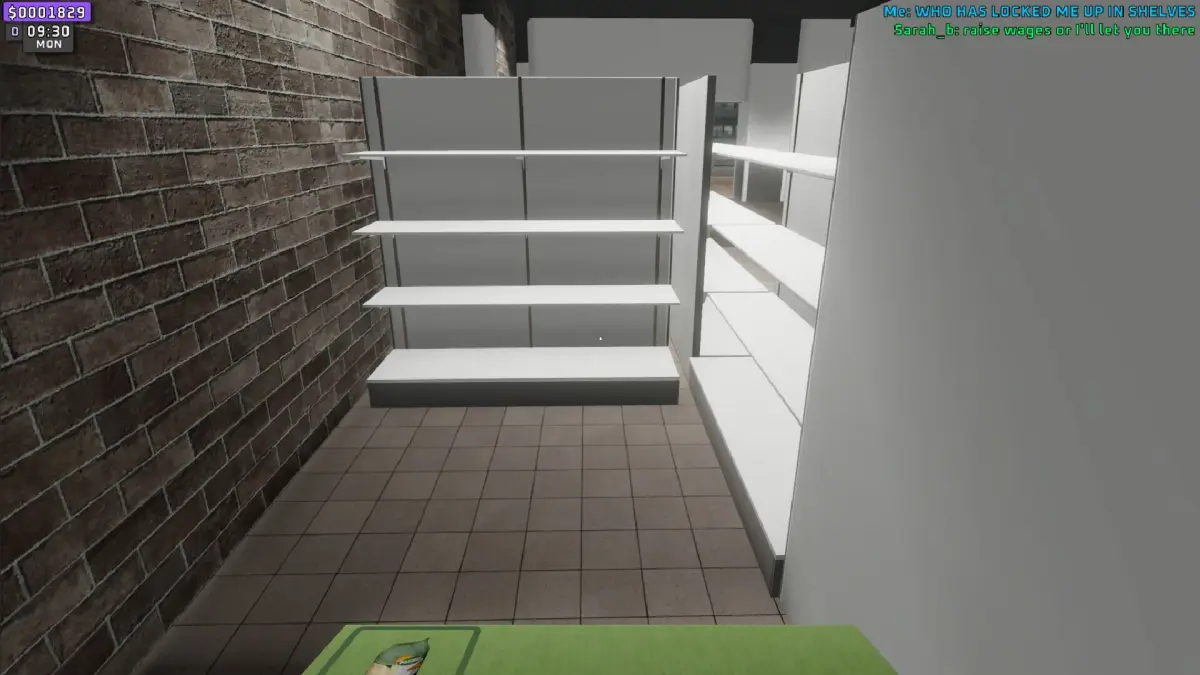
Learn how to effectively use price guns in Supermarket Together! This guide covers everything you need to know to manage your store and boost sales with price guns.
Hey there! So, you're diving into Supermarket Together and wondering about those price guns? They're super handy tools that can really make managing your store a breeze. Think of them as your secret weapon for keeping prices accurate and making sure your customers get what they expect. We'll walk through how to use them so you can get back to the fun stuff, like stocking shelves and expanding your empire!
What are Price Guns?
Basically, a price gun is a device you use to label items with their prices. In Supermarket Together, this translates to a quick and easy way to set the price for any product you put out on the shelves. It's way faster than fiddling with individual item menus, especially when you've got a lot of stock.
How to Use Price Guns
- Equip the Gun: First things first, you'll need to have the price gun in your inventory. Once you've got it, equip it like any other tool.
- Approach an Item: Walk up to any item you want to price. Make sure you're close enough so the game registers the item.
- Use the Gun: With the price gun equipped and an item targeted, you'll get a prompt to use it. This usually involves a simple button press. The gun will then apply the current price setting to that item.
- Setting the Price: Before you start slapping price tags everywhere, you'll want to set the price you want to use. There's usually a way to cycle through prices or input a specific one, often through a menu that pops up when you have the gun equipped or by interacting with the gun itself. Check your game's controls or any on-screen prompts for the exact method.
- Keep it Handy: Make sure the price gun is easily accessible in your hotbar. You'll be using it a lot, especially when stocking new items or changing prices.
- Consistency is Key: Try to stick to a pricing strategy. If you're running a sale, make sure all sale items are marked correctly. This avoids customer confusion and potential complaints.
- Check Your Settings: Double-check the price you have set on the gun before you start applying it to items. Accidentally pricing everything at $0.01 can lead to some... interesting situations!
- Batch Pricing: If you're stocking a whole shelf with the same item, use the price gun to set the price once and then quickly label all the items. It's a huge time-saver.
Using price guns effectively is a small detail that can make a big difference in how smoothly your supermarket runs. Happy selling!
100% Human-Written. AI Fact-Checked. Community Verified. Learn how AntMag verifies content