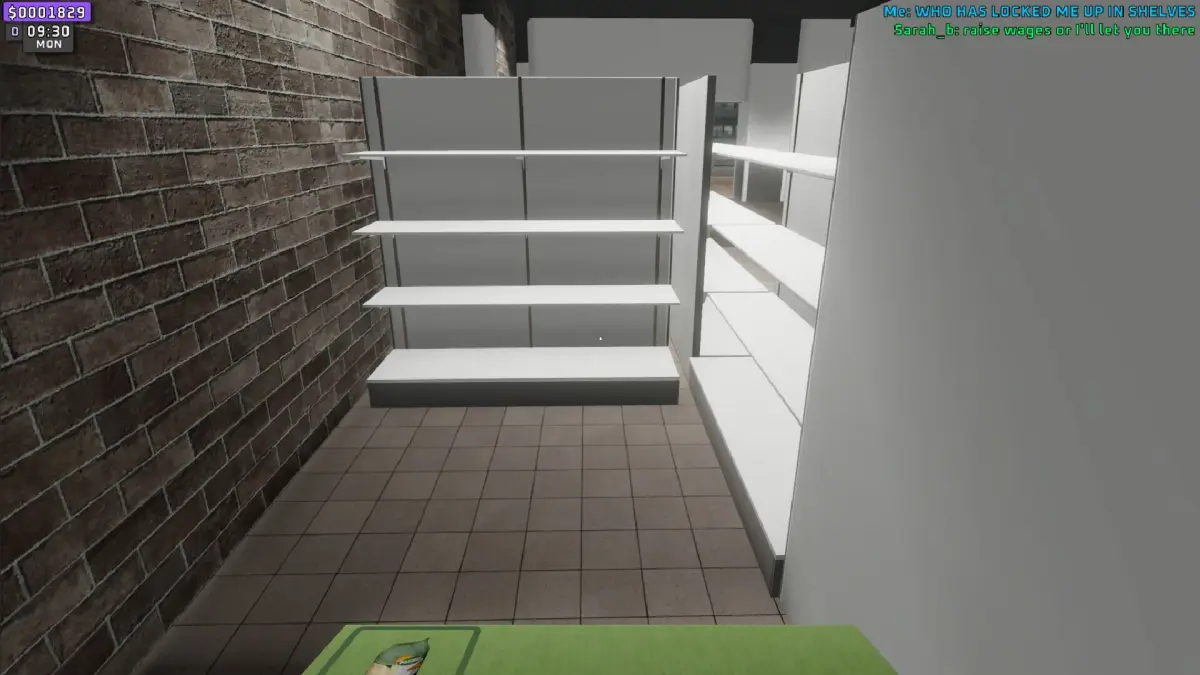
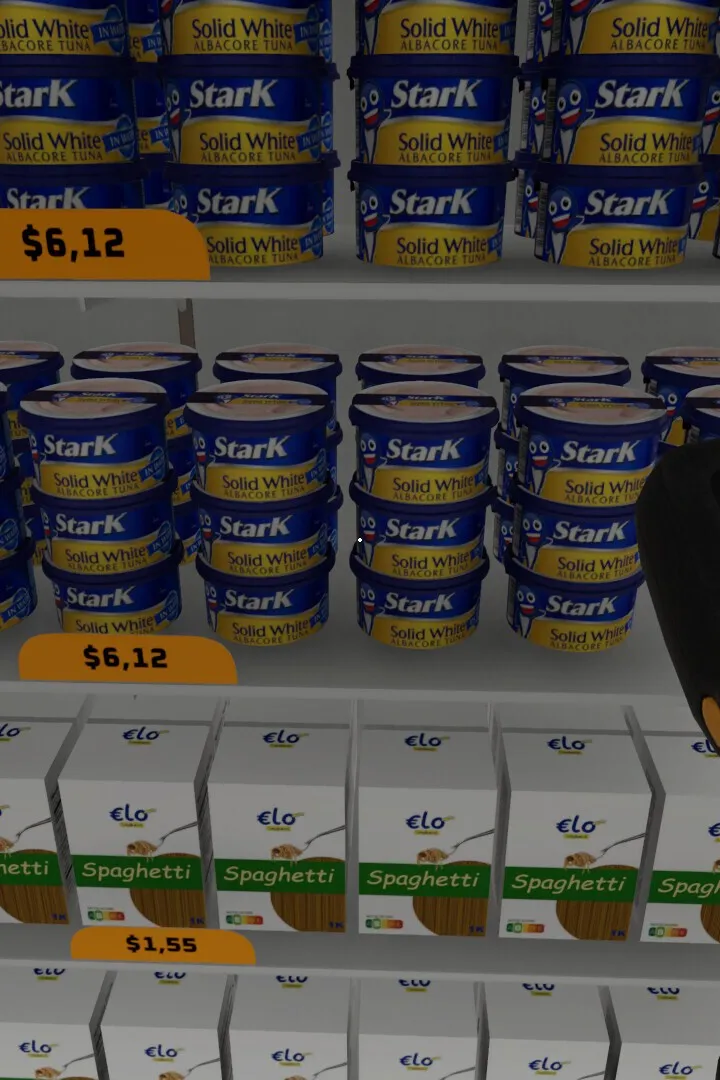
Check the system requirements for Supermarket Together. Ensure smooth gameplay and optimal performance before managing your virtual retail space.
Before diving into the world of retail management, ensure your system is ready. This section outlines the minimum and recommended system requirements for Supermarket Together, helping you achieve smooth gameplay and optimal performance.
Embarking on your journey to build the ultimate supermarket requires a stable and capable gaming environment. To ensure you can experience Supermarket Together without frustrating performance issues, it's essential to know if your computer meets the game's demands. This guide provides the official minimum and recommended system requirements, allowing you to prepare your system for optimal gameplay, from managing bustling aisles to intricate economic simulations.
Minimum System Requirements
These are the baseline specifications needed to run Supermarket Together. Meeting these will allow the game to launch and function, but you may need to adjust graphical settings for a smoother experience.
- Operating System: Windows 7 (64-bit) or newer
- Processor: Intel Core i3-3220 (or equivalent AMD processor)
- Memory: 4 GB RAM
- Graphics: NVIDIA GeForce GTX 660 / AMD Radeon HD 7870 (2GB VRAM)
- DirectX: Version 11
- Storage: 10 GB available space
- Sound Card: DirectX compatible
Recommended System Requirements
For the best possible experience, including higher graphical settings, smoother frame rates, and faster loading times, your system should meet these recommended specifications:
- Operating System: Windows 10 (64-bit)
- Processor: Intel Core i5-4690K / AMD Ryzen 5 1600 (or equivalent)
- Memory: 8 GB RAM
- Graphics: NVIDIA GeForce GTX 970 / AMD Radeon R9 290 (4GB VRAM)
- DirectX: Version 11
- Storage: 15 GB available space (SSD recommended for faster loading)
- Sound Card: DirectX compatible
Important Considerations
- Driver Updates: Ensure your graphics card drivers and operating system are up to date. Outdated drivers are a common cause of performance issues.
- Background Applications: Close unnecessary programs running in the background while playing Supermarket Together to free up system resources (CPU and RAM).
- In-Game Settings: Even with recommended hardware, you may need to adjust in-game graphics settings (resolution, texture quality, shadows) to find the perfect balance between visual fidelity and performance for your specific system.
- Storage Type: While not always mandatory, installing the game on a Solid State Drive (SSD) can significantly reduce loading times for the game and its assets.
By checking these requirements and ensuring your system is adequately prepared, you can look forward to a seamless and enjoyable Supermarket Together experience, focusing on building your retail empire rather than troubleshooting technical issues.
100% Human-Written. AI Fact-Checked. Community Verified. Learn how AntMag verifies content